Edit And Re apply A Slide Layout Microsoft Support
Web Change an existing layout On the View tab click Slide Master In the thumbnail pane that contains the slide masters and layouts pick the layout that has closest arrangement of placeholders to how you want your To change an existing layout do one or more of the following To add a
How To Edit A PowerPoint Template 6 Steps with Pictures WikiHow, Web Feb 3 2022 nbsp 0183 32 Steps From the File tab select Save As In the quot Save as File Type quot menu choose PowerPoint template It will save in your Custom Office Templates folder with a potx extension 2 Click Save after you ve given the template a name
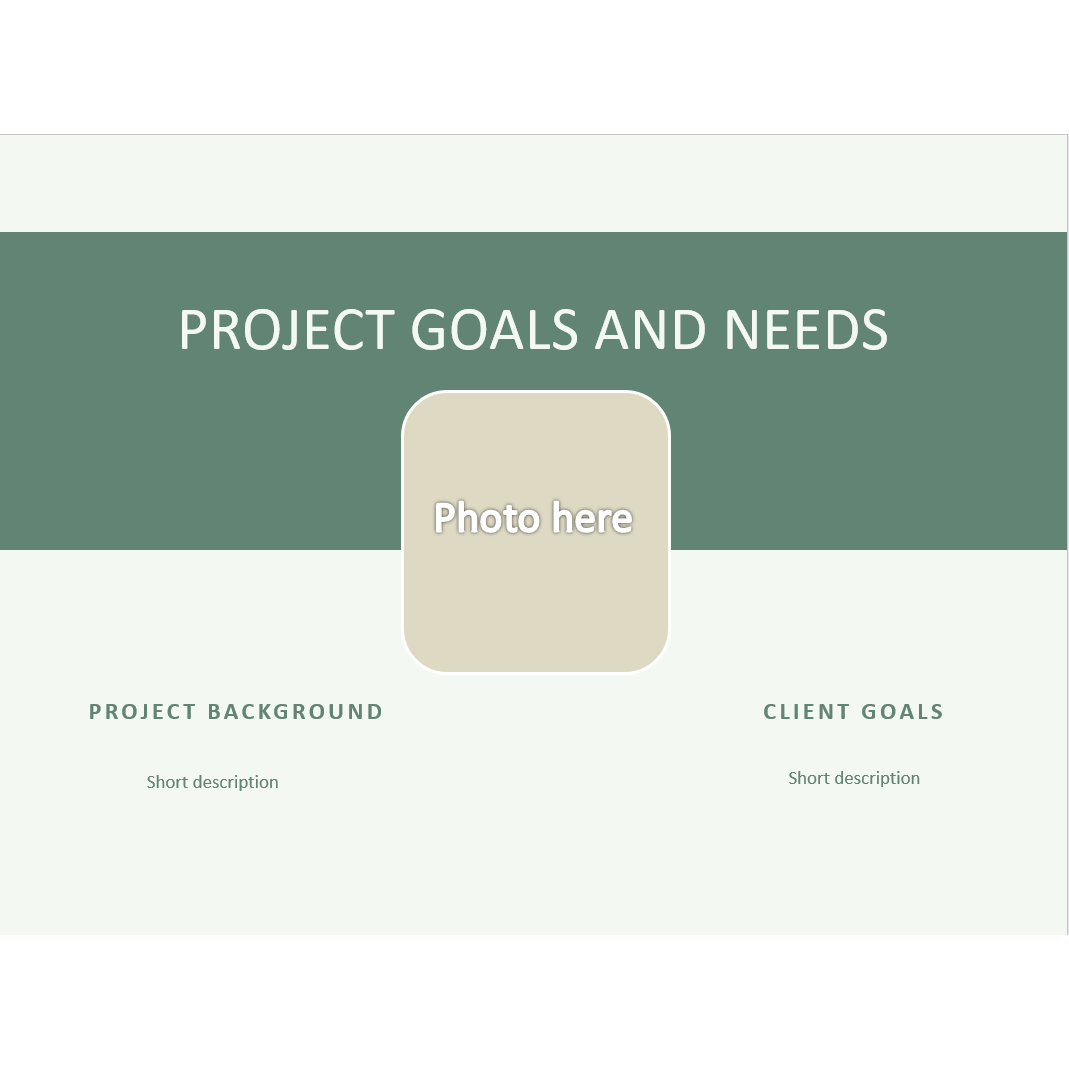
Apply Or Change A Slide Layout Microsoft Support
Web Select Home gt Layout Select the layout that you want The layouts contain placeholders for text videos pictures charts shapes clip art a background and more The layouts also contain the formatting for those objects like theme colors fonts and effects
Remove Or Change The Current Theme Microsoft Support, Web In the slide thumbnail pane on the left select a slide On the Design tab in the Themes group click the More button illustrated below to open the entire gallery of themes Point the mouse at the theme you want to apply
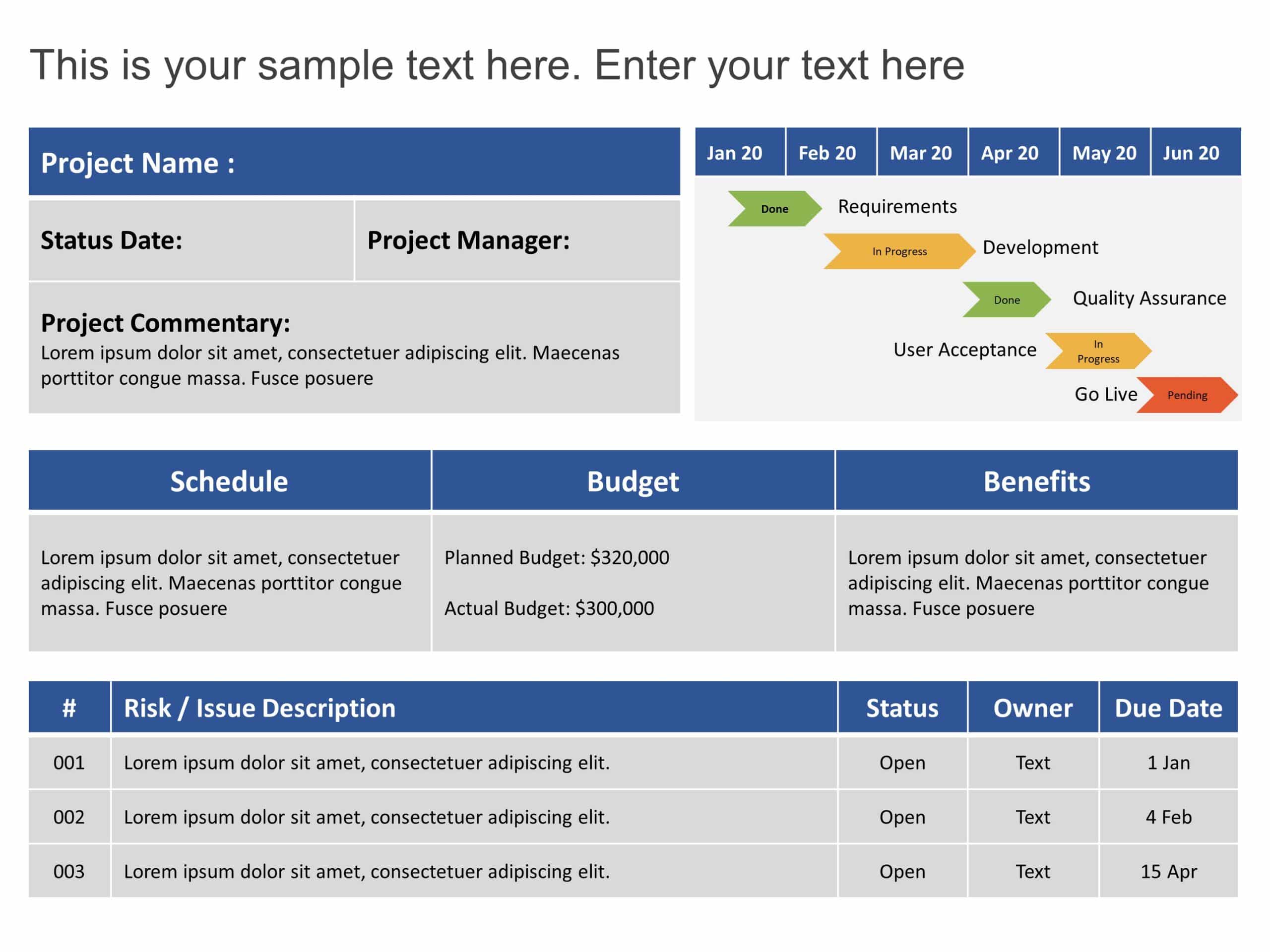
How To Change Your PowerPoint Template In 60 Seconds
How To Change Your PowerPoint Template In 60 Seconds, Web Apr 17 2017 nbsp 0183 32 1 Click on a Thumbnail to Change Your PowerPoint Theme From the themes menu each of these thumbnails represents a different PowerPoint template To change one of these themes you can simply click on one of the thumbnails and you ll see it change in your presentation

SIM KKN Universitas Pendidikan Ganesha
How To Apply A Template To An Existing PowerPoint Presentation
How To Apply A Template To An Existing PowerPoint Presentation Web How do I apply a template to an existing presentation in PowerPoint Sometimes you ll want to apply a new template to an existing presentation to change its design fast and easy First open the presentation whose design you want to

Denver CO Jumping Through Hoops For Housing HAND Fundraiser Event
Web Jan 24 2022 nbsp 0183 32 Click on the Layout drop down and you ll see a variety of thumbnails for the PowerPoint layouts you can use Go to Home gt Layout to start off by selecting a PowerPoint layout for your presentation and add placeholders to your current slide Most PowerPoint themes include a variety of slide layouts Edit PowerPoint PPT Slide Template Layouts Quickly Video. Web Jun 20 2023 nbsp 0183 32 Step 1 Save Source PowerPoint File as a Template To apply a template to an existing PowerPoint make sure that the template that you wish to switch your design to is saved to your device You can do this via File gt Save as and save the template as a PowerPoint presentation in PPTX format Step 2 Apply the Template to PowerPoint Web Sep 5 2019 nbsp 0183 32 How To Edit Or Modify a PowerPoint Template Edit Or Modify a PowerPoint Template Learning how to edit a presentation is a valuable tool to have in your kit Many Start With The Cover Slide Below is the first slide in a purchased real estate Powerpoint presentation The first thing

Another Change Power Point Slide Template you can download
You can find and download another posts related to Change Power Point Slide Template by clicking link below
- Supporting Incredible Local Community Organizations WRAP
- How To Change Edit Background Color In Powerpoint Slide Presentation
- Digital Step Pitch Deck Powerpoint Template Pitch Step Digital
- Free Powerpoint Template Free Presentation Template Graphicadi Riset
- Denver CO Rodeway Residents Stories And Support WRAP
Thankyou for visiting and read this post about Change Power Point Slide Template