Edit And Re apply A Slide Layout Microsoft Support
Web Change an existing layout On the View tab click Slide Master In the thumbnail pane that contains the slide masters and layouts pick the layout that has closest arrangement of placeholders to how you want your To change an existing layout do one or more of the following To add a
Remove Or Change The Current Theme Microsoft Support, Web You change or remove a theme by making a selection from the gallery on the Design tab in PowerPoint Select a heading below to open it and see the detailed instructions Change the current theme Remove a colorful theme Edit a theme Apply a theme to all slides Apply a theme only to selected slides Start a new presentation without a theme

How To Edit A PowerPoint Template 6 Steps with Pictures WikiHow
Web Feb 3 2022 nbsp 0183 32 Steps From the File tab select Save As In the quot Save as File Type quot menu choose PowerPoint template It will save in your Custom Office Templates folder with a potx extension 2 Click Save after you ve given the template a name
Edit PowerPoint PPT Slide Template Layouts Quickly Video, Web Jan 24 2022 nbsp 0183 32 20 Jun 2023 PowerPoint slides can help you reduce the anxiety involved with giving a presentation Well designed slides not only build your own confidence they make your key points clearer to the audience Here are three key principles to remember as you think about building your PowerPoint slide Use starting elements

How To Quickly Change PowerPoint Templates Download
How To Quickly Change PowerPoint Templates Download, Web Jun 16 2023 nbsp 0183 32 How to Change a Design Template in PowerPoint Quickly So you ve installed your PowerPoint themes Now you re ready to begin using them Let s look at how to apply template to existing PowerPoint If your PowerPoint themes were PPTX files you can start using them as soon as you open the file
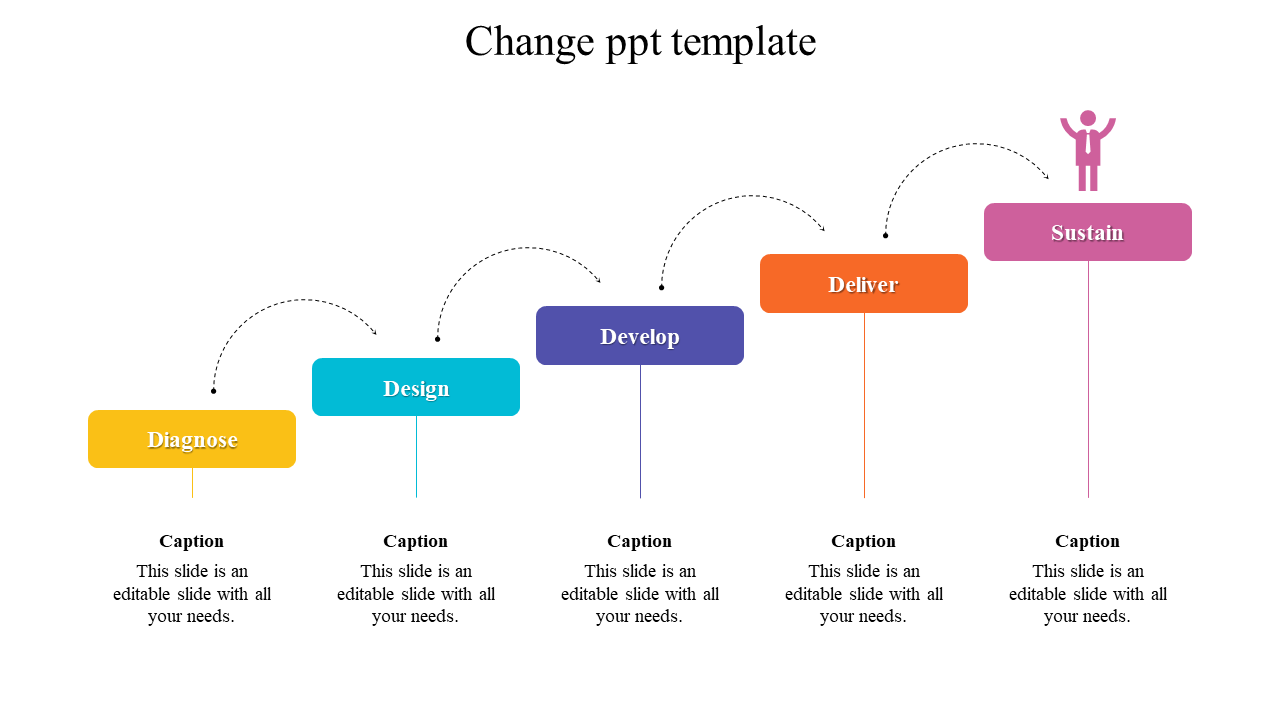
Instant Download Change PowerPoint Template Designs
How To Change Your PowerPoint Template In 60 Seconds
How To Change Your PowerPoint Template In 60 Seconds Web Apr 17 2017 nbsp 0183 32 1 Click on a Thumbnail to Change Your PowerPoint Theme From the themes menu each of these thumbnails represents a different PowerPoint template To change one of these themes you can simply click on one of the thumbnails and you ll see it change in your presentation

Climate Change Company Consumer Individual Actions PowerPoint Template
Web Nov 8 2019 nbsp 0183 32 Here you can 1 adjust the slide height and width or simply select a predefined option from the drop down menu and 2 select the slide orientation The rest of the template creation will be done in PowerPoint s Slide Master How To Create A Custom Template In PowerPoint How To Geek. Web Change the default theme If you haven t already create and apply the theme that you want to set as the default For more information about creating a theme see Create your own theme in PowerPoint Note You must save a presentation before Web Sometimes you ll want to apply a new template to an existing presentation to change its design fast and easy First open the presentation whose design you want to use On the File tab click Save As In the dialog box that opens from the Save as type list choose PowerPoint Template Then select Save
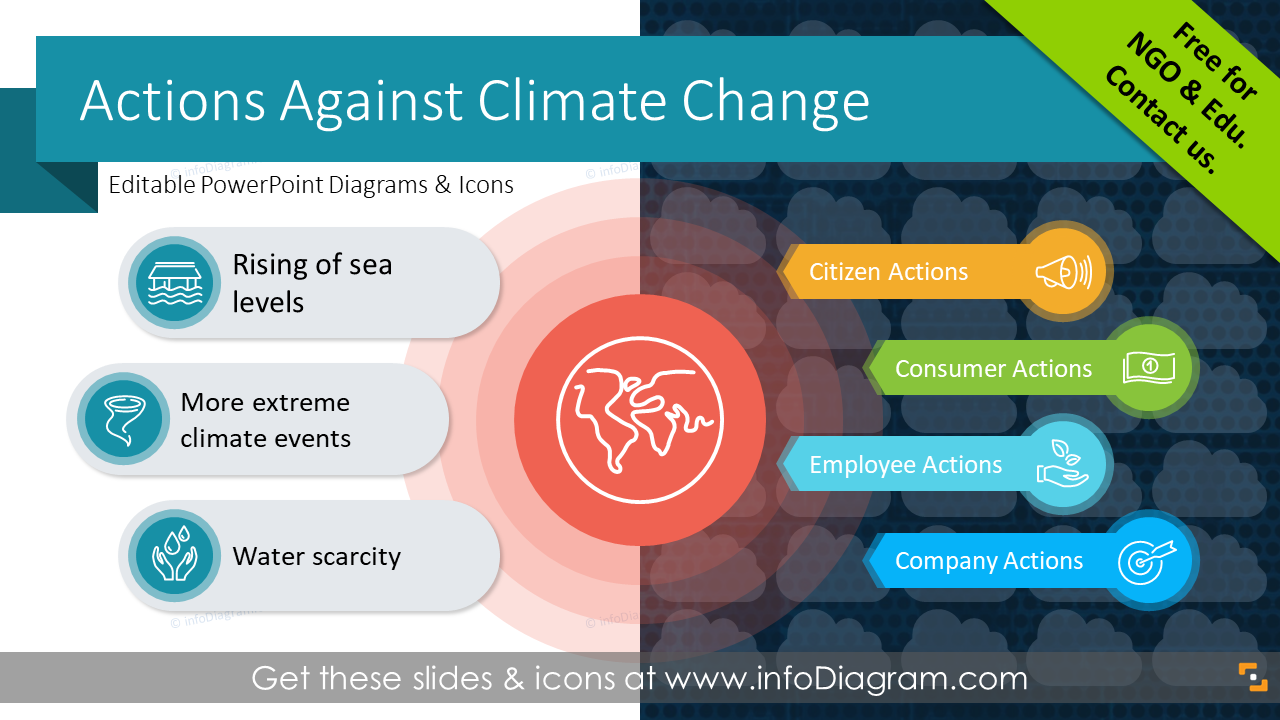
Another Change Ppt Template Design you can download
You can find and download another posts related to Change Ppt Template Design by clicking link below
- Microsoft Powerpoint Cute Powerpoint Templates Powerpoint Slide
- Astronomy Google Slides Template
- ADKAR Change Management PowerPoint Templates SlideModel
- Organizational Change Ppt Free Download Jackvanimpeministries
- Organizational Change Ppt Free Download Blueyellowpinkvans
Thankyou for visiting and read this post about Change Ppt Template Design