How To Create A Custom Template In PowerPoint How To Geek
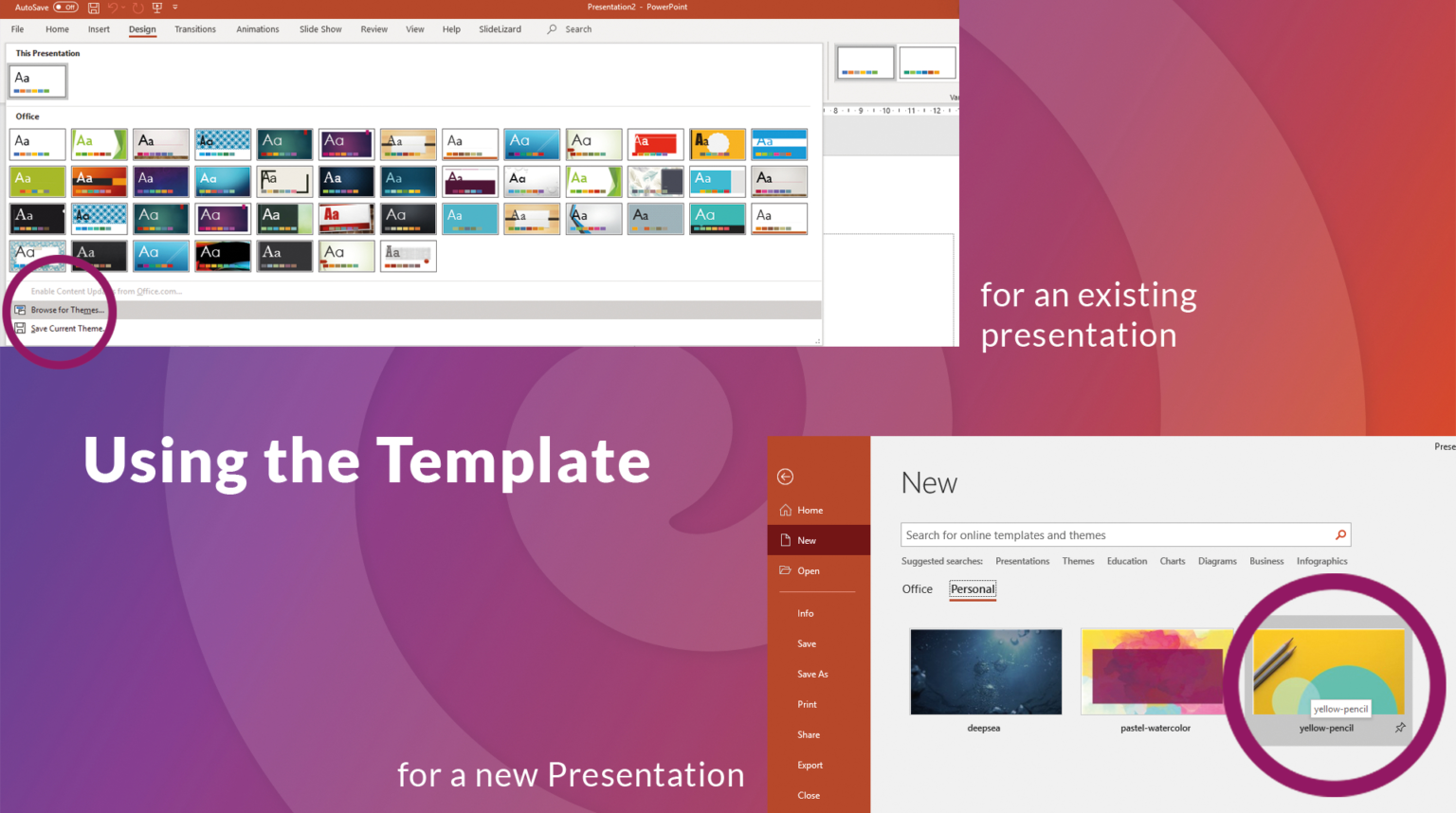
Web Nov 8 2019 nbsp 0183 32 To create a custom PowerPoint template you ll first need to open a blank presentation You can do so by clicking the File tab and then selecting New in the left pane A large library of templates will appear but since that s not what we re looking for go ahead and select the Blank Presentation option
How To Create Your Own PowerPoint Template 2022 SlideLizard, Web Make one template that fits the corporate design and any employee can use them from now on saving time and giving your business a consistent and professional appearance Now learn how to create a template by watching our video or reading the steps below
Online PPT Maker Free PowerPoint Alternative Canva
Web The best feature rich PowerPoint alternative Amp up your presentations with the ability to pre record slideshows and pitch decks with Canva s presentation maker Create talking presentations and make sure that you land every talking point for asynchronous meetings or onboarding presentations
PowerPoint Design Templates Microsoft Create, Web Here s how 1 Find the perfect PowerPoint template Search for anything type of template image color or take a look around by 2 Customize your creation Use Microsoft PowerPoint to make your design unique Swap out fonts colors design elements 3 Show it

Free Presentation Maker Design Presentations Online Adobe
Free Presentation Maker Design Presentations Online Adobe, Web Flashcards How to make a presentation 1 2 3 4 5 Launch Adobe Express Open Adobe Express for free on your desktop or mobile device to start making your presentation Create a custom presentation in minutes Adobe
How To Create An Invoice Template In Word Comefer
Create A Template Microsoft Support
Create A Template Microsoft Support Web Click File gt Open Double click Computer or This PC Browse to the Custom Office Templates folder that s under My Documents Click your template and click Open Make the changes you want then save and close the template Use your template to make a

Office PowerPoint 2013 Raumpflege
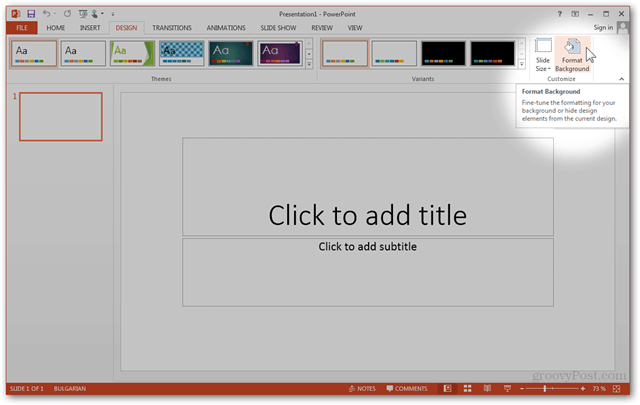
Web 1 Set the colors for your template The first step is to select a color scheme for your template You can easily do that in the Design tab under Variants To choose a color scheme for your PowerPoint template simply Navigate to the Design tab How To Create A PowerPoint Template The Right Way . Web Online presentation maker with 900 slide layouts Millions of images icons and graphics to choose from Dozens of chart types to visualize data and numbers Chosen by brands large and small Our presentation maker is used by over 20 525 288 marketers communicators executives and educators from over 133 countries that include EASY Web To make a custom theme start with a built in Office theme and modify it by changing any of the colors fonts or effects Change the theme s color font and effect settings Save the settings as a new theme in your theme gallery These steps are described below
Another Create My Own Ppt Template you can download
You can find and download another posts related to Create My Own Ppt Template by clicking link below
- Microsoft Word Birthday Invitation Template In 2020 Party Invite Free
- Dfd
- DFD Context Diagram Template Of Fast Food Ordering System You Can Edit
- Download How To Get Templates In Microsoft Powerpoint Free Squaregala
- Free Printable Gift Certificates Templates Of Create Your Own Gift
Thankyou for visiting and read this post about Create My Own Ppt Template