How To Create A PowerPoint Template SlideLizard
Web The slide master The Slide Master is the most important tool for creating templates You can find it by clicking View in the PowerPoint menu and then clicking on Slide Master In the window on the left you will find a couple of slides that do not yet have a design
How To Create A PowerPoint Template The Right Way , Web 1 Set the colors for your template The first step is to select a color scheme for your template You can easily do that in the Design tab under Variants To choose a color scheme for your PowerPoint template simply Navigate to the Design tab
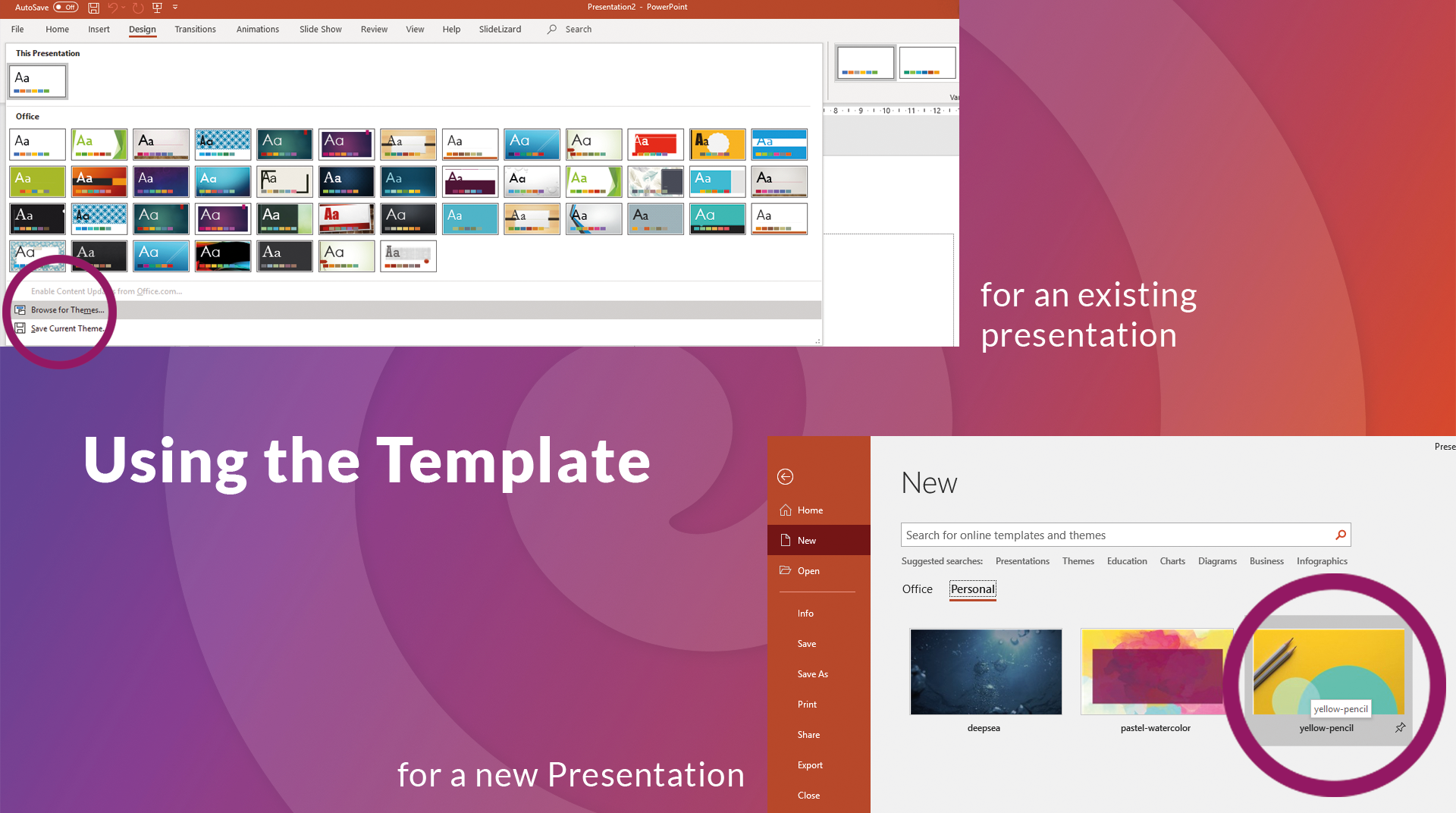
How To Create A Custom Template In PowerPoint How To Geek
Web Nov 8 2019 nbsp 0183 32 To create a custom PowerPoint template you ll first need to open a blank presentation You can do so by clicking the File tab and then selecting New in the left pane A large library of templates will appear but since that s not what we re looking for go ahead and select the Blank Presentation option
Online PPT Maker Free PowerPoint Alternative Canva, Web Best of all it s completely free Designing is an absolute breeze thanks to its drag and drop features and ready made professional quality templates Everything you need to become a visual communicator is at your fingertips an epic image library beautiful graphs and a one click presentation mode

Free Slideshow Maker Create A Slideshow Online Canva
Free Slideshow Maker Create A Slideshow Online Canva, Web Choose our slideshow maker tool and upload your photos or use pre designed pictures to create your slideshow You can begin by storyboarding out your presentation choosing a template or layout then adding the media

Creative Powerpoint Templates
Use A Personal Template To Create A New PowerPoint Presentation
Use A Personal Template To Create A New PowerPoint Presentation Web Open the file that contains the existing slides Click the thumbnail pane and then select the slides you want Select all slides Ctrl A Select a subset of the slides Ctrl click Copy the slides Ctrl C Switch to the new file right click the thumbnail pane and under Paste Options select Use Destination Theme All the copied slides are

How To Install Powerpoint Themes Hormad
Web Choose from one of our presentation themes with hundreds of available slide layouts for you to pick from and build a beautiful presentation Find slide layouts to fit any type of information you need to communicate within your presentation and customize them to perfectly fit your brand or topic Free Online Presentation Maker 900 Slides To Use Visme. Web This is just the beginning Slidesgo has thousands of customizable templates for Google Slides and PowerPoint Our designers have created them with much care and love and the variety of topics themes and styles is how to put it immense Web Search for anything type of template image color or take a look around by browsing the catalog Select the template that fits you best from pitch decks to data shareouts and more 2 Customize your creation Use Microsoft PowerPoint to make your design unique
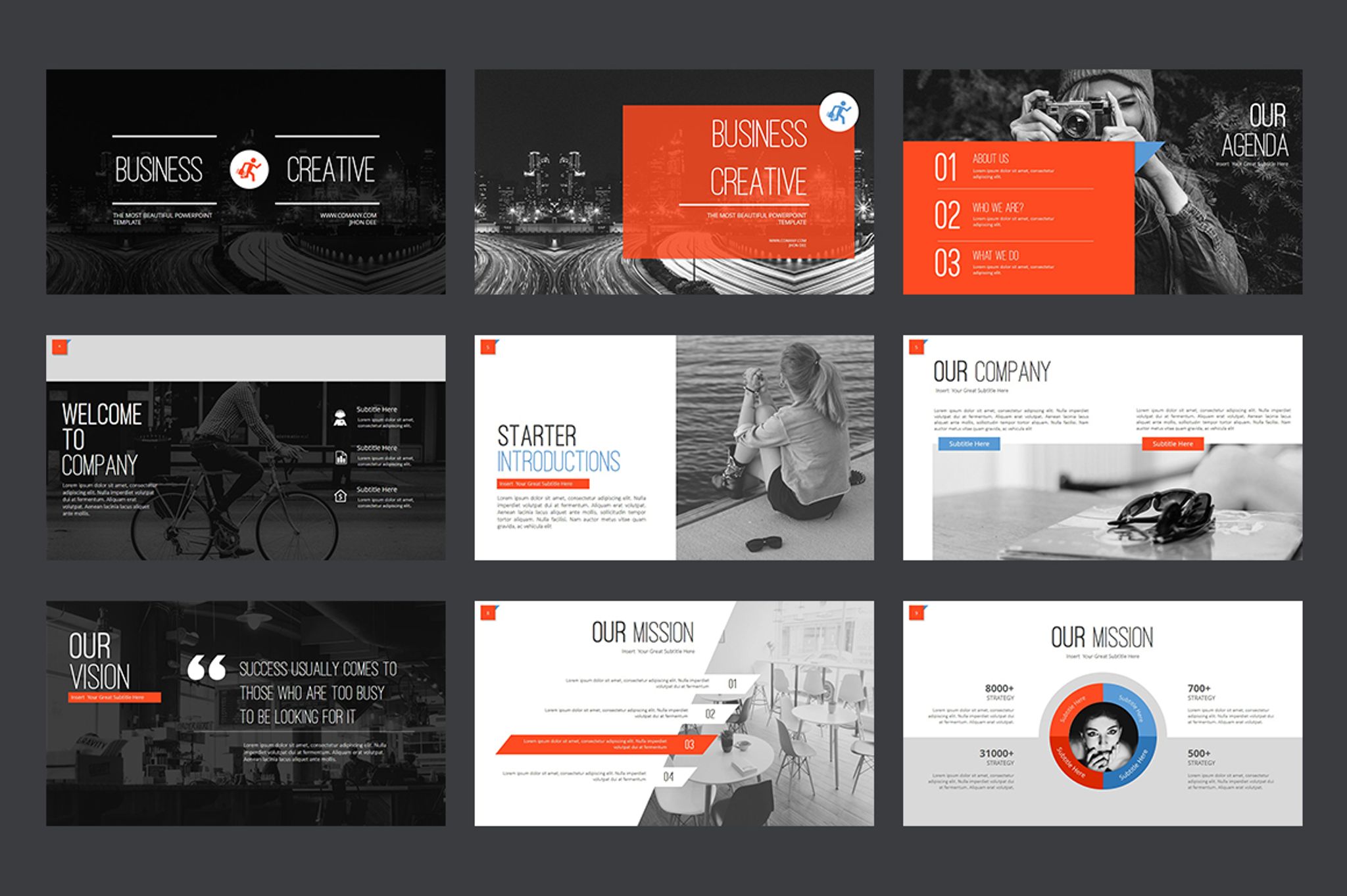
Another Create Ppt Template From Picture you can download
You can find and download another posts related to Create Ppt Template From Picture by clicking link below
- PPT Roadmap Template
- Corporate Ppt Guidelines
- Terbaru 22 Download Template Ppt Gratis
- Create PPT Theme Design Slide Template Three Node
- Formato De Presentaci n PPT Editable Tortugas Globos Perezoso
Thankyou for visiting and read this post about Create Ppt Template From Picture