How To Create A PowerPoint Template The Right Way
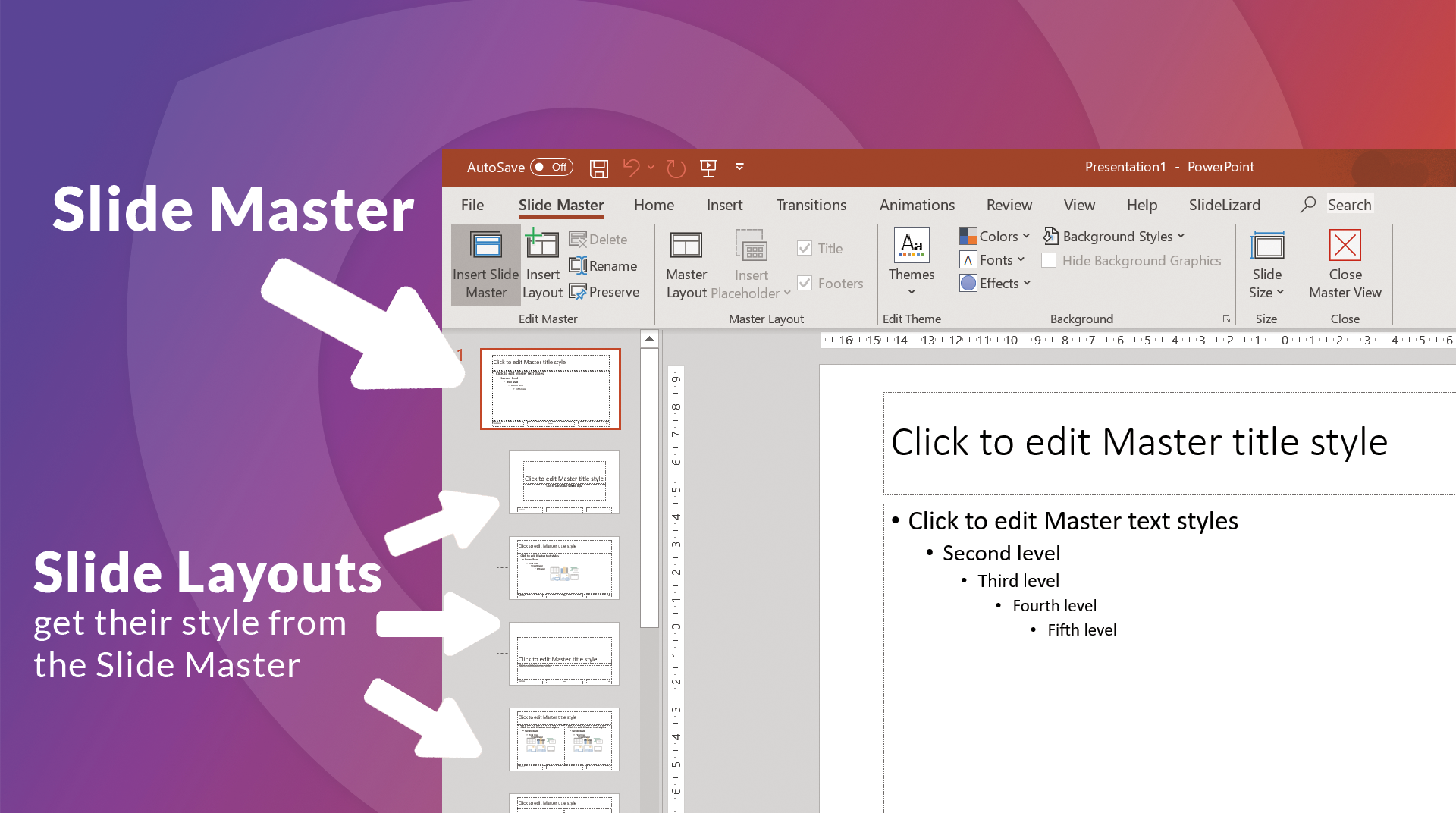
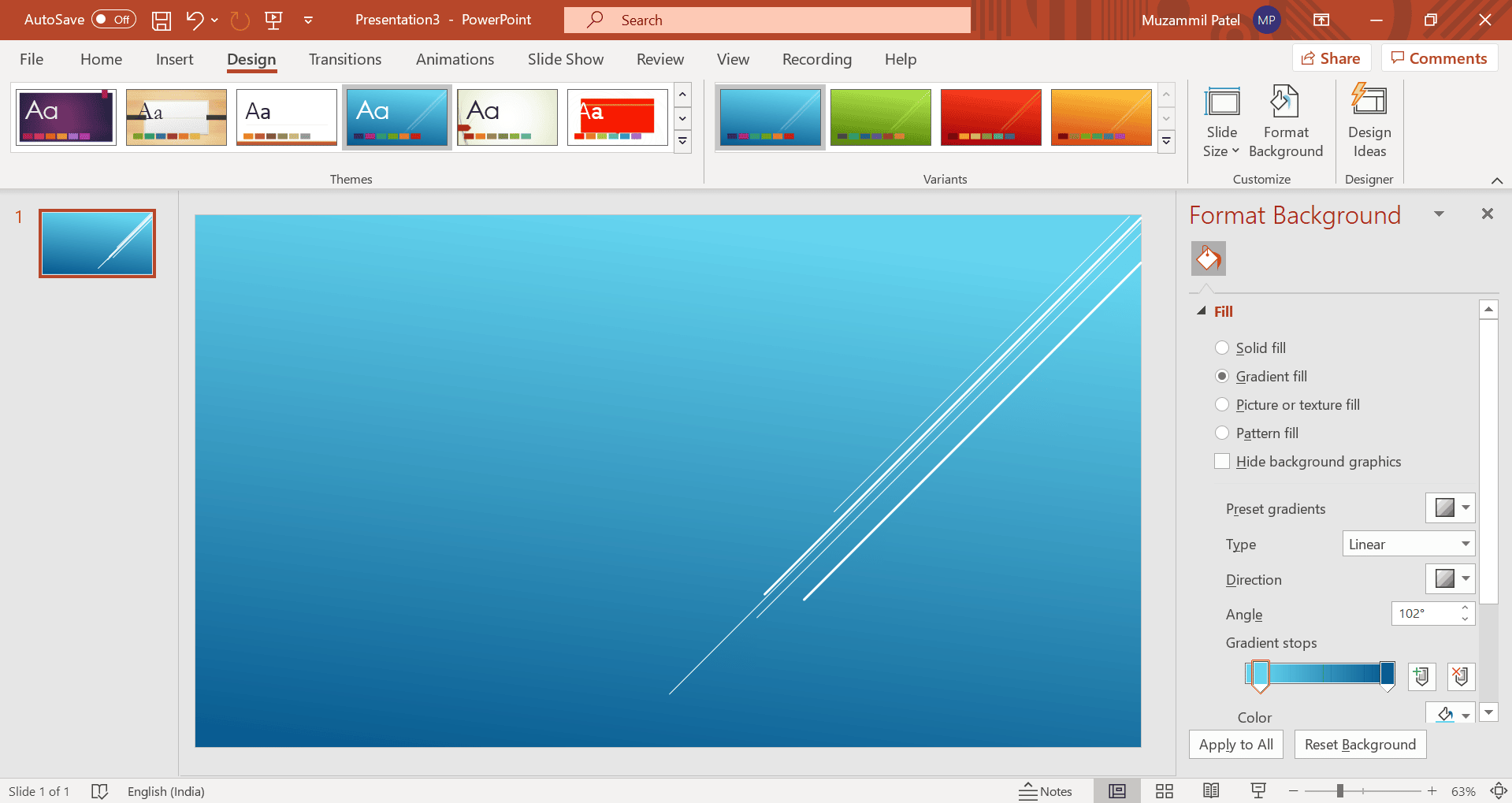
Web Watch How to create a template in PowerPoint Part 1 Creating Your PowerPoint Template Slide Backgrounds 1 Set the colors for your template 2 Set the fonts for your template 3 Navigate to the Slide Master View 4 Customize your Parent Slide background A Choose your PowerPoint template s background B Crop to Aspect Ratio C Fill
How To Create A Custom Template In PowerPoint How To Geek, Web Nov 8 2019 nbsp 0183 32 To create a custom PowerPoint template you ll first need to open a blank presentation You can do so by clicking the File tab and then selecting New in the left pane A large library of templates will appear but since that s not what we re looking for go ahead and select the Blank Presentation option

PowerPoint Design Templates Microsoft Create
Web Here s how 1 Find the perfect PowerPoint template Search for anything type of template image color or take a look around by 2 Customize your creation Use Microsoft PowerPoint to make your design unique Swap out fonts colors design elements 3 Show it
Create A Presentation In PowerPoint Microsoft Support, Web Open PowerPoint In the left pane select New Select an option To create a presentation from scratch select Blank Presentation To use a prepared design select one To create a presentation from scratch select Blank Presentation To use a prepared design select one of the templates To see
Use A Personal Template To Create A New PowerPoint Presentation
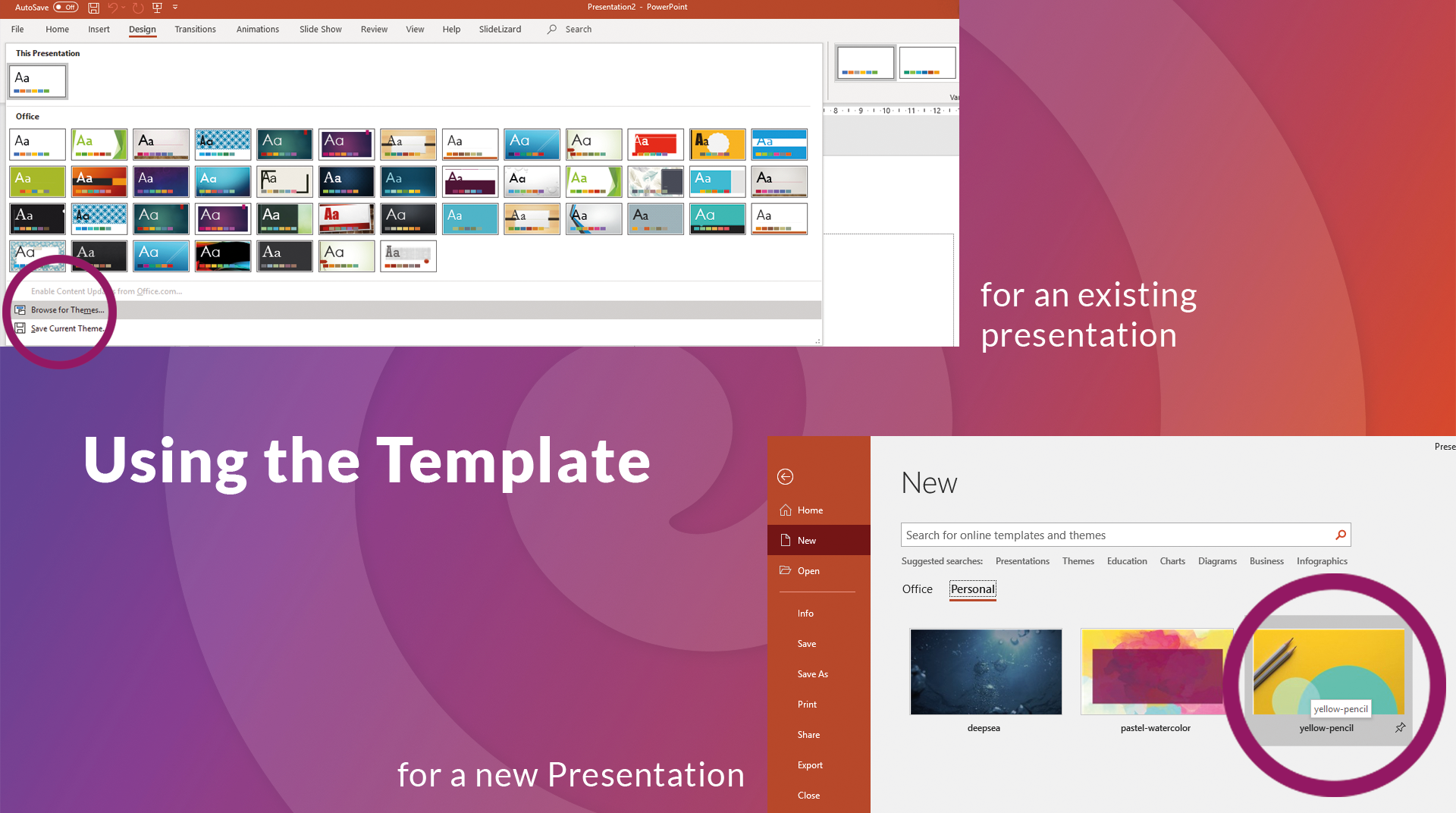
Use A Personal Template To Create A New PowerPoint Presentation, Web Select all slides Ctrl A Select a subset of the slides Ctrl click Copy the slides Ctrl C Switch to the new file right click the thumbnail pane and under Paste Options select Use Destination Theme All the copied slides are inserted in the new presentation Set your template as a default option

Creating A Presentation Using A Template
How To Create A PowerPoint Template SlideLizard
How To Create A PowerPoint Template SlideLizard Web Slide master Edit slide master Individual templates Save What is a template and why should I use it A PowerPoint template is a kind of pattern that is predefined for a presentation It gives a frame for the content and the design of your slides Elements like background colours titles etc are set beforehand
How To Create Your Own PowerPoint Template 2022 2023
Web With all the design details and content in place you would click File Save As and choose PowerPoint Template potx as the file type Then click Save And here s the beauty of a template When you click to open the template file it opens a fresh presentation that is based on the template Video Create A Template From A Presentation Microsoft Support. Web This process helps to ensure that everything in your presentation especially things you haven t created yet adopts the look and formatting prescribed by the template See Also Create and save a PowerPoint template Download free pre built templates Create your own theme in PowerPoint Web Create from scratch Show all Create compelling professional presentations Presentation decks can make or break your speech don t risk boring or unprofessional slides distracting from your message Set yourself up for success with free eye catching presentation templates that don t require graphic design skills to use
Another Creating A Power Point Template you can download
You can find and download another posts related to Creating A Power Point Template by clicking link below
- How To Create Professional Presentations Using Free PowerPoint Templates
- Powerpoint Presentation Template Size Creative Design Templates
- Free Download Program Editing Microsoft Powerpoint Temp
- Free Wheel Diagram Template FREE PRINTABLE TEMPLATES
- Steps Powerpoint Template Gambaran
Thankyou for visiting and read this post about Creating A Power Point Template