How To Apply A Design Idea To All Slides In A Presentation Mac
Oct 17 2022 nbsp 0183 32 Design Ideas doesn t actually replace the need to design a new theme or template Using the appearance of the single Design Idea slide open View gt Slide Master select the larger thumbnail at the top of the left hand list the actual slide master and reformat it to match The slide layouts will inherit the design from the slide master adjust
Design Ideas Powerpoint Disappeared Microsoft Community, Sep 11 2020 nbsp 0183 32 We understand you can t see the Design Ideas in the side pane when you create a presentation First PowerPoint Designer is a subscriber only Microsoft 365 feature You should be a Microsoft 365 subscriber to use this feature If you have Microsoft 365 subscription may I know whether you can see Design Ideas button under the Design tab

PowerPoint Copy And Paste The Design Of A Slide To Other Slides
Nov 13 2022 nbsp 0183 32 To change the design of a slide choose Home gt Layout and select the layout that has the design you want Even though Design Ideas was invented by Microsoft it doesn t follow best practices for creating new presentations The design is often applied to just a few layouts or just one layout or just the current slide It s a roll of the dice
Design Ideas Will Not Work Microsoft Community, Jan 12 2018 nbsp 0183 32 I am experience the same issue half way through a powerpoint presentation For 7 slides the Design Ideas was working and available and now it is not working I have gone through the check list and made sure everything is correct All products up to date Office Subscription Product Microsoft Office 365 Windows 10 home Version 1803 64 bit
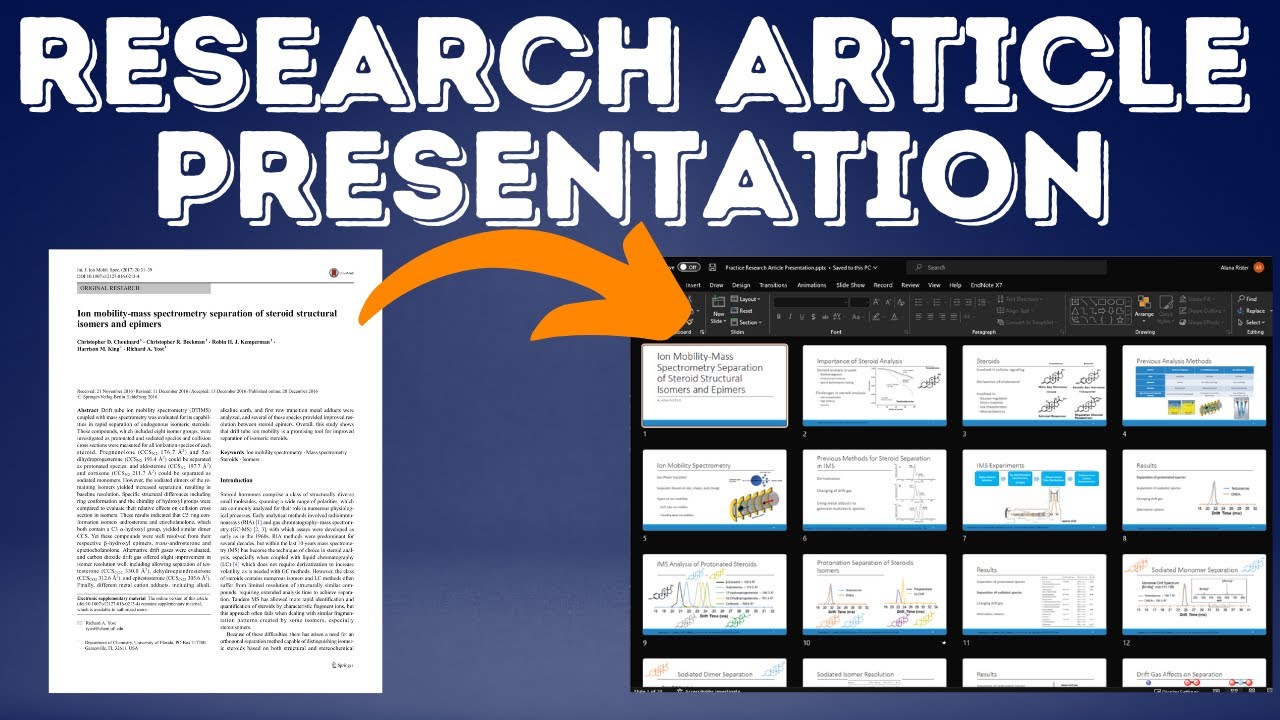
Undo Design Ideas In PowerPoint Microsoft Community
Undo Design Ideas In PowerPoint Microsoft Community, May 23 2022 nbsp 0183 32 Do you want to undo a design idea on a slide in PowerPoint If yes you may try to click the Undo button from Home tab try to undo actions Note per our test if you have created other settings on the slide after applying design idea you cannot undo Apply Design Idea only all actions done after Apply Design Idea will be undone together
Curtain Top View Cad Block Free Infoupdate
Design Ideas Powerpoint Office 2021 Microsoft Community
Design Ideas Powerpoint Office 2021 Microsoft Community Jan 26 2022 nbsp 0183 32 I tested this method you can go to PowerPoint online create a slideshow and add a design to the slideshow then save that file to OneDrive online and download it to your PC and work on the presentation in PowerPoint 2021
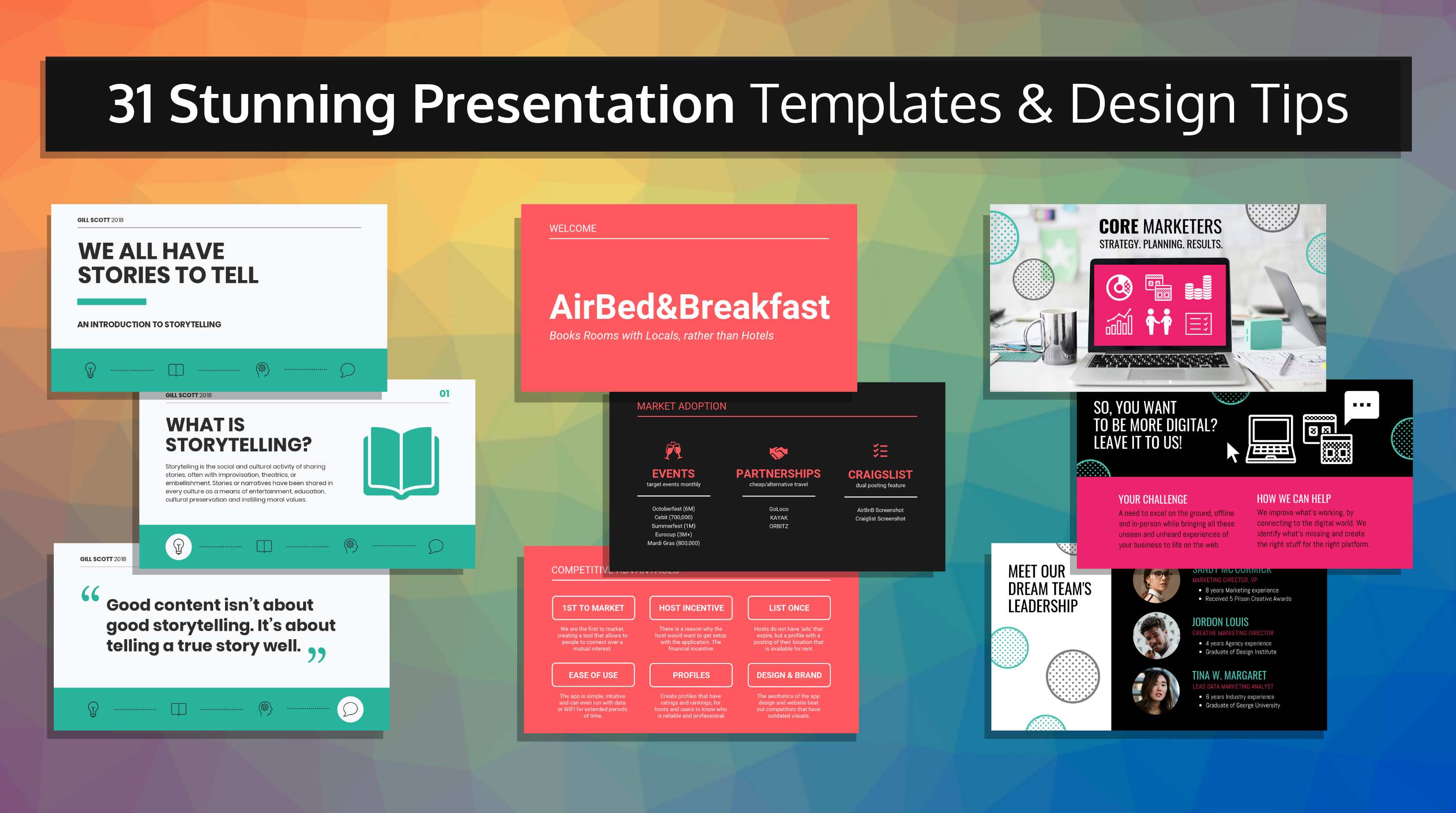
10 Powerpoint
Nov 9 2023 nbsp 0183 32 To create a custom theme go to the Design tab and click on the quot More quot button in the Themes group From there select quot Create New Theme Colors quot and quot Create New Theme Fonts quot to customize your theme Another option is to manually format the final section title page to match the design of the other pages PowerPoint Designer Not Presenting Consistent Design Ideas For . Sep 27 2022 nbsp 0183 32 Start with the new presentation open Go to the Design tab Click the down arrow on the right side of the Themes group to open the Themes gallery Click Browse for Themes which you ll find at the bottom of the Themes gallery Browse to and choose the older presentation the one whose theme you want to apply to the new presentation Click OK Done Nov 19 2022 nbsp 0183 32 3 Also Sometimes the first time start PowerPoint after installing Office 365 the Design Ideas button isn t available Restarting the app fixes the problem 4 Have you ever installed any add ins for PowerPoint If so please disable them then check if
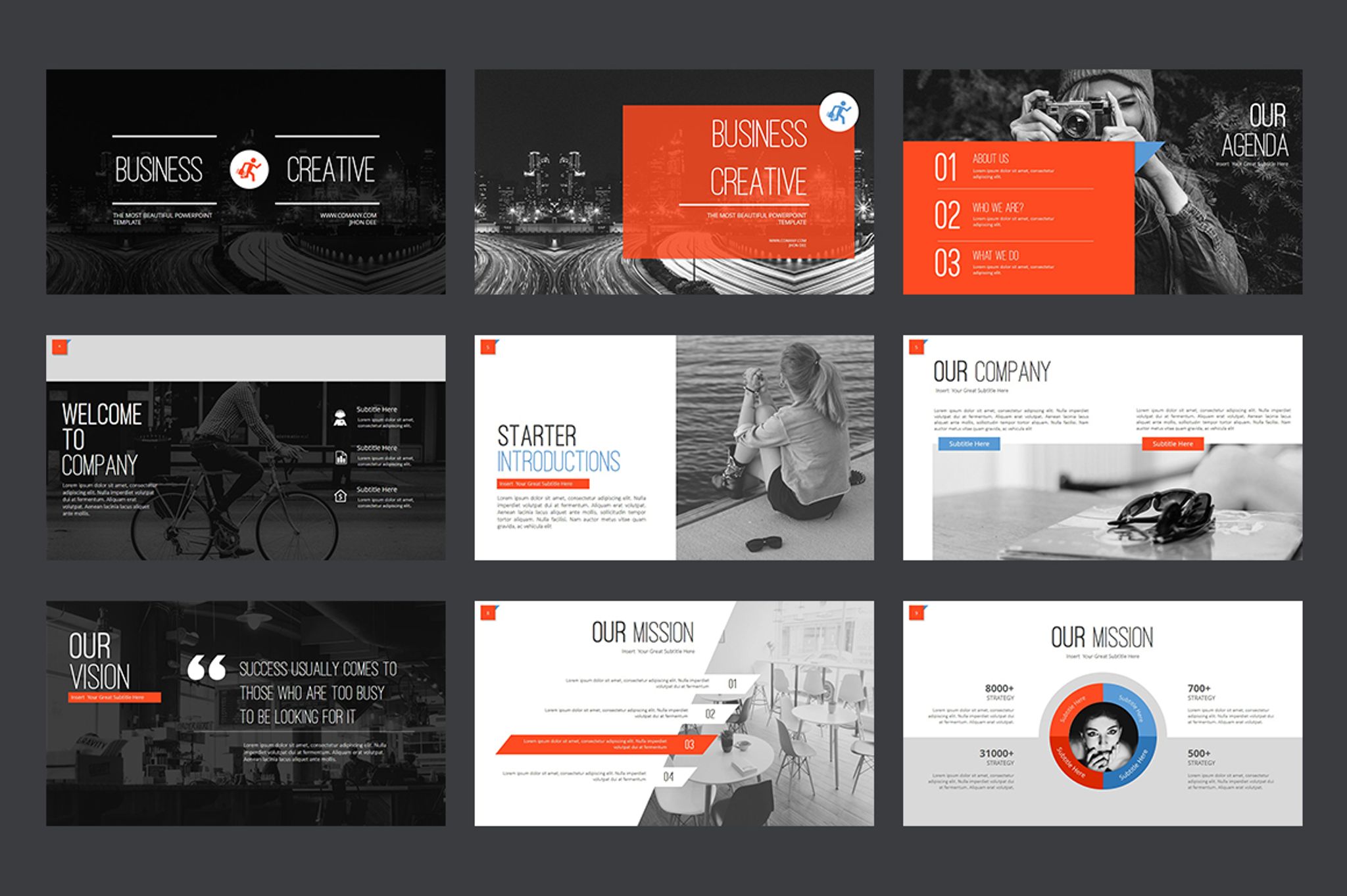
Another Design Ideas For Presentation you can download
You can find and download another posts related to Design Ideas For Presentation by clicking link below
- All Tutorials Visualizing Architecture
- Presentation Design Examples
- Presentation Outline Template SlideBazaar
- 100 Powerpoint
- Clean Business Introduction PowerPoint Template Powerpoint
Thankyou for visiting and read this post about Design Ideas For Presentation