How To Use Google Drive Computer Google Drive Help
Work with Office files Create edit and format Google Docs Sheets and Slides Share amp organize files You can share files or folders for others to access edit or comment on Share files from Google Drive Share folders in Google Drive Make someone else the owner of a file To find files that other people shared with you go to Shared with me
Download And Install Google Chrome, If you have issues when you download Chrome on your Windows computer use the alternate link to download Chrome on a different computer At the bottom of the page under Chrome Family select Other Platforms Select the OS of the device you wish to install Chrome on Move the file to the computer where you want to install Chrome
Download A File Computer Google Drive Help
Download a file Download files from Google Drive with a computer Android or iOS device Important If you try to download a suspicious file you may get a warning message Use caution if you download the file
Download And Install Google Chrome, How to install Chrome Important Before you download you can check if Chrome supports your operating system and other system requirements

Trying To Open A OneDrive Directory File Path Using A Batch File
Trying To Open A OneDrive Directory File Path Using A Batch File, Sep 26 2022 nbsp 0183 32 I am attempting to open a OneDrive file path whose location is synced locally to my computer using a batch file but after several trial and errors I m not able to determine what I m doing wrong

Python Archives FOSS TechNix
Find Out Which Process Is Locking A File Or Folder In Windows
Find Out Which Process Is Locking A File Or Folder In Windows Mar 9 2010 nbsp 0183 32 How can I find out which process is locking a file or folder in Windows For instance when trying to delete a folder Windows reports this The action can t be completed because the folder is ope

How To Open And Edit A Text File In Python Hotsell Telepack co jp co
Use your preferred decompression tool to unzip the file Insert your USB drive Be sure to remove all other removable media Create the installer If you re using a third party utility refer to product documentation If you re using dd command line utility on a Linux device Open a terminal or command line Use the command to write the 1 Create The USB Installer ChromeOS Flex Help. Aug 7 2023 nbsp 0183 32 When a folder path to a network drive is added as a link in an Outlook message the receiver cannot click on the link and get to open directly the folder This because Outlook is adding amp quot file amp Oct 22 2022 nbsp 0183 32 The difference is because when you copy a file on your computer a new file is created with a new timestamp To copy and keep creation date is possible using the Windows utility of robocopy
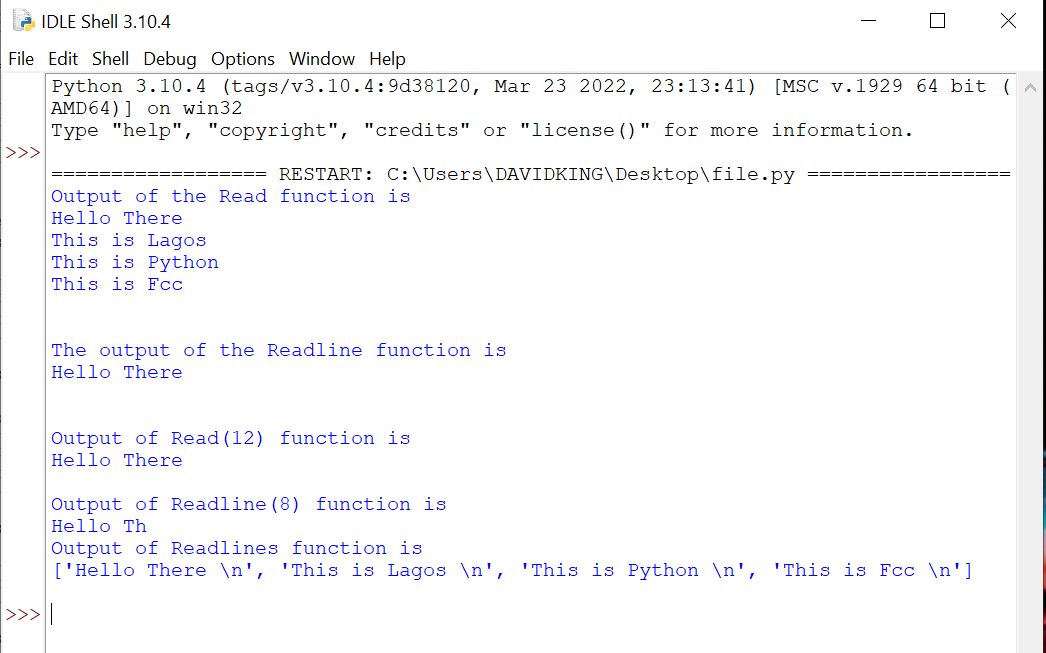
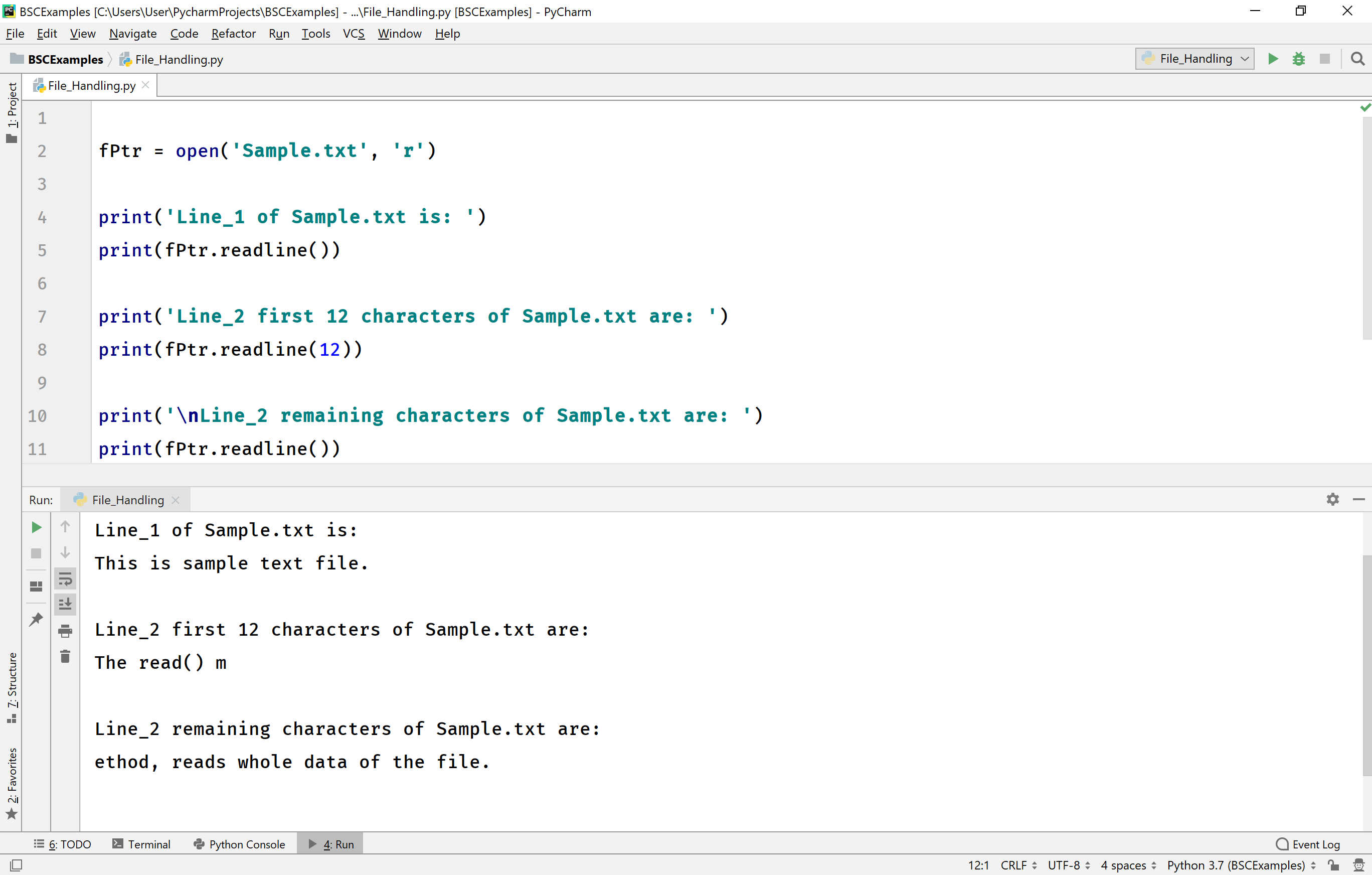
Another File Handling In Python I2tutorials you can download
You can find and download another posts related to File Handling In Python I2tutorials by clicking link below
- Python File Path
- Python Pandas To Numpy Matrix Printable Online
- File Handling In Python Learn Scripting
- How To Overwrite A File In Python 5 Best Methods With Code EroFound
- Cheatsheet File Handling In Python
Thankyou for visiting and read this post about File Handling In Python I2tutorials