Create A Flow Chart With SmartArt Microsoft Support
Web To quickly add a designer quality look and polish to your SmartArt graphic you can change the colors or apply a SmartArt Style to your flow chart You can also add effects such as glows soft edges or 3 D effects And in PowerPoint presentations you
Free Flow Chart Templates For PowerPoint And Google Slides, Web Discover our collection of 54 Flow Chart templates perfect for showcasing processes and workflows in your PowerPoint and Google Slides presentations Enhance communication collaboration and understanding
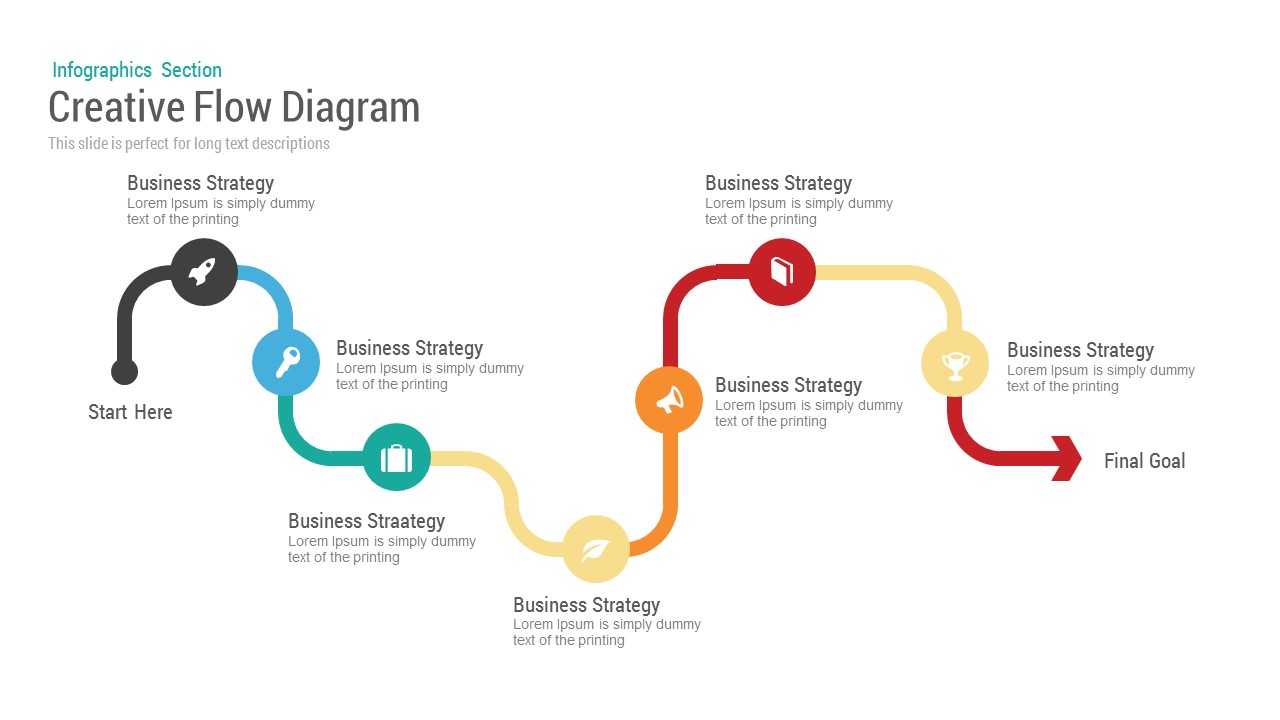
PowerPoint 174 FlowChart Templates For 2021 Powerslides
Web Powerpoint FlowChart Templates make it easy to visually illustrate process flow Use these amazing slide layouts can save you a lot of time while creating compelling flow charts in your presentations You can add your own text and edit each shape or re position them to meet your requirements
How To Make A Flowchart In PowerPoint How To Geek, Web May 14 2019 nbsp 0183 32 Quick Links Making a Flowchart in PowerPoint Microsoft PowerPoint provides built in tools for creating and arranging different types of flowcharts Here s how they work Making a Flowchart in PowerPoint Since you re going to be working with shapes you might find it helpful to have PowerPoint show a grid you can use to size and

How To Create A Flowchart In PowerPoint 24Slides
How To Create A Flowchart In PowerPoint 24Slides, Web Sep 21 2022 nbsp 0183 32 How to Create a Flowchart in PowerPoint To create a flowchart in PowerPoint you have 2 main options Either you create from scratch by using shapes and arrows or you can use the SmartArt tool Option A Create a flowchart using the PowerPoint SmartArt tool This is the easiest way to create a flowchart in PowerPoint

Glossy Flow Chart Template For PowerPoint SlideModel
How To Make A Flowchart In PowerPoint with Examples amp Templates
How To Make A Flowchart In PowerPoint with Examples amp Templates Web Aug 17 2023 nbsp 0183 32 This is an excellent premium diagram template for PowerPoint which provides an editable process flow chart that can be used for making a flowchart in no time This template comes with a number of sample slides that offer a variety of sample flowcharts that can be customized to suit your needs

14 Essential Design Thinking Process PPT Diagrams Steps Action Phases
Web Looking for flow chart template PowerPoint free download We ve got an amazing selection plus 34 premium top flowchart PPT slide templates for your next presentation To download a free PowerPoint flowchart template Free PowerPoint Flowchart Templates Designs For 2023 . Web Lucidchart has dozens of pre made flowcharts in its template library to access them click the down arrow next to Document and select Flowchart To read more about a template simply click it once To use a template either double click or select it and click Create Document Web With FlowChart PPT Templates you can build simplistic and multiple flowcharts just by moving shapes from the template to your performance They are such amazing tools for making your creativity even more attractive
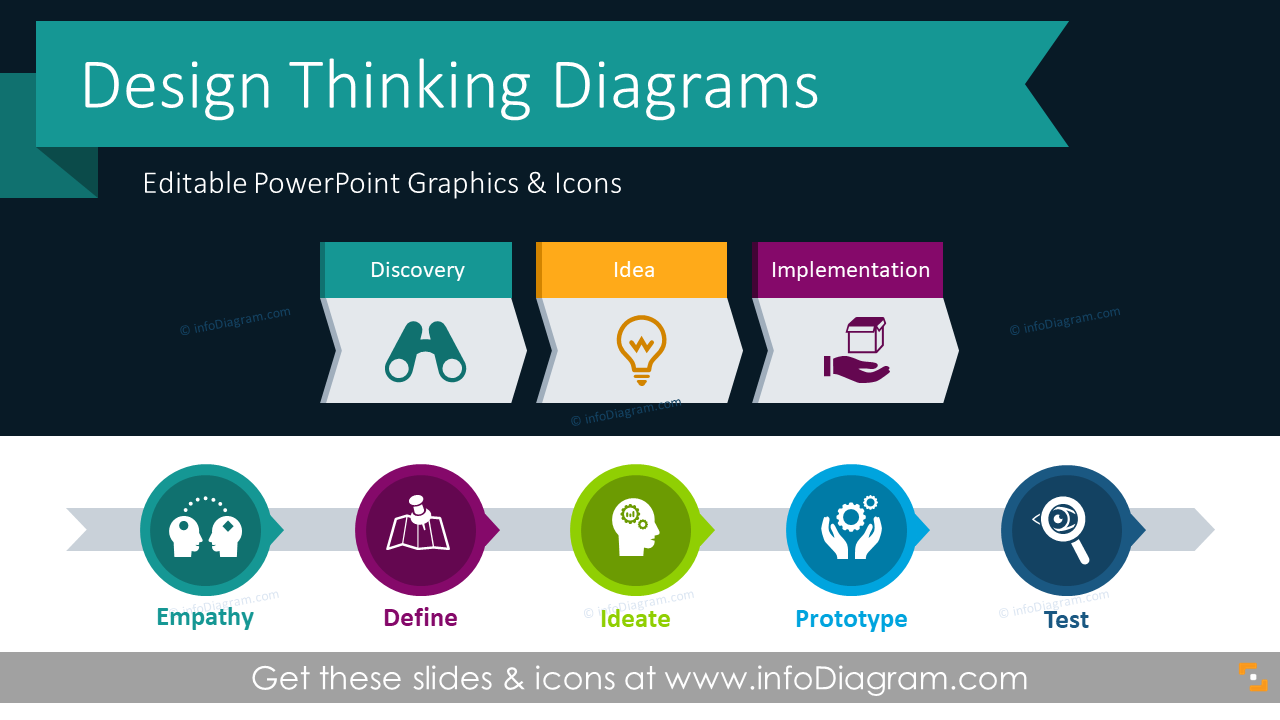
Another Flow Chart In Ppt Template you can download
You can find and download another posts related to Flow Chart In Ppt Template by clicking link below
- Flow Chart Template Powerpoint Free Download
- Communication Flow Chart Template Free PRINTABLE TEMPLATES
- Powerpoint Process Template Free
- Powerpoint Flowchart Templates Gambaran
- Work Process Flow Chart Template Collection
Thankyou for visiting and read this post about Flow Chart In Ppt Template