SketchUp LayOut
LayOut SketchUp LayOut
How To Set The Default Keyboard Layout Microsoft Community, Apr 12 2023 nbsp 0183 32 I have installed 3 languages on my laptop English Arabic and German but I couldn t set the default keyboard layout The keyboard language is changing automatically I
What To Go Back To The Regular Yahoo Microsoft Community
Feb 27 2025 nbsp 0183 32 2 Look for an option like More Settings gt Viewing email and choose a basic layout if available 3 If you re using a browser try switching to a different one like Chrome
Make It Fit Page Layout Tuning In MS Word, May 15 2015 nbsp 0183 32 Centering Short doc Vertically File Page Setup Layout tab If the doc is less than a full page you may want to center it vertically on the page By default documents are

Teams Channels Disappeared After Layout Update
Teams Channels Disappeared After Layout Update, Mar 28 2025 nbsp 0183 32 Based on your description regarding quot Teams Channels Disappeared After Layout Update quot Kindly try to set your account to separate view if you want to see the previous view

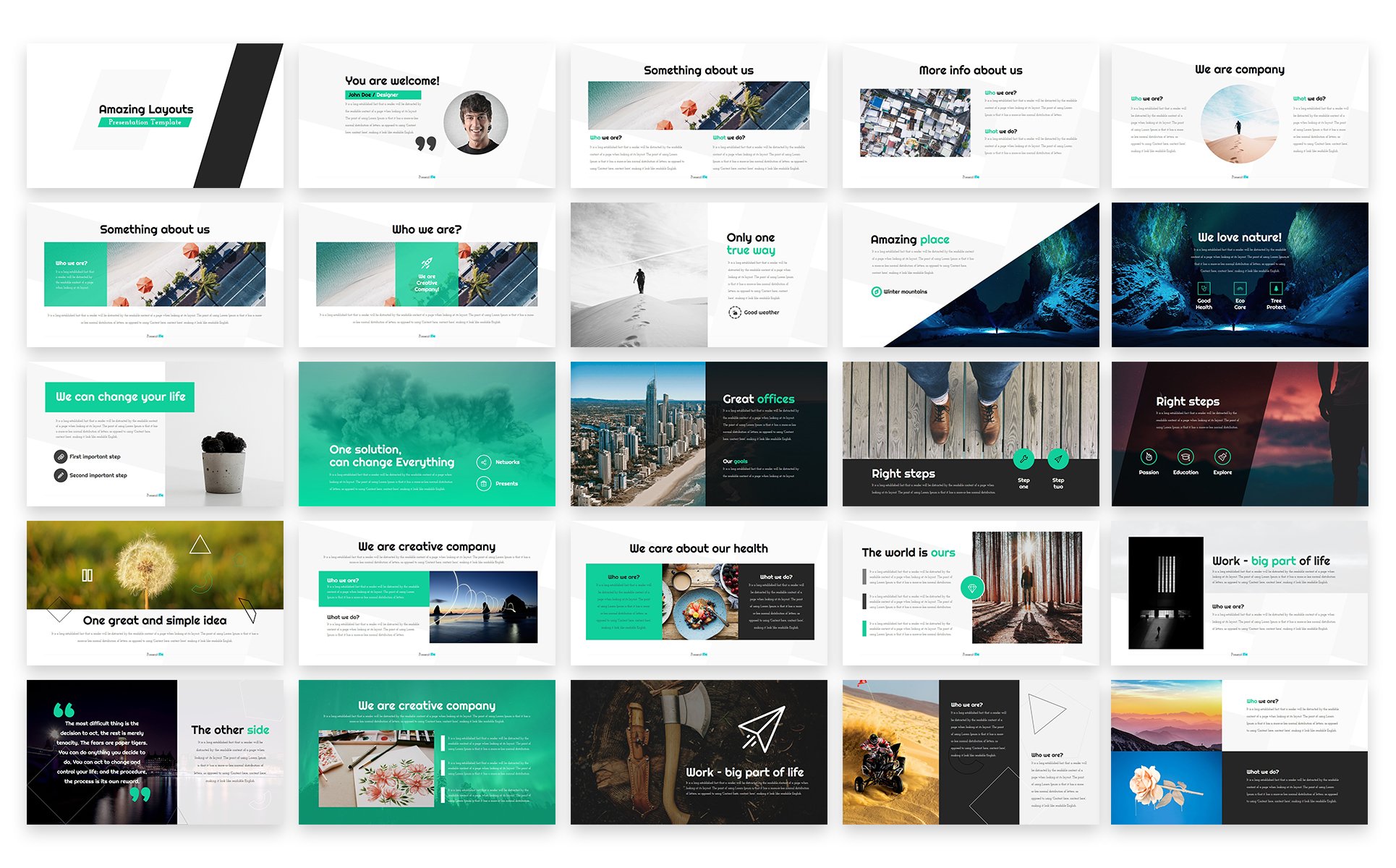
Creative Slide Templates
How Do I Enable Different Layout Orientations In Microsoft Word
How Do I Enable Different Layout Orientations In Microsoft Word Jan 22 2022 nbsp 0183 32 You will need sections to do this Go to page 11 and position the cursor after the last word click Layout tab and choose the break button click on next page That should bring

Ppt Ppt PNG EPS AI Pngtree
Jul 15 2024 nbsp 0183 32 Strictly speaking you are not changing language you are changing keyboard layout If you want to stick with the English US keyboard layout you will need to use the Type Spanish Characters e g 225 241 191 161 With U S English . Mar 21 2025 nbsp 0183 32 Also from the view settings have you checked this setting View gt View Settings gt Other Settings gt quot Always use compact layout quot Is that box checked or unchecked I understand May 7 2025 nbsp 0183 32 Click Compose Fonts and then Layout Options Customize the margin and spacing settings Check for Updates Go to File gt Office Account gt Update Options Click Update Now

Another Layout Design For Ppt you can download
You can find and download another posts related to Layout Design For Ppt by clicking link below
- Ppt PNG Ppt PNG
- Creative Business PowerPoint Presentation Slides Template Design Use
- Ppt Ppt PNG Pngtree
- Joulukyl n Kohtaus Valon Kanssa 12 Flying Tiger Copenhagen
- Flexible Printed Circuit Board Manufacturing Process How Do I Choose
Thankyou for visiting and read this post about Layout Design For Ppt