LibreOffice Templates For Presentations FPPT
Web LibreOffice is a free alternative to PowerPoint as a free presentation authoring tool and software The master slides in LibreOffice allow you to customize presentations and reuse then in any future presentation as templates You can download free Impress templates from the official website
Using Slide Masters Styles And Templates LibreOffice, Web To create a template from a presentation and save it to My Templates folder or a folder of your own choosing Open the presentation that you want to use for a template or open a template that you want to use as a basis for your template Add any extra content and styles to your presentation

LibreOffice Impress Templates A Collection Of Freely licensed
Web The LibreOffice Impress Templates project aims to provide a collection of well designed freely licensed usable templates for LibreOffice Impress You can search below through all of the templates by name try focus tag try
Chapter 2 Master Slides Styles And Templates LibreOffice, Web LibreOffice can only use templates that are in LibreOffice template categories template folders New LibreOffice template categories can be created and used to organize LibreOffice templates For example separate template

LibreOffice Presentation Templates Community 187 Extensions
LibreOffice Presentation Templates Community 187 Extensions, Web LibreOffice Presentation Templates provided by the LibreOffice Design Team for the Community Release List Release 1 0 First Production Release
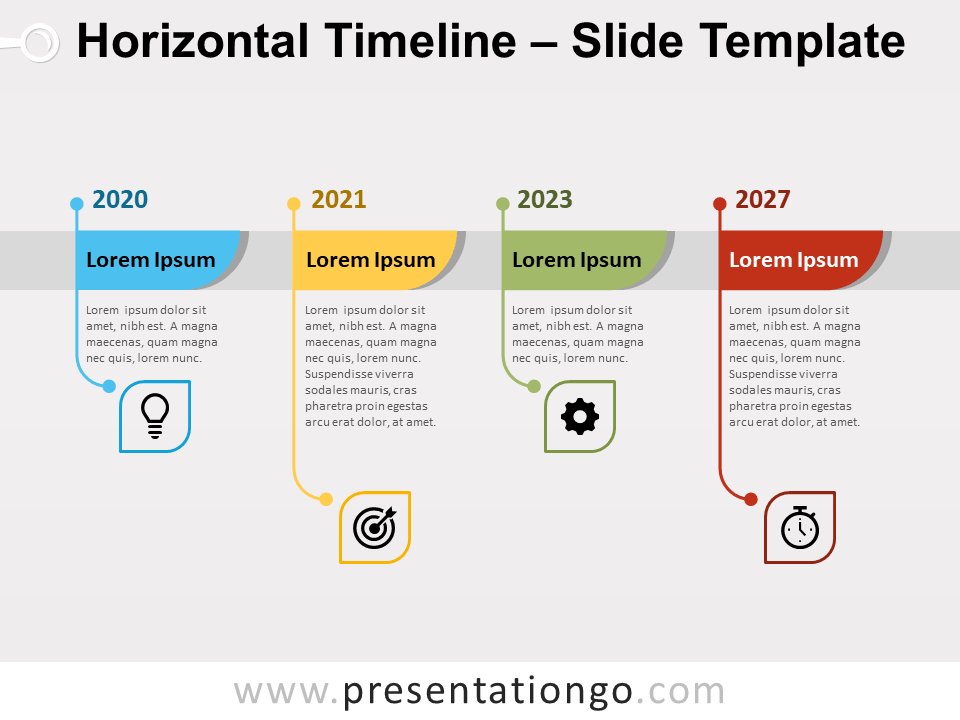
Power Point Timeline Template Collection
246 Impress Templates 187 Extensions LibreOffice
246 Impress Templates 187 Extensions LibreOffice Web Sep 10 2022 nbsp 0183 32 LibreOffice Impress Templates A collection of 253 well designed modern freely licensed templates on GitHub NEW Live search through all the templates using tags keywords or by collection or template name Try it out on the project home page https dohliam github io libreoffice impress

Libreoffice Magazine Template
Web Select Slide Master Slide Design Click Load Under Categories select a slide design category Under Templates select a template with the design that you want to apply To preview the template click More and then select the Preview box Click OK Do one of Applying A Slide Design To A Master Slide LibreOffice. Web Dialog formatting 1 Select an object on a slide or master slide and its style is highlighted in the Styles deck on the Sidebar 2 Go to Format gt Styles gt Edit Style on the Menu bar or right click on the highlighted style in the Styles deck on the Sidebar to open the formatting dialog for the selected style Web Dec 20 2022 nbsp 0183 32 Process 1 Get an PowerPoint template document file You can search find visit and download them from any of resources above 2 Open LibreOffice Impress 3 Open the PowerPoint document 4 Document opened 5 Do File gt Templates gt Save as Template gt give it a name according to its original name
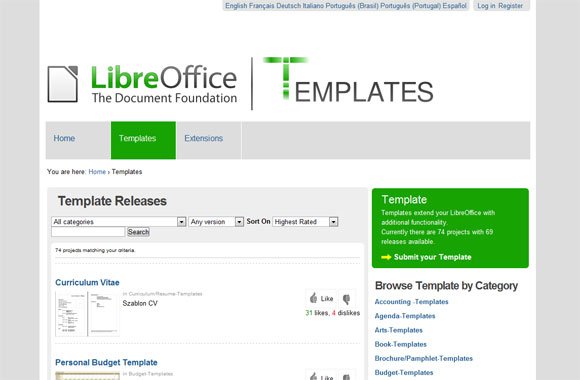
Another Libreoffice Power Point Template you can download
You can find and download another posts related to Libreoffice Power Point Template by clicking link below
- LibreOffice Power Feature Join Text Boxes After Importing PDFs The
- Que Es LibreOffice Vs Word Excel Y Power Point Soluciones
- Docker Libreoffice
- Cv Template For Internship Free Download LibreOffice Writer Resume
- LibreOffice 6 0 0 Office Suites FileEagle
Thankyou for visiting and read this post about Libreoffice Power Point Template