Make A Poster In PowerPoint Quickly With PPT Templates
Web May 31 2022 nbsp 0183 32 To set the dimensions for your PowerPoint poster presentation go to the Design gt Slide Size gt Custom Slide Size menu option Use the Width and Height boxes to key in your dimensions in inches for the finished poster Use the Design gt Slide Size gt Custom Slide Size to set the dimensions for your PowerPoint poster
Free Poster Templates Printable amp Customizable Microsoft , Web Make picture perfect posters with customizable PowerPoint template designs You can make your PowerPoint into an eye catching informative poster that puts your message front and center
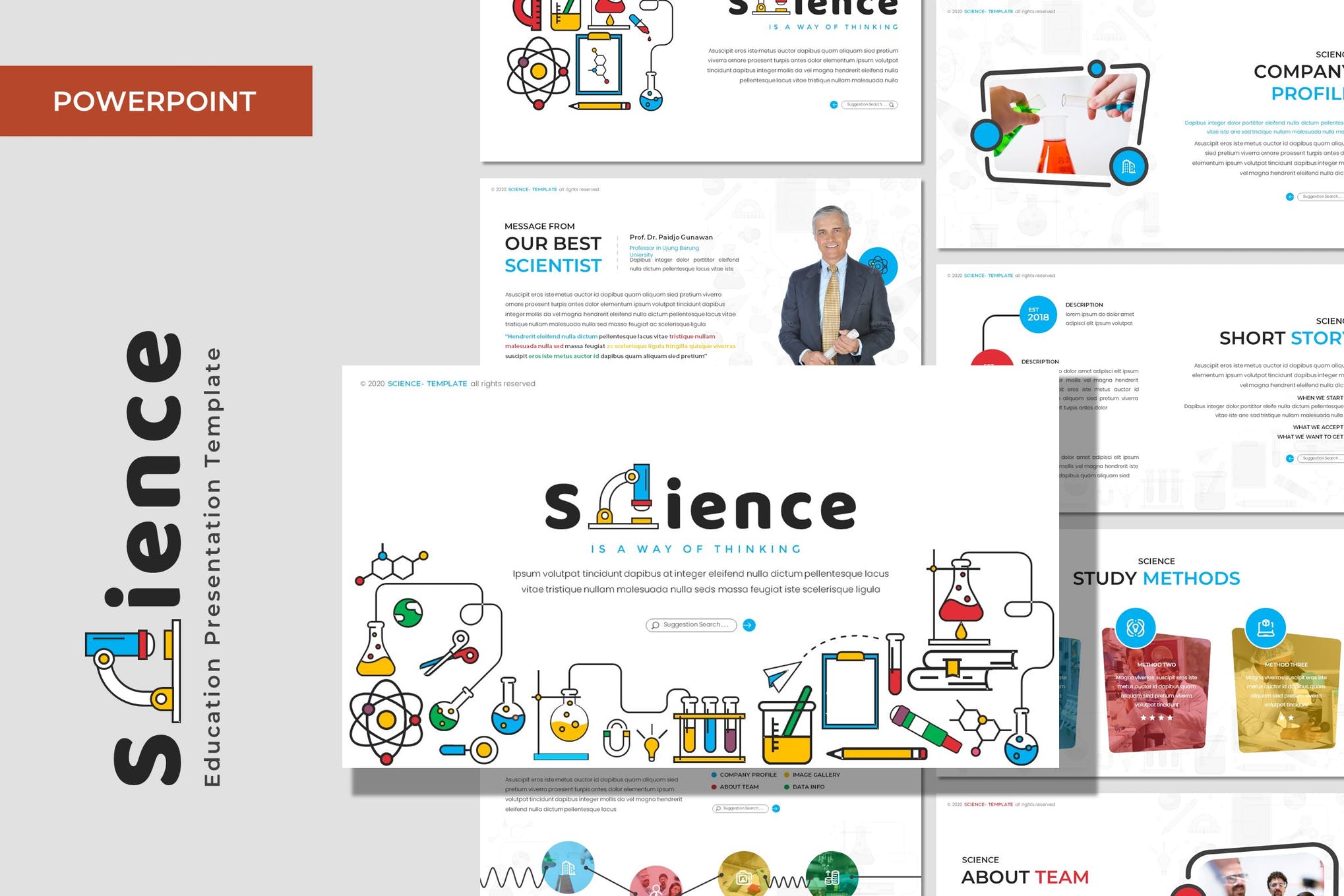
How To Make A Poster In PowerPoint 10 Simple Steps
Web Mar 10 2023 nbsp 0183 32 Set the dimensions in the Design menu then navigate to Slide Size Click the drop down and select Page Setup The two default options are for presentation slides on screens Enter your page size Note that most posters use portrait orientation taller than wide If your slides already contain some content scale up when given the option
Powerpoint Poster Templates For Research Poster Presentations, Web This free PowerPoint poster template is designed for a standard 4x4 foot poster presentation This scientific poster template is a good size for limited available spaces without compromising room for content This research poster template can be printed at the following sizes 48x48 Standard 36x36 24x24 42x42

Poster Design And Templates Posters And Presentations
Poster Design And Templates Posters And Presentations, Web Aug 30 2023 nbsp 0183 32 To check or change poster size in PowerPoint check the Page Setup in the Design ribbon These posters were designed in PowerPoint 2013 48x36 Templates 48x36 Classic Poster Template SIU Purple 48x36 Classic Poster Template Orange amp Teal 48x36 SIU Hexagons Poster Template 48x36 Colorblock Poster Template SIU
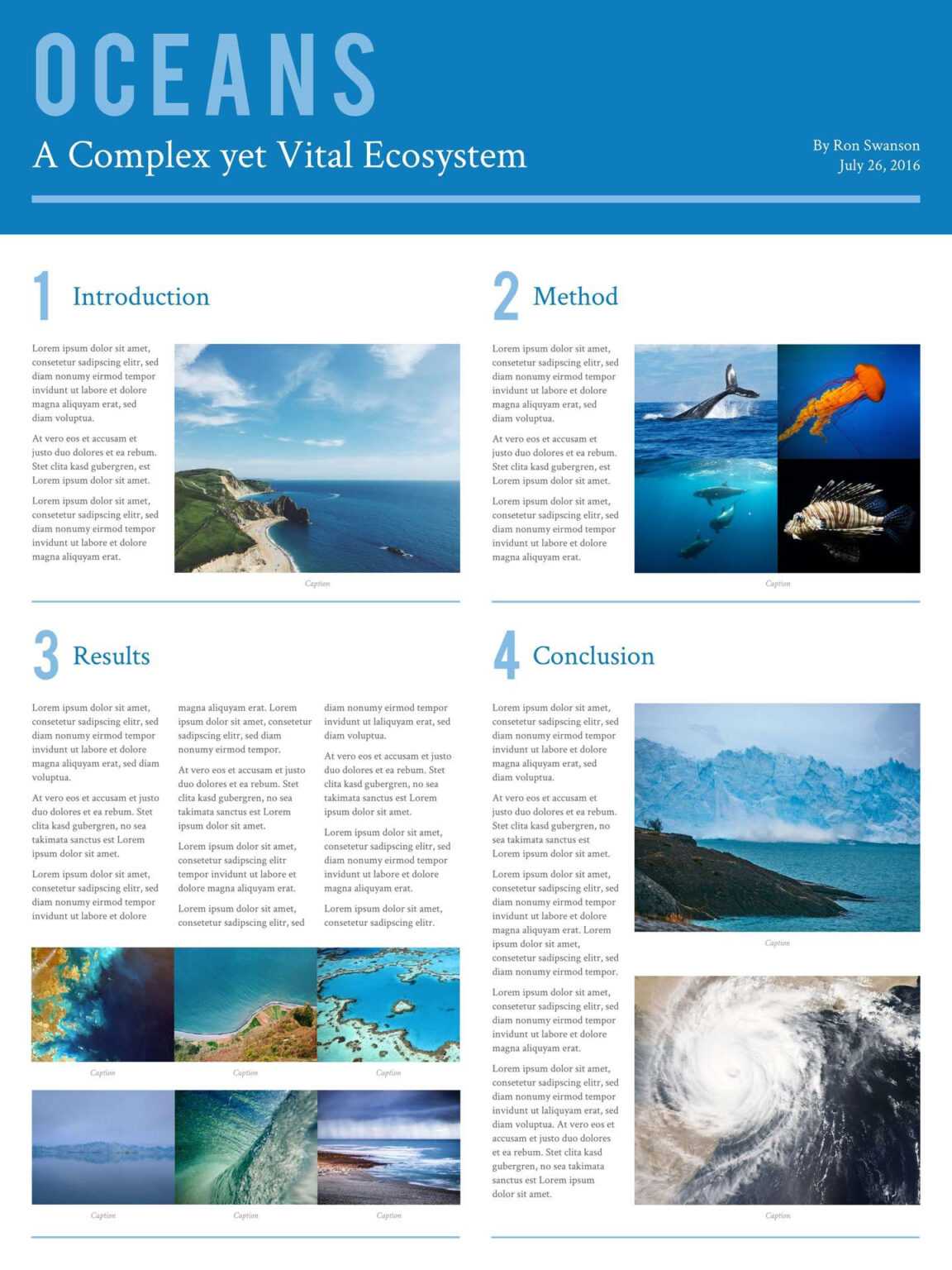
Poster Presentation Template Gurufer
Example Posters And Template Poster Presentations For
Example Posters And Template Poster Presentations For Web Apr 17 2023 nbsp 0183 32 In PowerPoint Open a New Blank Presentation Select Design from the top level menu and choose Slide Size Custom Slide Size On Macs you will choose Page Setup In the top Slides sized for toggle box select Custom then enter the dimensions for your poster the largest width height that PowerPoint accommodates is 56 inches
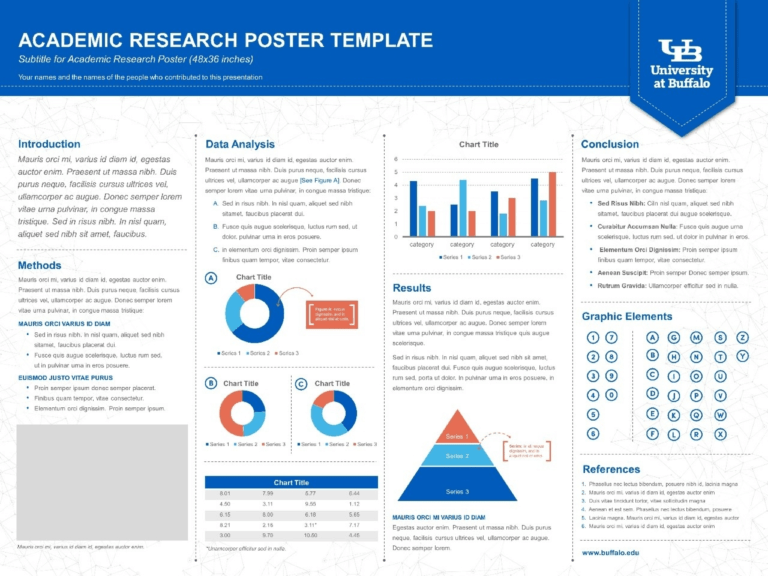
Ppt Poster Presentation Colona rsd7 With Regard To Powerpoint
Web SETTING UP YOUR POSTER FILE Create a PowerPoint Presentation Poster by creating a custom size in Page Setup Open Microsoft PowerPoint Choose File gt gt View Select New Blank Presentation Go to File gt gt New Blank Presentation Select Design In the Slide size for option choose Custom Slide Size Powerpoint Poster Guide UW Poster. Web A poster created in PowerPoint usually consists of a single slide 2 Launch Microsoft PowerPoint PowerPoint will automatically open a blank presentation 3 To resize the slide In Windows select Page Setup from the Design tab In Mac OS select Page Setup from the File tab In the dialog box that pops up Web Slide Design Your poster should read from top left to bottom right like you are reading a page It is important to maintain a good contrast between the background color and the text Consider using a light color background and a dark text
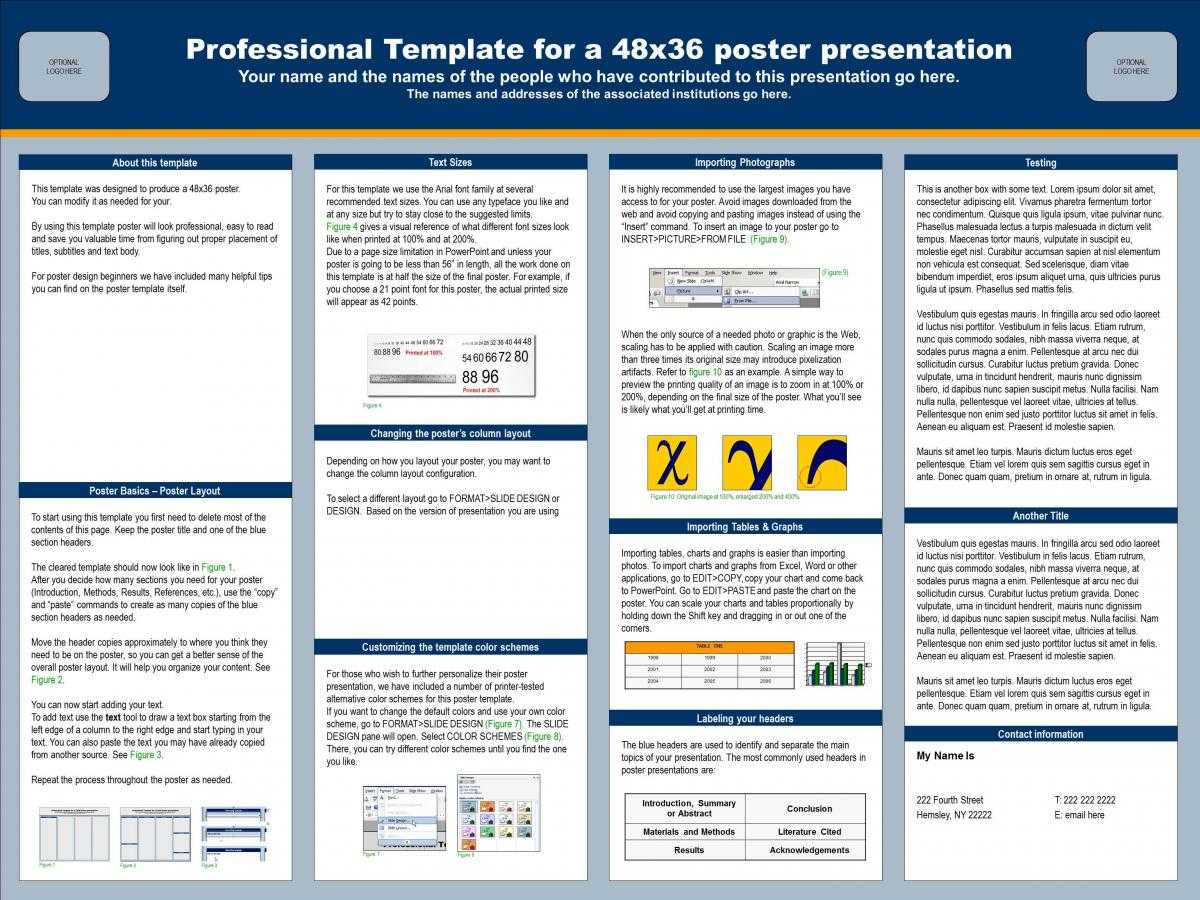
Another Poster Presentation Ppt Template Page Setup you can download
You can find and download another posts related to Poster Presentation Ppt Template Page Setup by clicking link below
- Research Poster Presentation Design Quick Tips This Regarding
- Presentation Poster Templates Free PowerPoint Templates
- Poster Presentation Template Free Download Ppt Resume Examples
- Free Powerpoint Scientific Research Poster Templates For
- Poster For Research Methods PPT
Thankyou for visiting and read this post about Poster Presentation Ppt Template Page Setup