Powerpoint How Can I Automatically Play Two Video Side By Side
Aug 2 2011 nbsp 0183 32 Powerpoint How can I automatically play two video side by side I want to embed a two videos into a slide and play both of them automatically while presenting The purpose is to
Powerpoint quot The Picture Can t Be Displayed quot Microsoft Community, Apr 17 2020 nbsp 0183 32 Powerpoint quot The picture can t be displayed quot When I opened my PowerPoint presentation this morning to do a final edit before uploading for assessment all the pages are
Powerpoint Opens Off screen Microsoft Community
Aug 19 2010 nbsp 0183 32 My laptop screen resolution is set to its recommended 1440x900 When I run powerpoint it appears to open off the screen the Powerpoint icon appears on the taskbar
Play YouTube Videos WITHOUT ADS In PowerPoint, Aug 22 2024 nbsp 0183 32 I frequently use video in training classes and imbed them in my PowerPoint slideshows Until recently ads never played when we came to a slide that included a YouTube

Can I Find Who Edited A Powerpoint And When Microsoft
Can I Find Who Edited A Powerpoint And When Microsoft , Mar 6 2019 nbsp 0183 32 Currently in uni and doing some group work for a presentation one of the girls is not pulling her weight and the lecturer has asked for proof is there a way of viewing who edited the

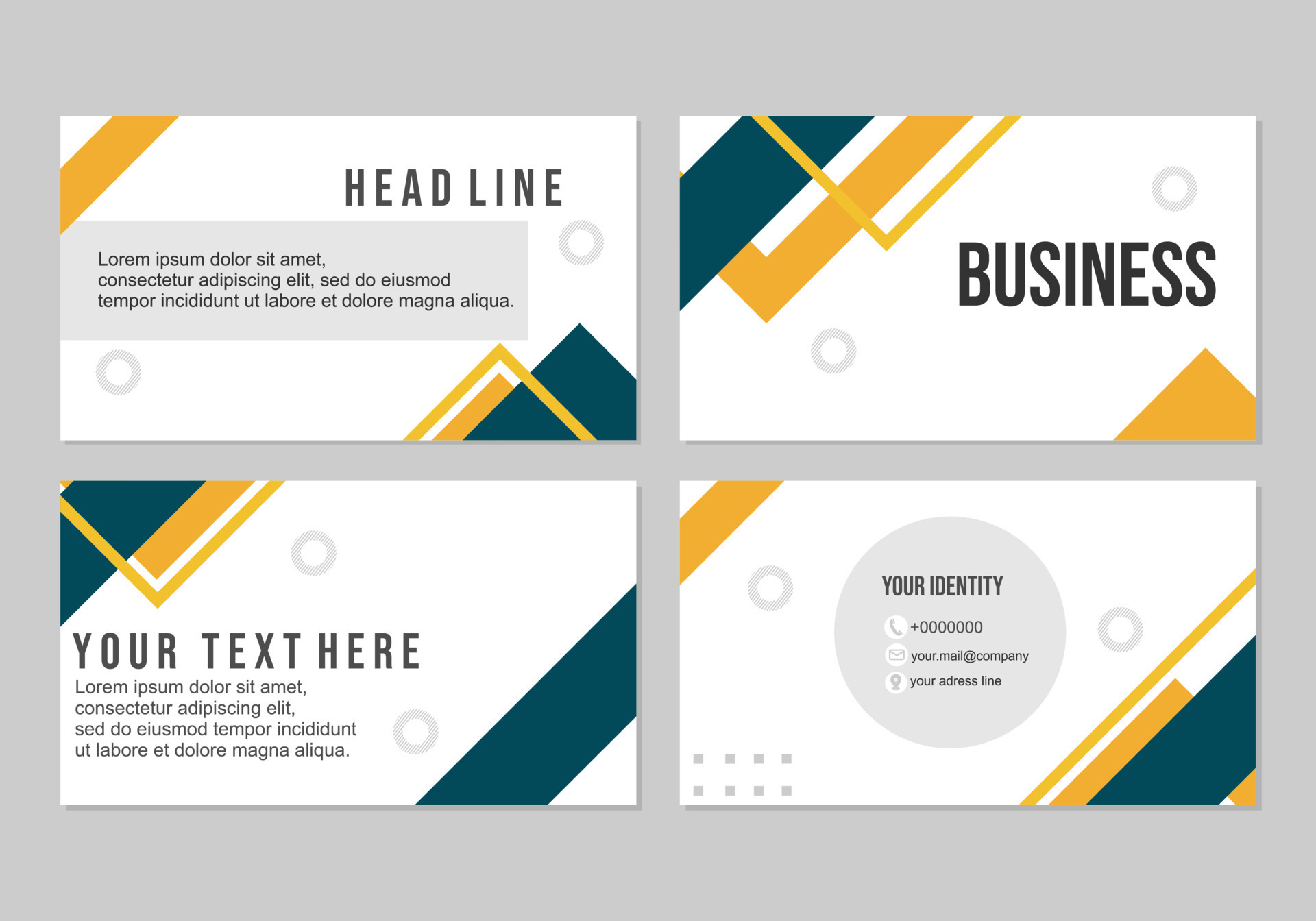
Internship PowerPoint Presentation Template Graphue
How Do I Get My Slides To Transition Automatically If I Don t Have
How Do I Get My Slides To Transition Automatically If I Don t Have Oct 25 2024 nbsp 0183 32 I have created a PowerPoint slide show I would like it to advance automatically I went to transitions and clicked on what I would like and hit quot apply all quot I do not have an

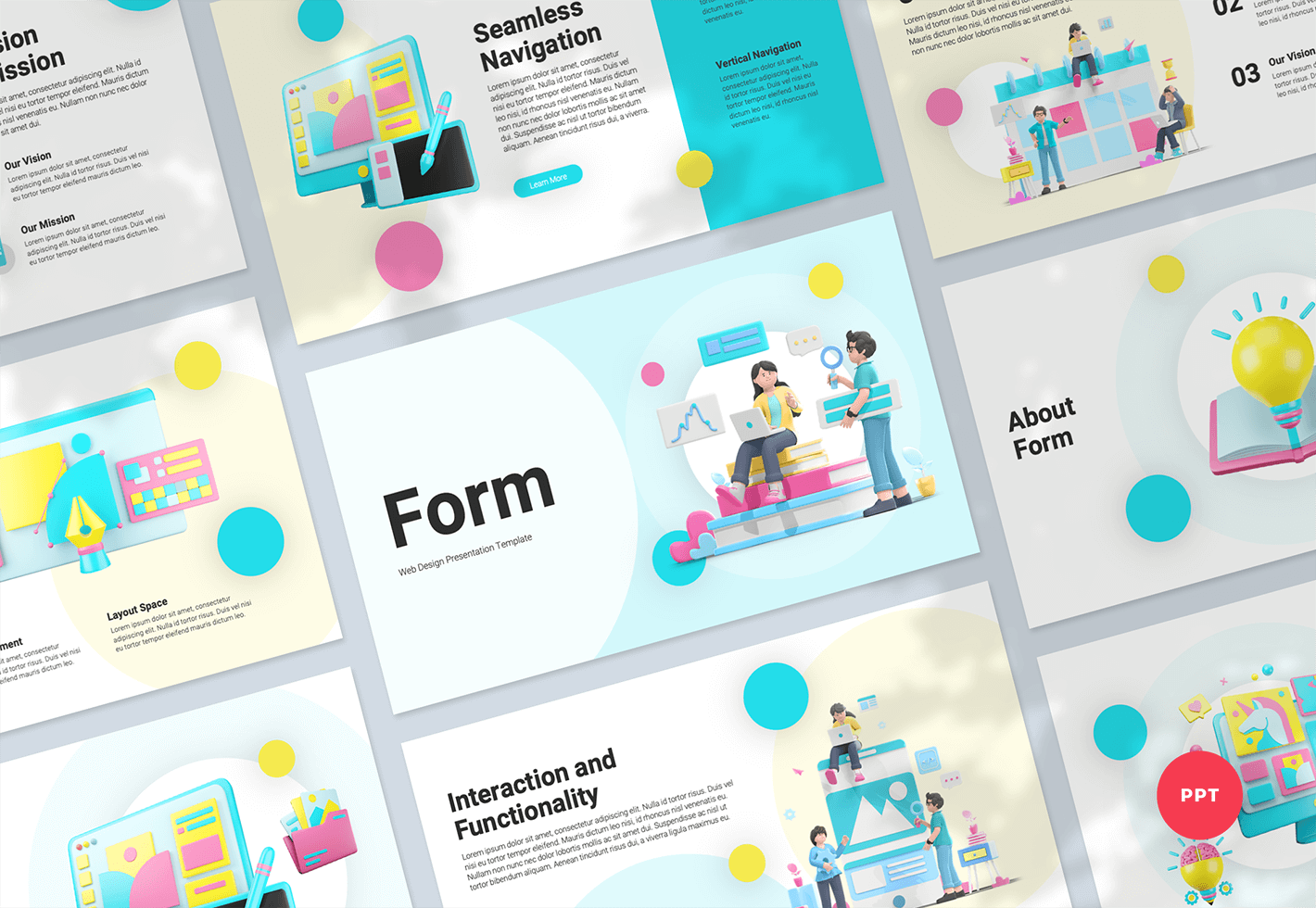
Web Design PowerPoint Presentation Template Graphue
Dec 2 2024 nbsp 0183 32 Meanwhile Personally I also totally understand about the inconvenience of retiring the Web viewer add in in PowerPoint as other users have the same feedback as well Due to New Version Of The Web Viewer Add in Microsoft Community. Mar 28 2025 nbsp 0183 32 I understand you d like PowerPoint to automatically design your slides using PowerPoint Designer This feature helps generate design suggestions based on your content Aug 1 2024 nbsp 0183 32 We have a corporate template and the same need to be kept as default template for all PowerPoint users across the organizations How can we perform the default template
Another Powerpoint Presentation Templates Motion you can download
You can find and download another posts related to Powerpoint Presentation Templates Motion by clicking link below
- OTT Free Powerpoint Templates And Google Slides Themes
- An Abstract Pink And Beige Background With Wavy Shapes
- 31 Free Modern Powerpoint Templates For Your Presentation 48 OFF
- Career Planner Free Powerpoint Template Google Slide Themes
- Wellness Programs PowerPoint Presentation Slides PPT Template
Thankyou for visiting and read this post about Powerpoint Presentation Templates Motion