How To Create A Gantt Chart In Microsoft PowerPoint How To Geek
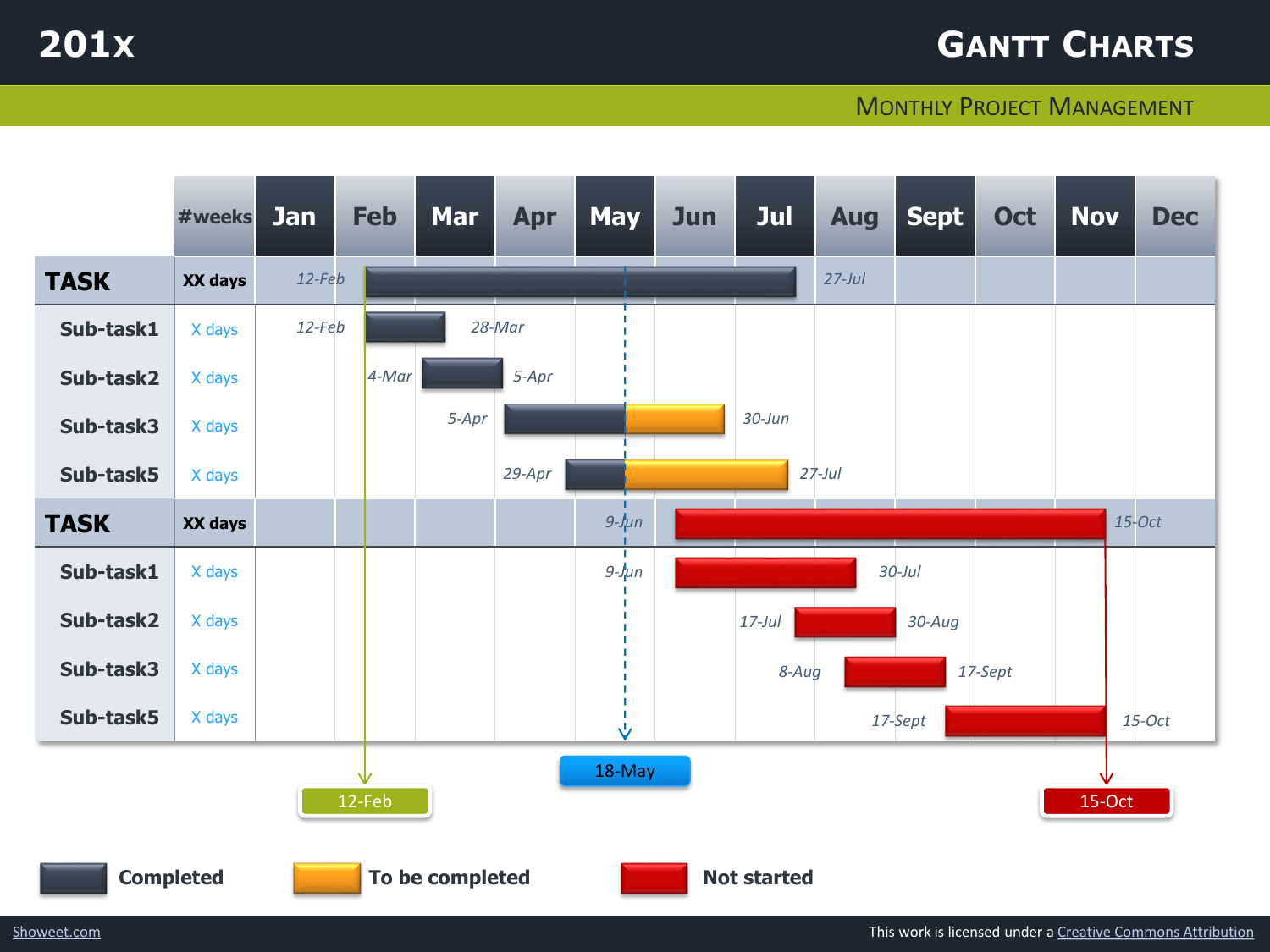
Web Dec 30 2020 nbsp 0183 32 Read More A Gantt chart is a bar chart that shows the schedule of a project Thankfully Microsoft PowerPoint provides several Gantt chart templates for you to choose from Here s how to select a template and customize your Gantt chart
Gantt Chart For PowerPoint Free Templates Office Timeline, Web Use the Office Timeline PowerPoint add in to quickly customize any of the Gantt chart templates above or create your own Easily change the texts colors and shapes of your Gantt chart and update dates instantly by drag amp drop all within PowerPoint
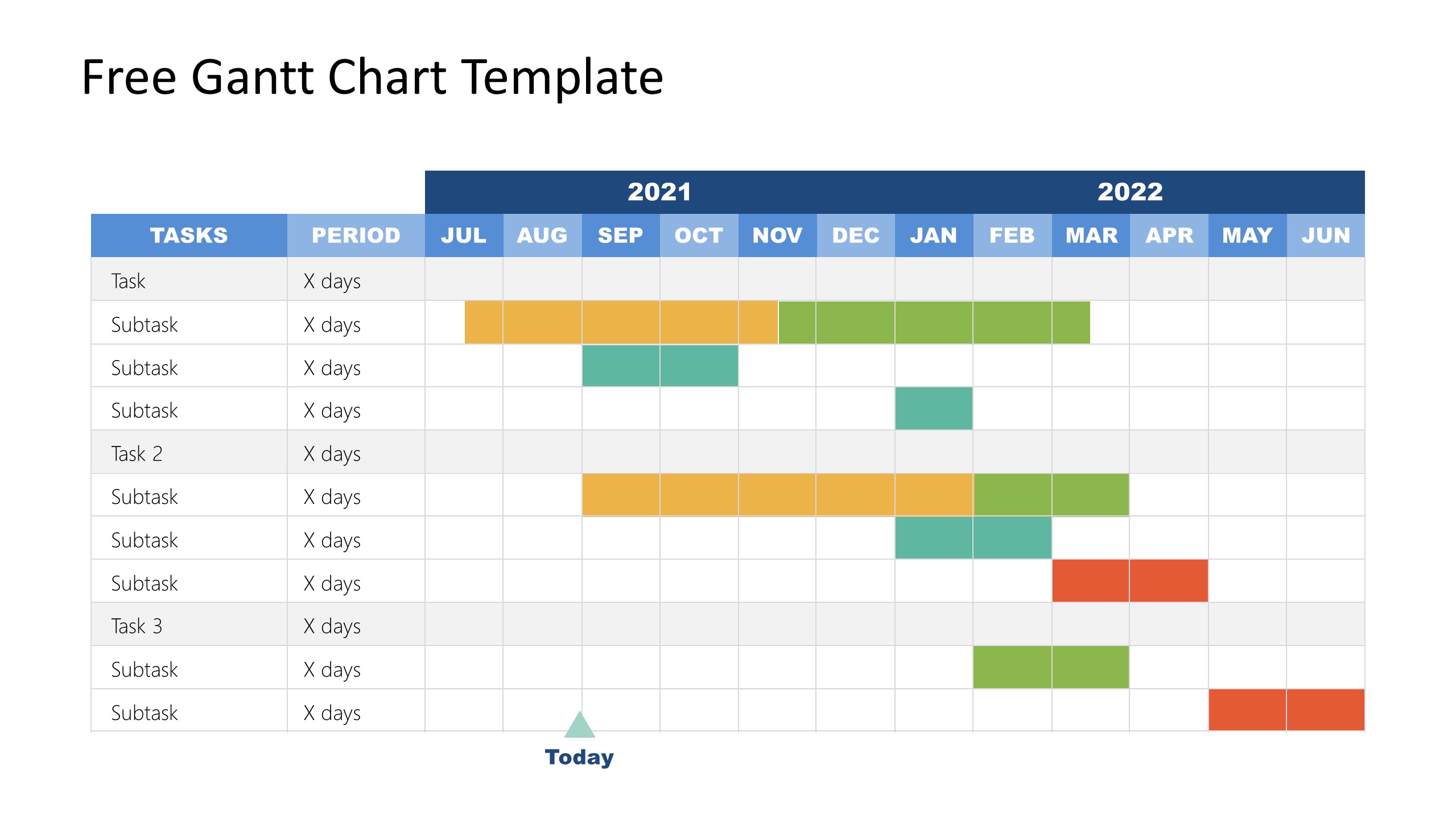
Free PowerPoint Gantt Chart Templates Smartsheet
Web Sep 8 2020 nbsp 0183 32 Choose from a selection of the top PowerPoint Gantt chart templates all of which are professionally designed fully customizable and free to download Included on this page you ll find a project management Gantt chart template an hourly Gantt chart timeline a quarterly Gantt chart template and more
Best 5 Free Gantt Chart Templates For PowerPoint, Web Jun 11 2021 nbsp 0183 32 PowerPoint Gantt Chart Template A simple yet powerful template every project manager should have in their management tool kit This PowerPoint Gantt chart template offers you full customization of colors fonts shapes and designs so that you can make it the perfect match for your projects EXPLORE AND DOWNLOAD TEMPLATE 2
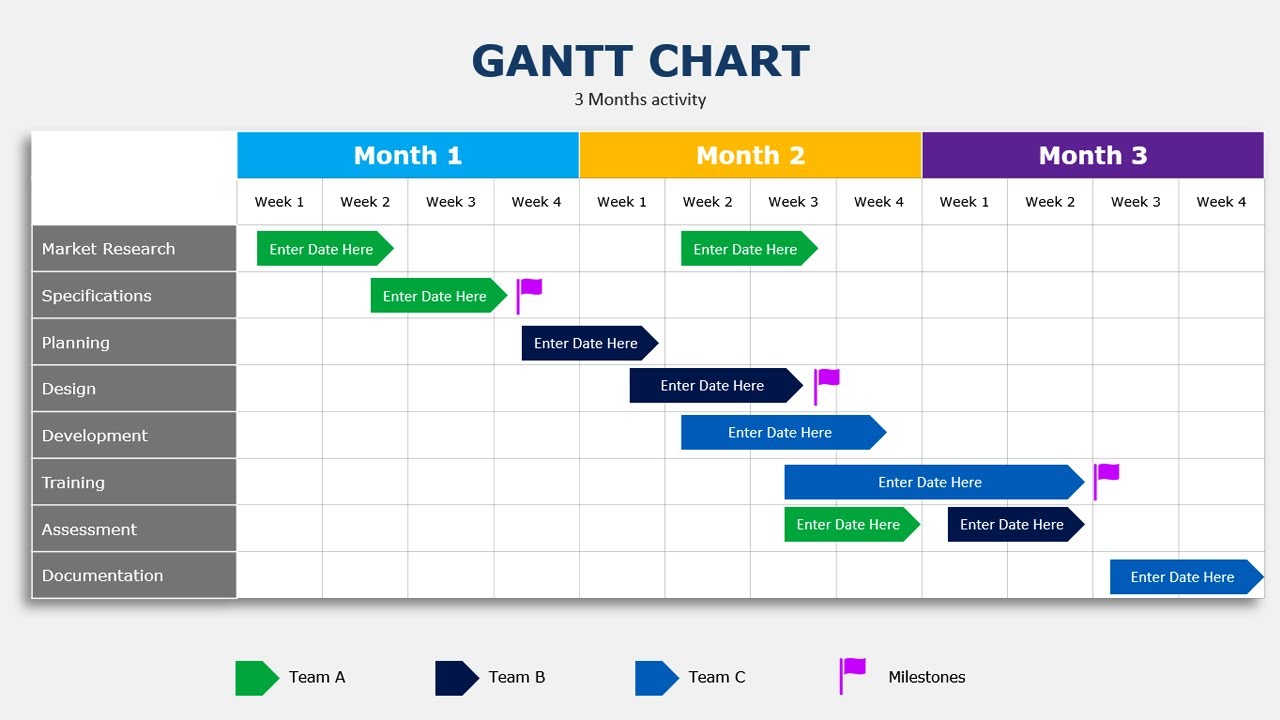
Gantt Chart PPT Templates amp Slides For PowerPoint amp Google
Gantt Chart PPT Templates amp Slides For PowerPoint amp Google , Web Download pre designed Gantt Chart templates for Microsoft PowerPoint You can use Gantt Chart PPT templates to prepare presentations on project planning and project management Get ready made Gantt chart PowerPoint templates that are easy to edit in Microsoft PowerPoint
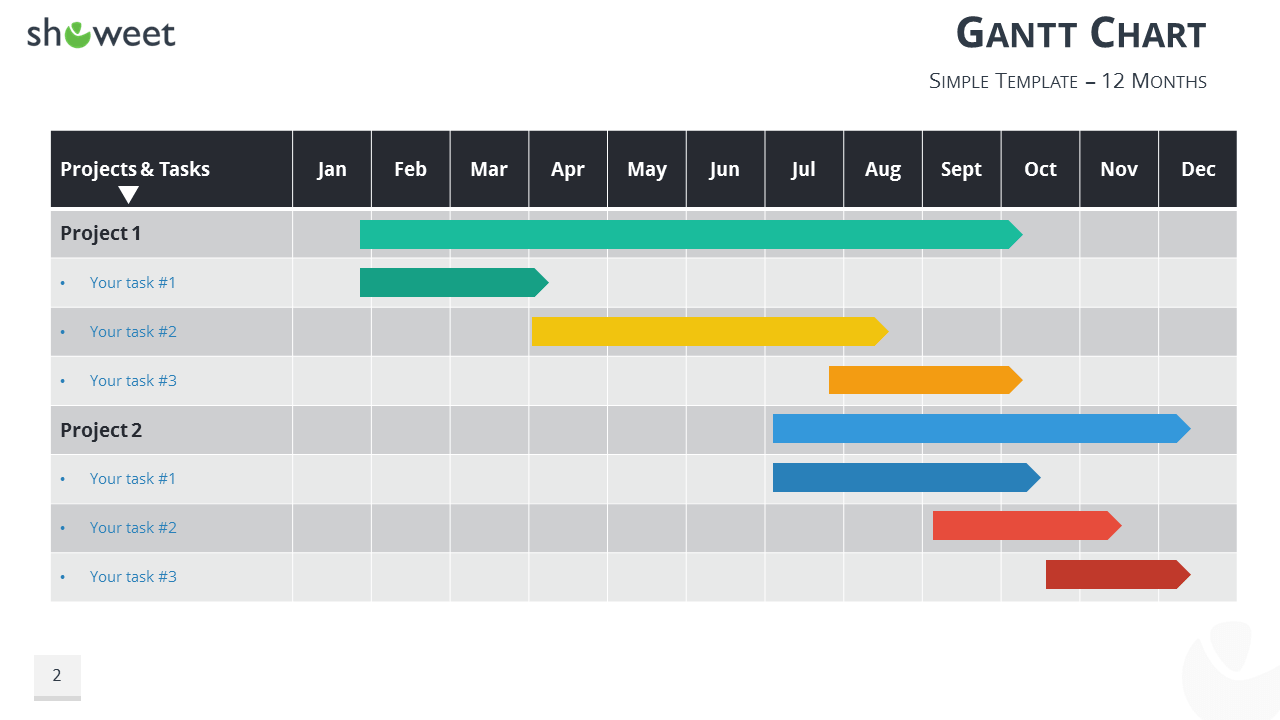
Gantt Chart Template Powerpoint
Free Gantt Chart Templates For PowerPoint And Google Slides
Free Gantt Chart Templates For PowerPoint And Google Slides Web Explore our Gantt Chart templates for PowerPoint and Google Slides designed to help you effectively visualize project timelines tasks and progress Our professional and templates enable you to create a professional and organized presentation that clearly communicates your project s status
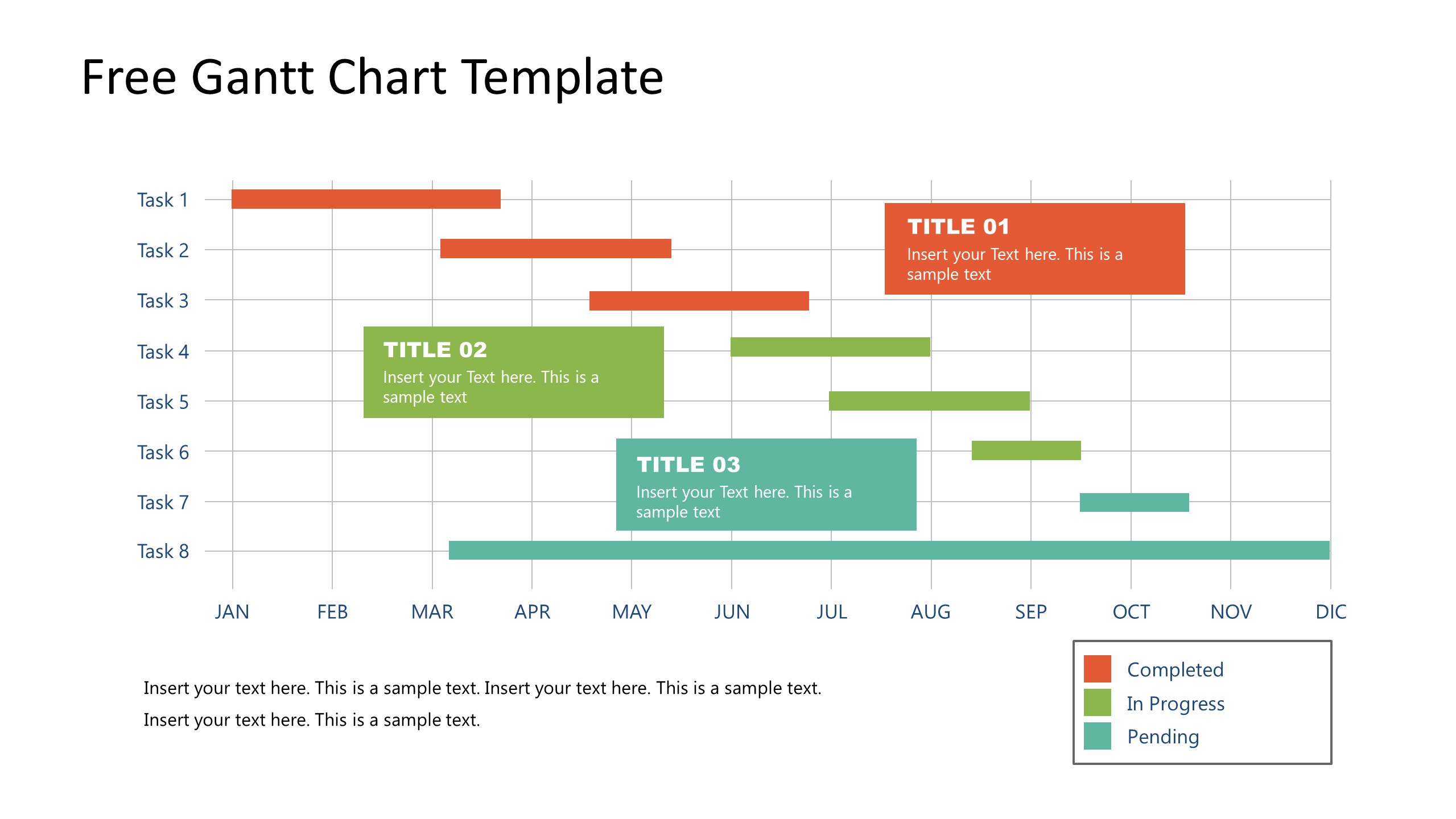
Gantt Chart Template Powerpoint
Web Jan 14 2021 nbsp 0183 32 Get free Smartsheet templates By Diana Ramos January 14 2021 Learn how to set up a Gantt chart using Microsoft PowerPoint We also provide detailed steps for making a chart from scratch using a template or using data from an Excel spreadsheet Plus learn how to customize the chart How To Create A Gantt Chart In PowerPoint Smartsheet. Web Feb 2 2023 nbsp 0183 32 Making a Gantt chart in Excel with templates Creating a Gantt chart is a lot easier with a template and there are plenty of free Gantt chart templates out there When you use a template like this one you can change each cell in the Activity column to label each task In the next two columns input the project s start date and end date Web Click File gt Options gt Customize Ribbon In the right column click the tab you want to add the Gantt Chart Wizard to for example View and then click New Group To give your new group a name for example Wizards click New Group Custom click Rename type your new name and then click OK
Another Ppt Gantt Chart Template you can download
You can find and download another posts related to Ppt Gantt Chart Template by clicking link below
- Gantt Chart Project Timeline Ppt Slide Deck Single Rezfoods Resep
- PowerPoint Gantt Chart Slide Design SlideModel
- Gantt Chart Template Powerpoint
- Gantt Chart Template Powerpoint
- Gantt Project Planner Tyredlazy
Thankyou for visiting and read this post about Ppt Gantt Chart Template