Free Timeline Templates
Web These timeline chart templates were designed to be powerful customizable and easy to present in important meetings You can edit each template manually or automatically with the free timeline maker from Office Timeline
250 Editable Timeline Templates For PowerPoint And Google , Web Our timeline templates are 100 editable compatible with PowerPoint and Google Slides and adaptable to every presentation style Using our timeline PPT templates you will create customized presentations in no time and without effort

Free Timeline Templates For PowerPoint And Google Slides
Web Discover our diverse collection of 45 Timeline templates for PowerPoint and Google Slides expertly crafted to help you create visually stunning presentations that effectively showcase your project milestones history or plans
Customizable Project Timeline And Roadmap Templates, Web Don t waste any time start your next project plan or production roadmap with a timeline template Timelines are a great way to visually organize your thoughts plotting each step that you plan to execute Making planners and trackers into timelines is a snap when working with templates

Create A Timeline In PowerPoint Microsoft Support Support microsoft
Create A Timeline In PowerPoint Microsoft Support Support microsoft, Web Create a timeline On the Insert tab click SmartArt In the Choose a SmartArt Graphic gallery click Process and then double click a timeline layout Tip There are two timeline SmartArt graphics Basic timeline and Circle Accent Timeline but you can also use almost any process related SmartArt graphic Click Text and then type or paste
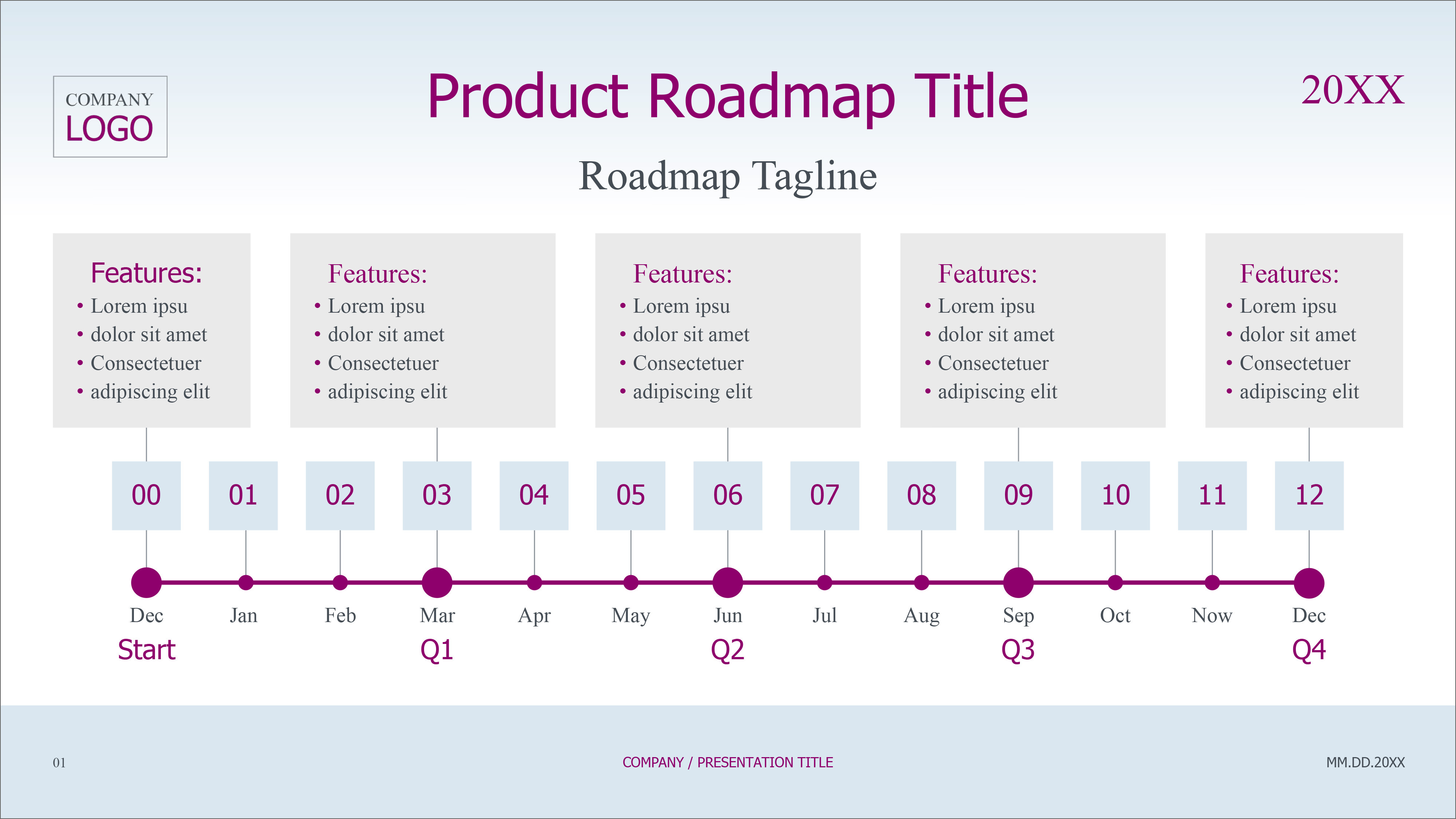
Project Timeline Powerpoint Charts Templates Images And Photos Finder
Yearly Timeline PowerPoint Template 24Slides
Yearly Timeline PowerPoint Template 24Slides Web This PowerPoint template comes with all kinds of yearly timelines to insert in your next presentation You can visualize a business plan in the seven year timeline showcase a key process in the horizontal year timeline or manage a project with the four year Gantt chart About this template How to edit Custom Design Services

Templates Timeline Powerpoint
Web Learn how to create a timeline in PowerPoint for the web Use Microsoft PowerPoint to create a timeline with milestone dates and descriptions Create A Timeline In PowerPoint For The Web Microsoft Support. Web On the Insert tab click SmartArt In the Choose a SmartArt Graphic gallery click Process and then double click a timeline layout Tip There are two timeline SmartArt graphics Basic timeline and Circle Accent Timeline but you can also use almost any process related SmartArt graphic Web You can create a timeline in PowerPoint in two ways Manually by using one of the PowerPoint s in built Smart Art graphics and formatting it as a basic timeline Automatically by installing the free PowerPoint timeline maker add in called Office Timeline choosing one of its timeline templates and customizing it to fit your needs
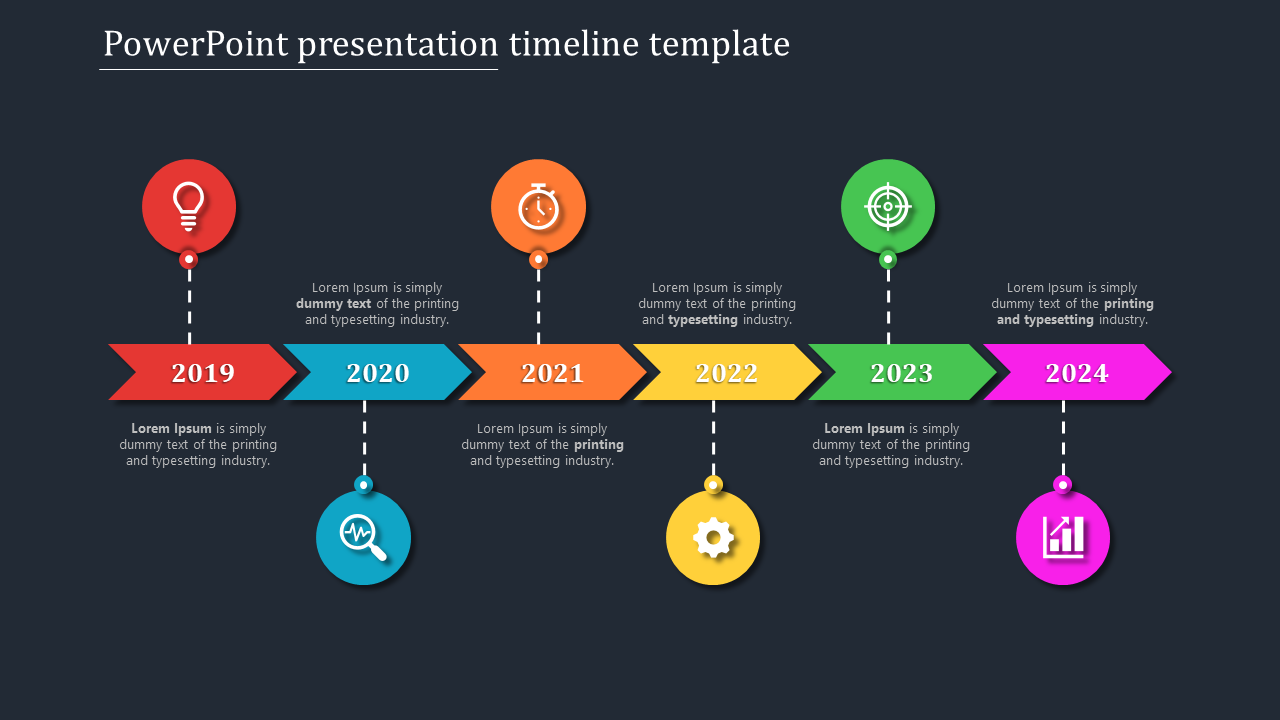
Another Ppt Year Timeline Template you can download
You can find and download another posts related to Ppt Year Timeline Template by clicking link below
- Free Ppt Template Timeline Medicinerewa
- Three Stages Timeline Template For PowerPoint SlideModel
- Timeline In Powerpoint Template
- Flat Timelines PowerPoint Templates
- Powerpoint Timeline Template Rtsmanhattan
Thankyou for visiting and read this post about Ppt Year Timeline Template