How To Use PowerPoint PPT Templates To Design Awesome
Web Nov 25 2019 nbsp 0183 32 Sean Hodge 19 Aug 2022 In this tutorial I share some of my favorite tips for designing a professional presentation Use these tips to build presentations that you feel confident in Let s dive in What Is a Microsoft PowerPoint PPT Template Are you wondering quot what is a template in PowerPoint quot
Use A Personal Template To Create A New PowerPoint Presentation , Web Use a personal template to create a new PowerPoint presentation On the File tab click New Select Personal or Custom The name varies depending on circumstance Tip If you don t see Personal or Custom then Double click your template and a new presentation will open with your template applied
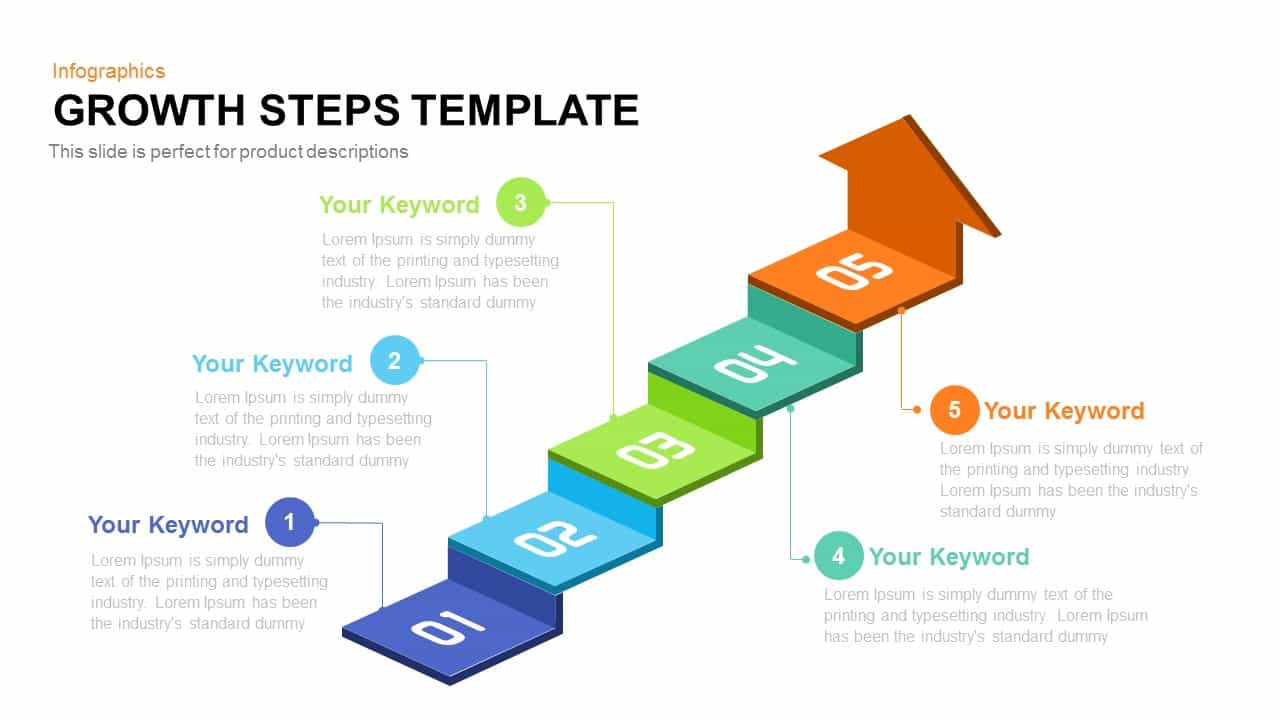
Apply A Template To An Existing Presentation Microsoft Support
Web This process helps to ensure that everything in your presentation especially things you haven t created yet adopts the look and formatting prescribed by the template See Also Create and save a PowerPoint template Download free pre built templates Create your own theme in PowerPoint
Create And Save A PowerPoint Template Support microsoft, Web To use your template for a new presentation click File gt New Then click My templates In the New Presentation dialog box select the template you saved and click OK If you need assistance applying your new template to a presentation see Apply a template to your presentation
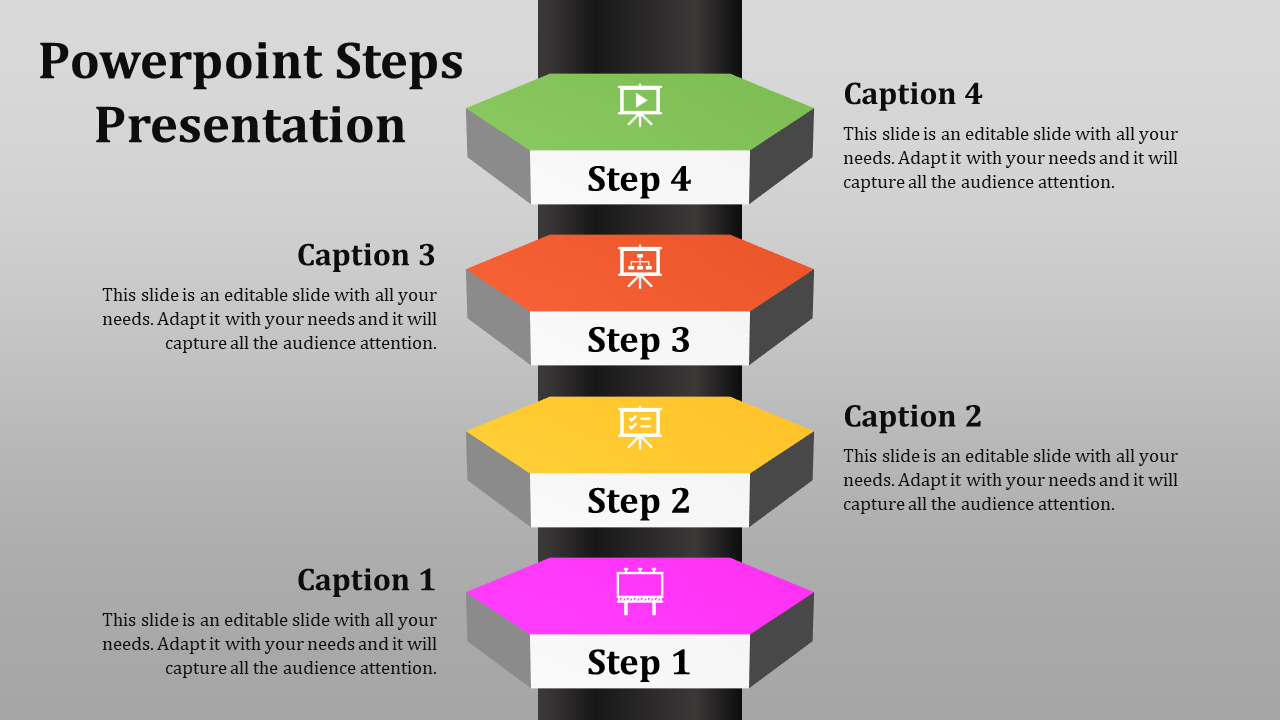
Create A Presentation In PowerPoint Support microsoft
Create A Presentation In PowerPoint Support microsoft, Web Open PowerPoint In the left pane select New Select an option To create a presentation from scratch select Blank Presentation To use a prepared design select one of the templates To see tips for using PowerPoint select Take a Tour and then select Create

5 Step Agenda Slide Concept PowerPoint Template SlideModel
How To Create A PowerPoint Presentation From A PPT Template
How To Create A PowerPoint Presentation From A PPT Template Web Nov 30 2022 nbsp 0183 32 Creating a presentation from scratch can be time consuming and complicated Even when you try your best the presentation design may not turn out how you want This is why using a premium template is beneficial This article covers how to create a PowerPoint presentation from a quality PPT template

Steps Process PowerPoint Template Process Flow Template
Web Sep 28 2021 nbsp 0183 32 Create a presentation based on a template then add your own content Import text files and then format the presentation In this lesson we will look at using a template How To Create A PowerPoint Presentation Using A Template. Web Choose a theme When you open PowerPoint you ll see some built in themes and templates A theme is a slide design that contains matching colors fonts and special effects like shadows reflections and more On the File tab of the Ribbon select New and then choose a theme Web On the Home tab click New Slide To choose a different slide layout click the arrow next to New Slide and then click the slide layout you want On the Transitions tab click the transition you want To see more transitions expand the Transition gallery On the Transitions tab click Apply To All Now you ve set up a presentation with a

Another Steps To Use A Ppt Template you can download
You can find and download another posts related to Steps To Use A Ppt Template by clicking link below
- Step Ppt 3 Step Process Examples Ppt Free Download Just Slide
- Infographics Design Template And Icons With 5 Options Or 5 Steps Stock
- Next Step Slide Template SlideBazaar
- Infographics Design Template And Icons With 5 Options Or 5 Steps Stock
- 7 Steps Powerpoint Template Free Free Templates Printable
Thankyou for visiting and read this post about Steps To Use A Ppt Template