How To Remove Email Account From Amazon Fire Tablet
Nov 22 2023 nbsp 0183 32 Are you looking to remove an email account from your Amazon Fire Tablet Whether you no longer use the email address associated with the account or simply want to
Amazon Fire How To Add And Remove Email Accounts, Jan 27 2025 nbsp 0183 32 How to Remove an Email Account from Amazon Fire While adding email accounts is relatively simple you may want to remove a specific account for privacy security or
How Do I Delete An Email Account From The Kindle Fire JustAnswer
To delete an email account on your Kindle Fire open the Email app tap the menu icon then select Settings Choose the account you want to remove and tap Delete Account or Remove
How To Delete Multiple Emails On Amazon Fire La De Du, Apr 11 2025 nbsp 0183 32 How to delete an email account from Kindle Fire Email To delete more than one email at once in Amazon Kindle Fire Email Open the Email app on Kindle Fire Now go to the

How To Remove Google Account Email On Amazon Fire HD 10 YouTube
How To Remove Google Account Email On Amazon Fire HD 10 YouTube, Do you want to know how to remove the google account email on amazon fire hd 10 tablet Go to the email app and go to the three lines select settings go to

What Is A Formative Assessment Anyway Formative And Summative
AMAZON FIRE TABLET USER MANUAL Pdf Download ManualsLib
AMAZON FIRE TABLET USER MANUAL Pdf Download ManualsLib To delete an email account on an Amazon Fire tablet using the mail app 1 Tap the hamburger menu in the mail app 2 Select the account you want to remove 3 Go to Settings 4 Scroll
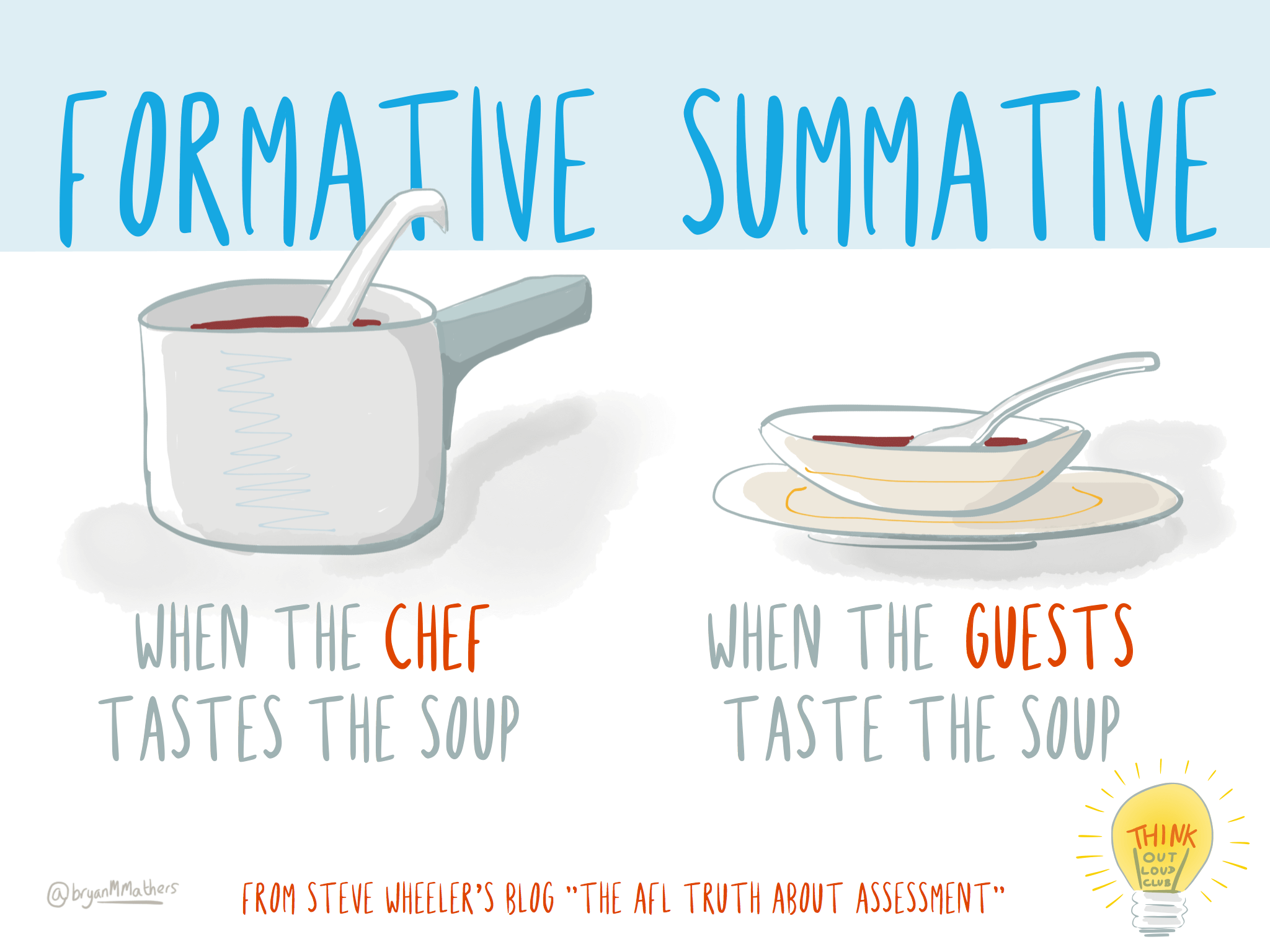
Assessment Vector Art Icons And Graphics For Free Download
Mar 29 2021 nbsp 0183 32 Open the Email app Tap Menu Then select Settings Tap the email account you wish to remove Scroll all the way to the bottom and select the option to Delete Account from How Do You Remove A Gmail Account From The Kindle Fire. Feb 23 2022 nbsp 0183 32 Open the Email application Tap the e mail account you would like to eliminate Look over the full thanks to the bottom and choose the selection to Erase Account from Oct 29 2024 nbsp 0183 32 Going to the Default Email App the one that came preinstalled on your tablet when you tap the 3 lines at the top left then Settings then where it shows your email account

Another Summative Evaluation Clipart you can download
You can find and download another posts related to Summative Evaluation Clipart by clicking link below
- Download High Quality Checklist Clipart Evaluation Transparent PNG
- Summative
- Summative Assessment Learning In A Flat World
- Evaluation Flat Design Clipart Full Size Clipart 786233 PinClipart
- Evaluation Clipart Evaluation Transparent FREE For Download On
Thankyou for visiting and read this post about Summative Evaluation Clipart