How To Make A Swimlane Diagram In PowerPoint Office Timeline
Web 1 Choose a swimlane template and customize it with your data Go to the Office Timeline Pro tab on the PowerPoint ribbon and click on New This will open a template gallery Scroll to the Swimlane Templates section to choose a style for your swimlane diagram
How To Create A Swimlane Diagram In PowerPoint Lucidchart, Web 1 Add swimlane containers On a blank PowerPoint slide navigate to the insert tab and click Shapes Add one large rectangle for the body of your swimlane Then add another box to the top of the first box to act as the title section of your swimlane
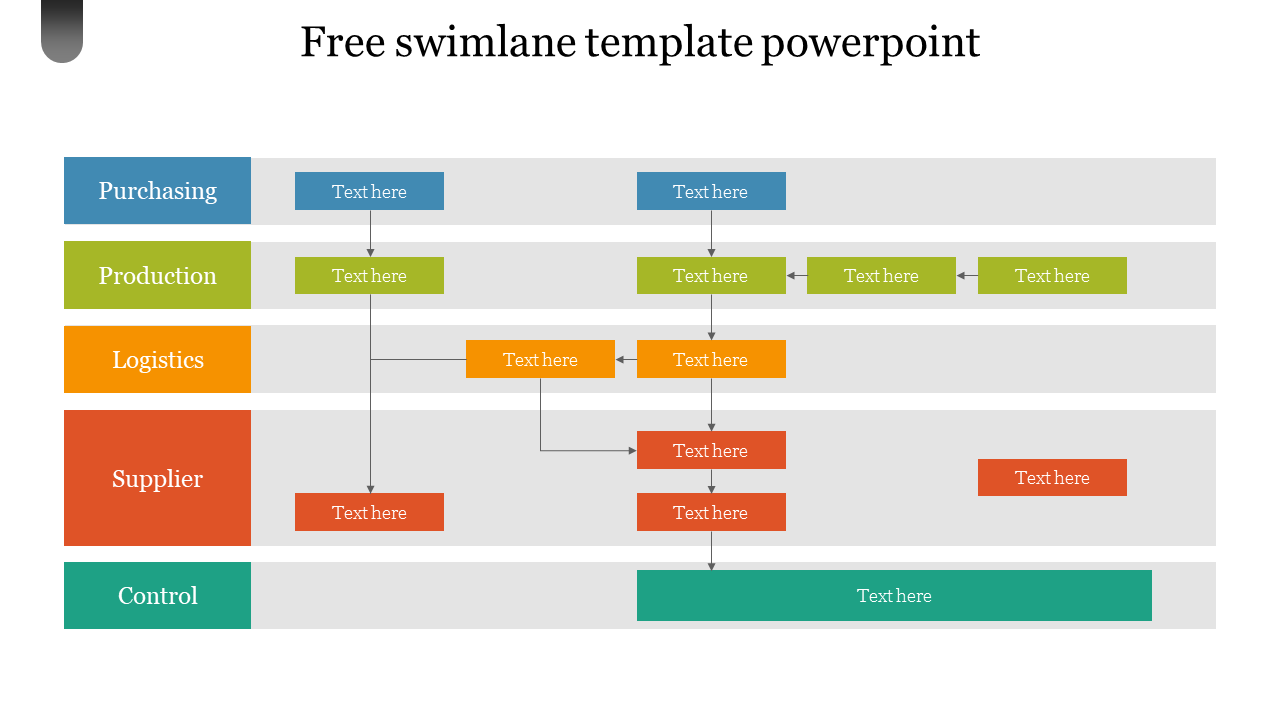
How To Create A Swimlane Diagram In PowerPoint Envato Tuts
Web Feb 14 2023 nbsp 0183 32 How to Create a Swimlane Diagram in PowerPoint Let s learn how to create a swimlane diagram in PowerPoint As mentioned your best bet is to start with a premium template from Envato Elements With thousands of designs to choose from the perfect option for you is right around the corner
How To Insert Swimlane In PowerPoint SlideModel, Web Dec 9 2022 nbsp 0183 32 How to Create a Swimlane Diagram in PowerPoint Swimlanes can be arranged both vertically and horizontally Below are a few simple steps that you can use to create a swimlane PowerPoint diagram Step 1 Create a Table to Distinguish Categories Insert a table via Insert gt Table
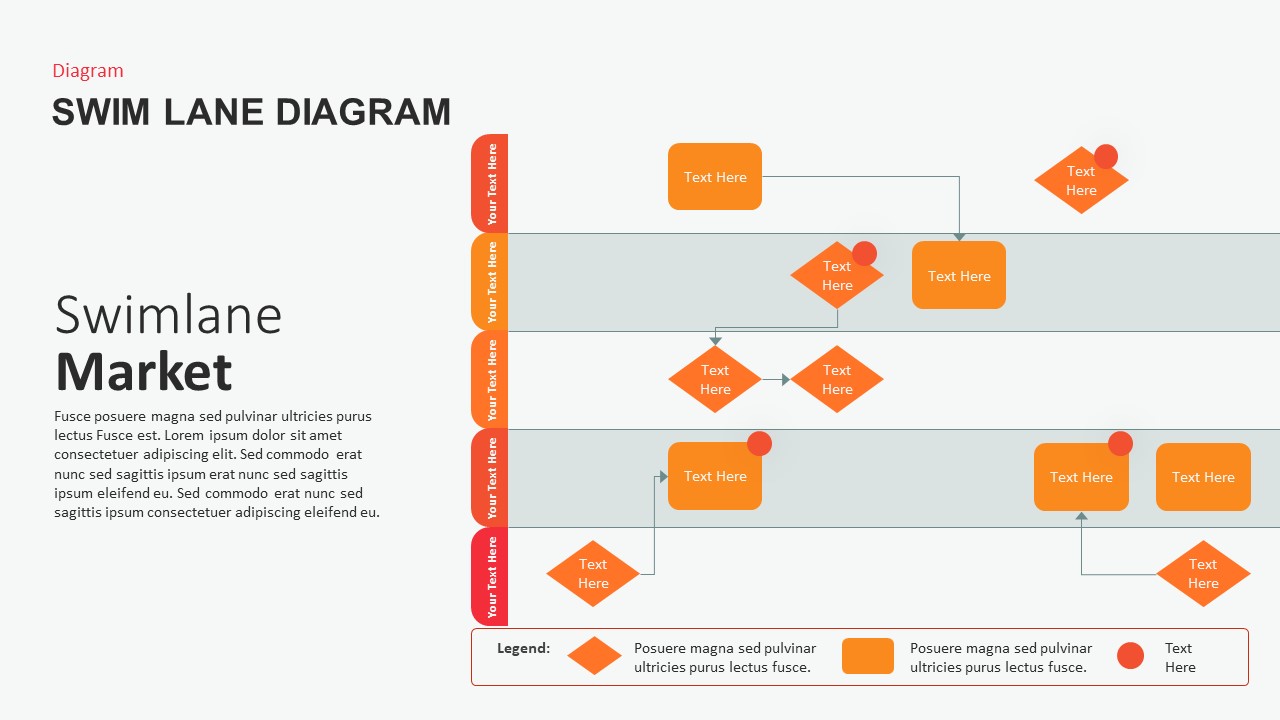
Swimlane Diagram Templates For PowerPoint SlideUpLift
Swimlane Diagram Templates For PowerPoint SlideUpLift, Web Swim lane diagram templates bring an extra layer of order to your project roadmaps by grouping certain milestones tasks or processes into swimlanes according to their category it can be departments employees steps or procedures
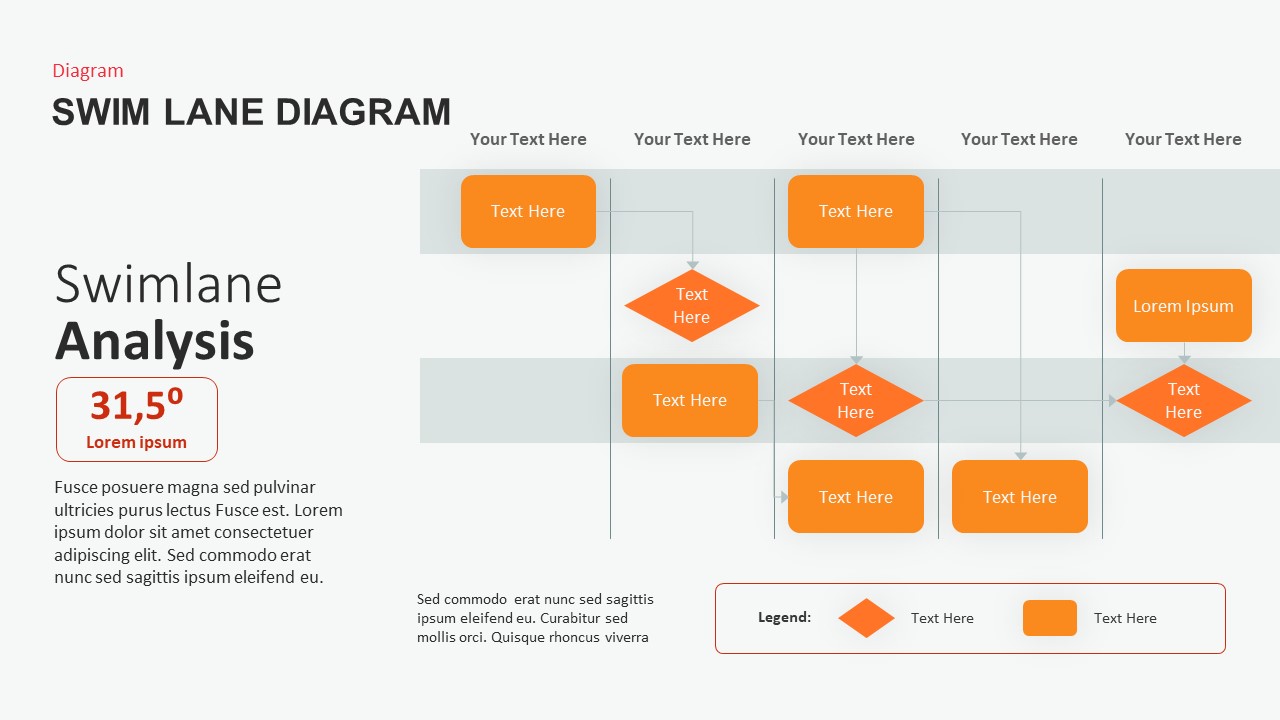
Swimlane Diagram PowerPoint Template Slidebazaar
10 Swimlane Diagram Templates And How To Create Them
10 Swimlane Diagram Templates And How To Create Them Web Feb 25 2022 nbsp 0183 32 Is there a swimlane template in PowerPoint Powerpoint currently doesn t offer swimlane diagram templates As part of the Microsoft Office suite the only way you can create a swimlane diagram in Powerpoint is
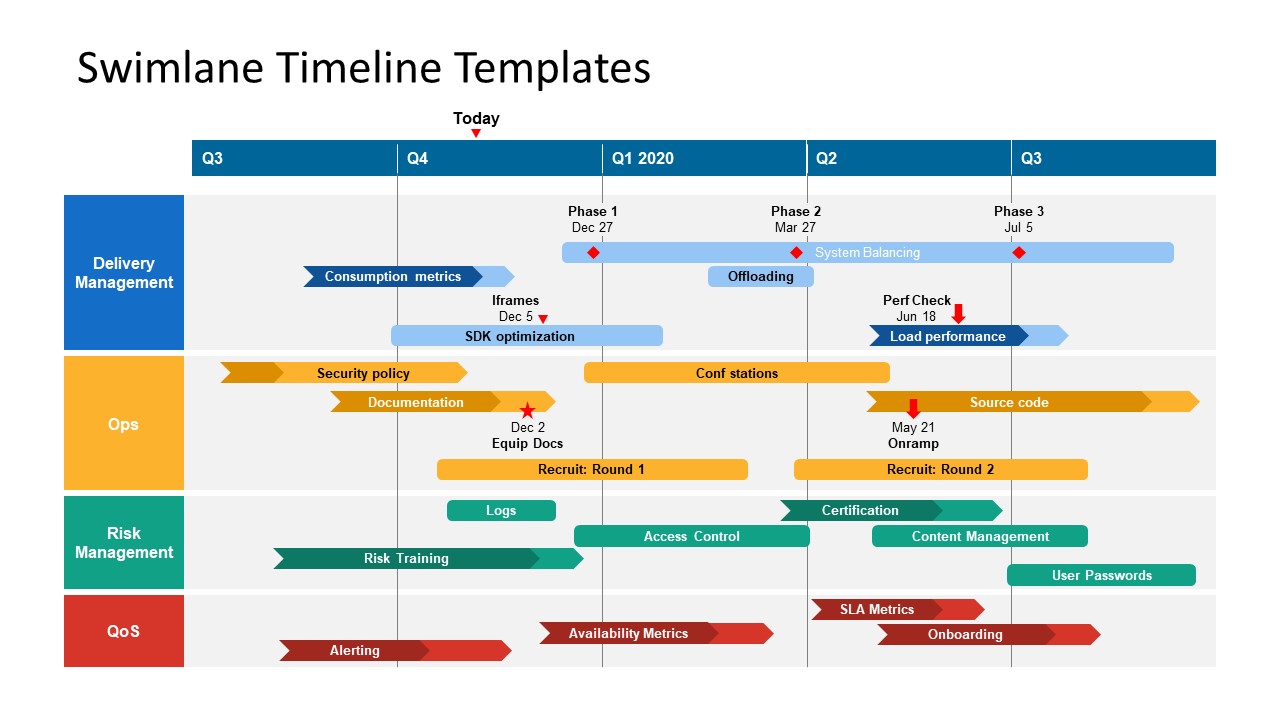
Swimlane Powerpoint Template Free Printable Templates
Web We ve created this swimlane PowerPoint template that you can use to showcase your project roadmap to clients and stakeholders using the Office Timeline Pro Add in the only version of the software that integrates unlimited swimlanes Editing can be done manually via PowerPoint or automatically using our plug in Swimlane Diagram Free Template Office Timeline. Web The Free Swimlane Diagram Template for PowerPoint carries two swim lane diagram designs horizontal amp vertical layouts Both designs are provided in white amp dark background colors Presenters can choose between them to use in their presentations The template diagram on the first slide shows four horizontal lanes drawn with thin boundary lines Web Swim Lanes come with visual elements to communicate the information flow during a process in the most efficient way Whether it is in a horizontal or vertical format you will find incredible swimlane diagrams in each slide including legends for

Another Swimlane Ppt Template you can download
You can find and download another posts related to Swimlane Ppt Template by clicking link below
- Swimlane Timeline In 2021 Timeline Ppt Timeline Diagram Timeline
- Weekly Swimlane PowerPoint Template PPT Slides SketchBubble
- Business Planning Swimlane Diagram Template For PowerPoint
- How To Make Swimlane Diagrams In Visio Free Swimlane Diagram Template
- Powerpoint Swimlane Template Microsoft
Thankyou for visiting and read this post about Swimlane Ppt Template