Customizable Project Timeline And Roadmap Templates
Web Show your plan at a glance with timeline templates Don t waste any time start your next project plan or production roadmap with a timeline template Timelines are a great way to visually organize your thoughts plotting each step that you plan to execute
Free Timeline Templates, Web Instantly customize the templates below or easily make your own timeline right inside PowerPoint Timelines are the most effective way to visualize business roadmaps project plans event schedules or workflows and to ensure important deadlines are hit

Create A Timeline In PowerPoint Microsoft Support
Web 365 2021 Office 2013 Office 2019 Web Create a timeline On the Insert tab click SmartArt In the Choose a SmartArt Graphic gallery click Process and then double click a timeline layout Tip There are two timeline SmartArt graphics Basic timeline and Circle Accent Timeline but you can also use almost any process related SmartArt graphic
Free Timelines For Google Slides And PowerPoint, Web Timeline Infographics Free Google Slides theme and PowerPoint template Timeline infographics are simply great if you need to create a list of events steps or processes in chronological order or if you want to mark some milestones Never miss a key action a date or a deadline again They are very visual clear to follow and logical

Create A Timeline In PowerPoint For The Web Microsoft Support
Create A Timeline In PowerPoint For The Web Microsoft Support, Web Select the timeline Point at one of the corner sizing handles until you see the two headed arrow and then click and drag to resize the timeline See Also Create a SmartArt graphic Get Microsoft timeline templates Need more

Powerpoint History Timeline Template Free Mahagreat
How To Create A Timeline In Microsoft PowerPoint How To Geek
How To Create A Timeline In Microsoft PowerPoint How To Geek Web Jun 26 2020 nbsp 0183 32 Open your PowerPoint presentation and navigate to the slide in which you would like to add a timeline Once there navigate to the Insert tab and select SmartArt from the Illustrations group The Choose a SmartArt Graphic window will appear Here select Process from the left hand pane
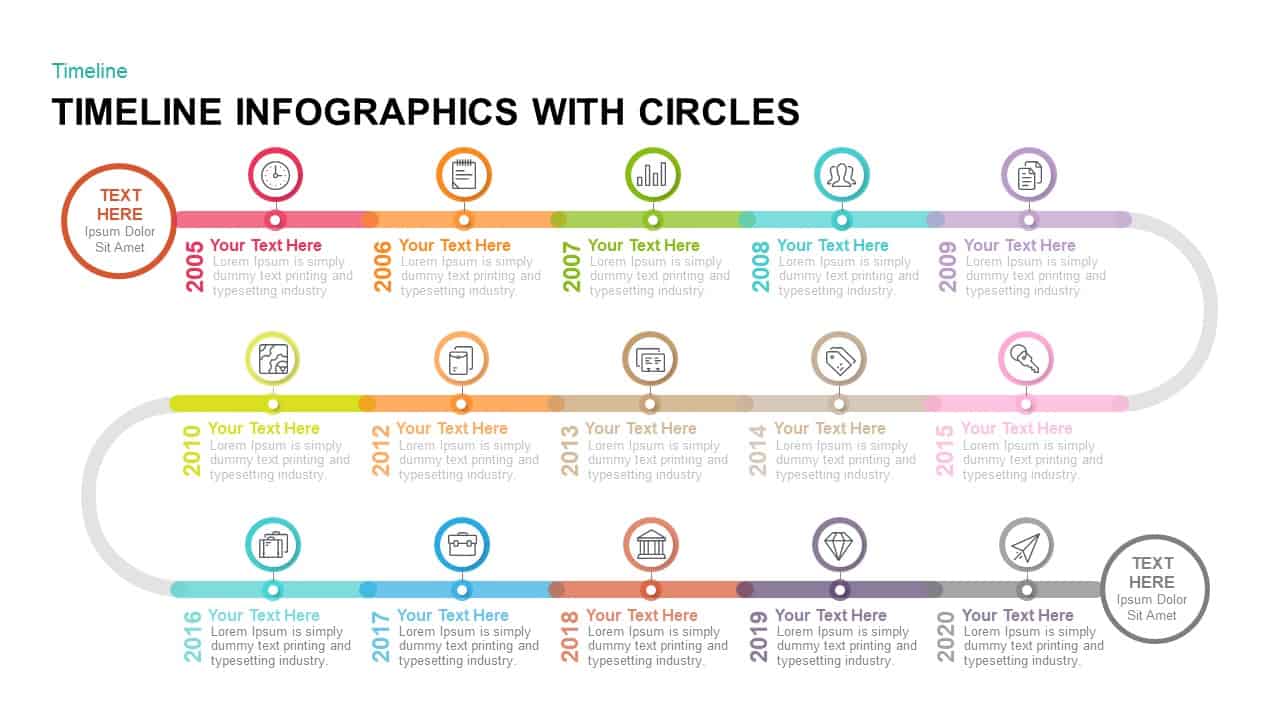
Timeline Powerpoint Gratis
Web To quickly add a designer quality look and polish to your SmartArt graphic you can change the colors or apply a style to your timeline You can also add effects such as glows soft edges or 3 D effects Using Microsoft PowerPoint 2010 you Create A Timeline Microsoft Support. Web Aug 18 2020 nbsp 0183 32 Here you ll find 8 unique timeline templates with a playful and colorful design It includes a circular timeline for cyclic processes a Gantt chart a stair timeline and much more Its custom made illustrations and icons will help you give your presentations a professional look without being boring Web Use the Office Timeline PowerPoint add in to quickly update any of these timeline templates or create your own project visuals Easily change the texts dates colors shapes and styles of your timeline right from inside PowerPoint Download Free Timeline Maker Or try our online timeline maker

Another Timeline Template For Power Point you can download
You can find and download another posts related to Timeline Template For Power Point by clicking link below
- Free Timeline Template Powerpoint
- Exemplary Chronogram Template Timeline Examples Of Life
- Microsoft Office Timeline Template Powerpoint Lasopaproxy
- Project Timeline Template Powerpoint
- Project Timeline Template Powerpoint
Thankyou for visiting and read this post about Timeline Template For Power Point