Create A Timeline In PowerPoint Microsoft Support
Web On the Insert tab click SmartArt In the Choose a SmartArt Graphic gallery click Process and then double click a timeline layout Tip There are two timeline SmartArt graphics Basic timeline and Circle Accent Timeline but you can also use almost any process related SmartArt graphic
250 Editable Timeline Templates For PowerPoint And Google , Web 250 Editable Timeline Templates for PowerPoint and Google Slides Download creative timeline templates and PowerPoint timeline designs along with illustrations for delivering magnetizing PowerPoint presentations Fully editable and straightforward to adapt with a single click of your mouse Make awesome slides for project planning

Free Timeline Templates
Web Instantly customize the templates below or easily make your own timeline right inside PowerPoint Timelines are the most effective way to visualize business roadmaps project plans event schedules or workflows and to ensure important deadlines are hit
Create A Timeline In PowerPoint For The Web Microsoft Support, Web Select the timeline Point at one of the corner sizing handles until you see the two headed arrow and then click and drag to resize the timeline See Also Create a SmartArt graphic Get Microsoft timeline templates Need more

Create A Timeline Microsoft Support
Create A Timeline Microsoft Support, Web Create a timeline On the Insert tab click SmartArt In the Choose a SmartArt Graphic gallery click Process and then double click a timeline layout Tip There are two timeline SmartArt graphics Basic timeline and Circle Accent Timeline but you can also use almost any process related SmartArt graphic Click Text and then type or paste
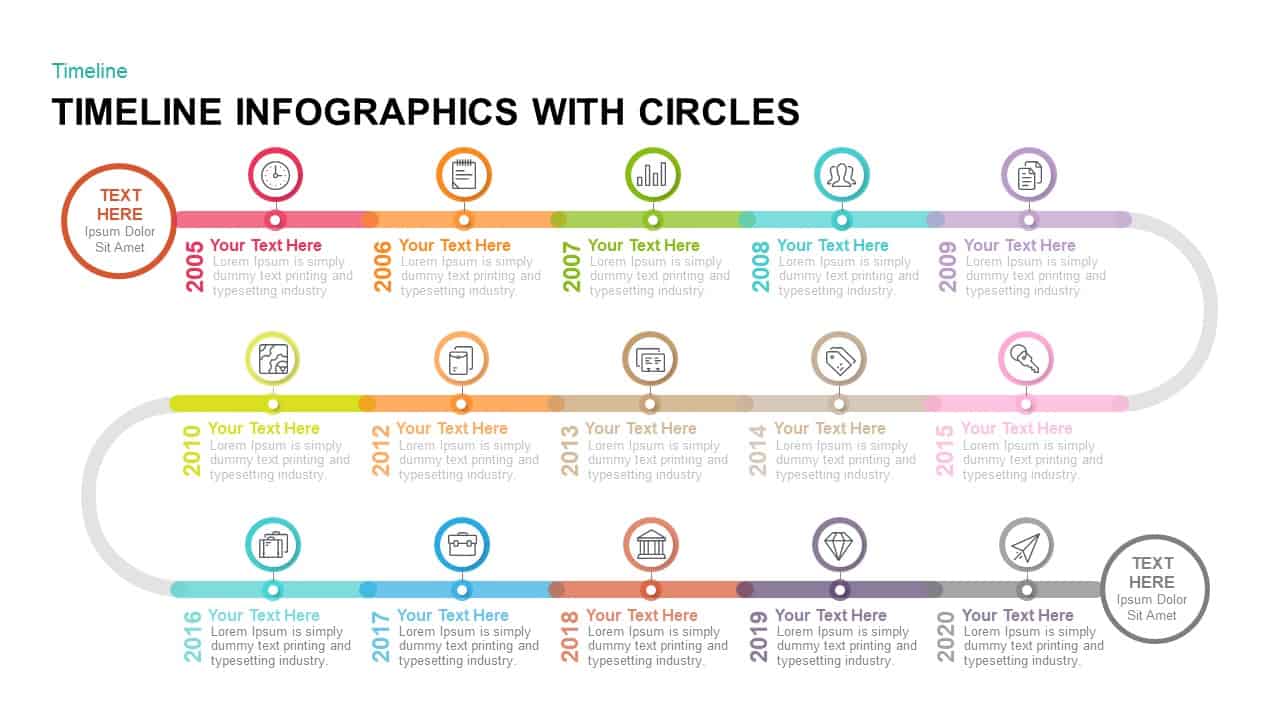
Free Ppt Template Timeline
How To Create A Timeline In Microsoft PowerPoint How To Geek
How To Create A Timeline In Microsoft PowerPoint How To Geek Web Jun 26 2020 nbsp 0183 32 Open your PowerPoint presentation and navigate to the slide in which you would like to add a timeline Once there navigate to the Insert tab and select SmartArt from the Illustrations group The Choose a SmartArt Graphic window will appear Here select Process from the left hand pane

Timeline Powerpoint Gratis
Web Infographic templates with plenty of timelines 100 editable and easy to modify 30 different infographics to boost your presentations Include icons and Flaticon s extension for further customization Designed to be used in Google Slides Microsoft PowerPoint and Keynote 16 9 widescreen format suitable for all types of screens Free Timelines For Google Slides And PowerPoint. Web Use the Office Timeline PowerPoint add in to quickly update any of these timeline templates or create your own project visuals Easily change the texts dates colors shapes and styles of your timeline right from inside PowerPoint Download Free Timeline Maker Or try our online timeline maker Web Timeline Presentation templates On most occasions seeing events tasks or projects arranged in a timeline helps to give them meaning and a place in time which makes them easier to understand This type of resource is very useful for all kinds of presentations regardless of the subject matter

Another Timeline Template Power Point you can download
You can find and download another posts related to Timeline Template Power Point by clicking link below
- Free Timeline Template Powerpoint
- Exemplary Chronogram Template Timeline Examples Of Life
- Project Timeline Template Powerpoint
- Project Timeline Template Powerpoint
- 100 Timeline PowerPoint Template For Professionals SlideBazaar
Thankyou for visiting and read this post about Timeline Template Power Point