Use A Personal Template To Create A New PowerPoint Presentation
Web Use a personal template to create a new PowerPoint presentation On the File tab click New Select Personal or Custom The name varies depending on circumstance Tip If you don t see Personal or Custom then Double click your template and a new presentation will open with your template applied
Create And Save A PowerPoint Template Microsoft Support, Web When you create a presentation and then save it as a PowerPoint template potx file you can share it with your colleagues and reuse it again To create a template you ll need to modify a slide master and a set of slide layouts Choose from thousands of free templates to download at Microsoft templates Newer versions Office 2010 Office 2007

Start With A Template Microsoft Support
Web Select File gt New Choose a template or type a key word or phrase into the Search for online templates and themes field and press Enter When you find the template that you want select it to see the details and then select Create
How To Import A PowerPoint Template Techwalla, Web Nov 25 2019 nbsp 0183 32 You can easily import a PowerPoint template by placing it in the custom template folder When you create a new presentation templates in the custom folder can be selected for import by clicking the Personal button in the template gallery Load a template by selecting its thumbnail in the gallery

Use Your Organization s Templates In PowerPoint
Use Your Organization s Templates In PowerPoint, Web PowerPoint for Windows When you first open PowerPoint in the left column select New or if you already have a PowerPoint presentation open In the New window open the templates folder with your organization s name on it You ll see branded templates within or Right click the template you
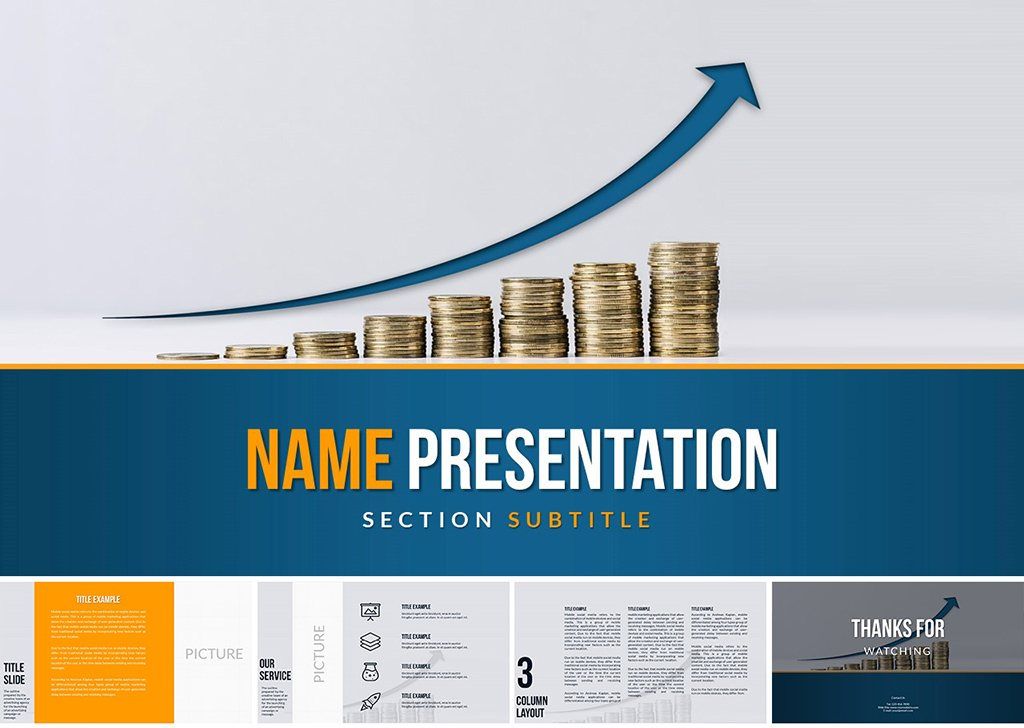
How To Add A Template To Powerpoint Presentation Quadplora
How To Apply A Template To An Existing PowerPoint Presentation
How To Apply A Template To An Existing PowerPoint Presentation Web First open the presentation whose design you want to use On the File tab click Save As In the dialog box that opens from the Save as type list choose PowerPoint Template Then select Save Now open your existing presentation In the Design tab expand the Themes gallery and click the Browse for Themes option at the bottom

Powerpoint Template Design Verwo
Web How to Add or Change Themes in PowerPoint Are you tired of using the same theme over and over again Would you like to change the design In this new Slidesgo School tutorial you ll learn how to add and change themes in PowerPoint Content Changing a Theme Applying a New Theme to Selected Slides Only Importing a Theme How To Add Or Change Themes In PowerPoint Tutorial Slidesgo. Web Jan 21 2023 nbsp 0183 32 Follow these steps Choose the best PowerPoint template Click on the image to choose a PowerPoint template or read about the template I chose the Latte PowerPoint To download the PowerPoint presentation click on the red Download button on the right side of your screen Web Home PowerPoint Share this page Find the perfect PowerPoint presentation template Bring your next presentation to life with customizable PowerPoint design templates Whether you re wowing with stats via charts and graphs or putting your latest and greatest ideas on display you ll find a PowerPoint presentation template to make your ideas pop
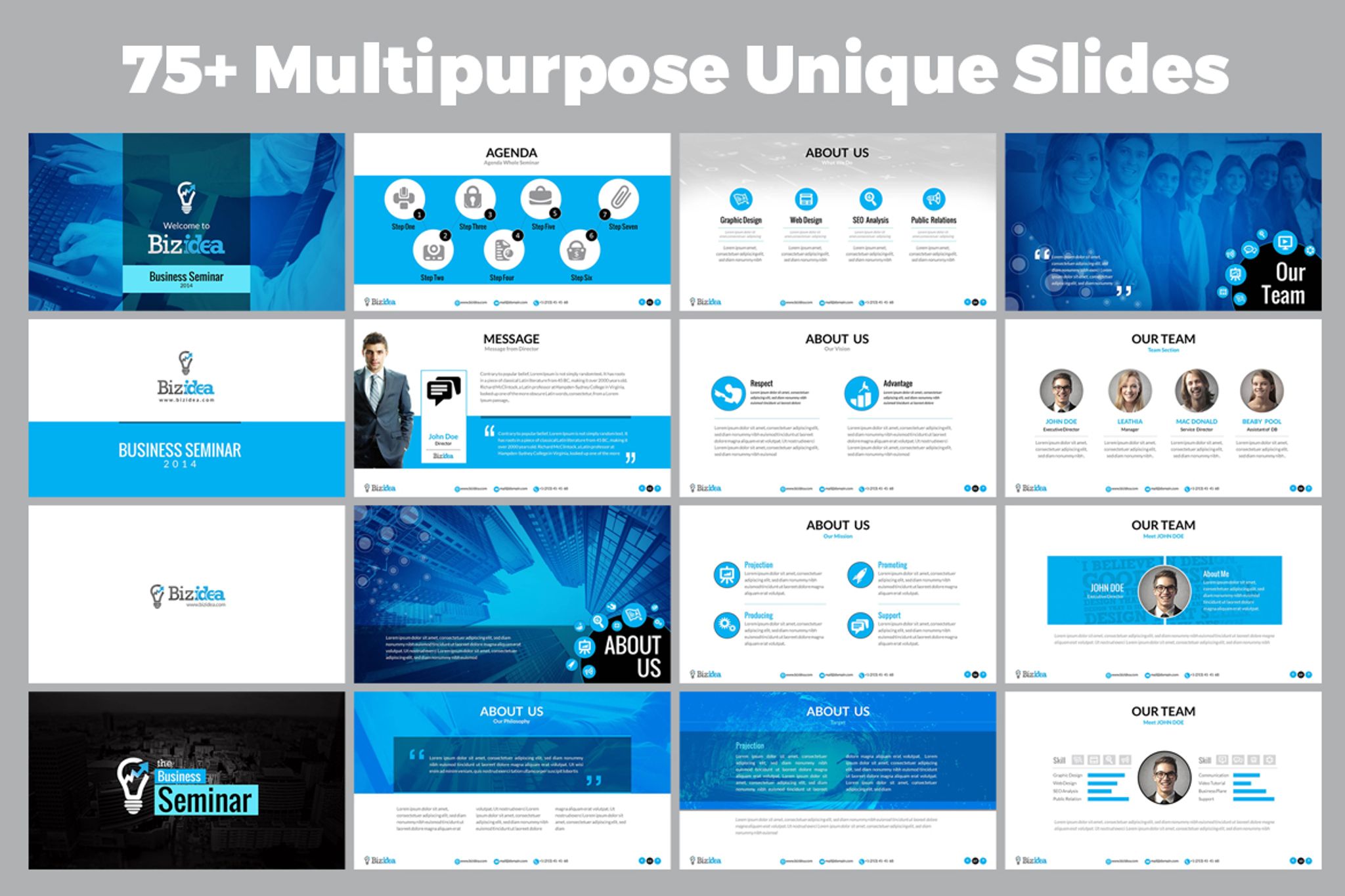
Another Add Template To Ppt you can download
You can find and download another posts related to Add Template To Ppt by clicking link below
- FREE Powerpoint Templates ISlide Add On YouTube
- Add New Template To Powerpoint Bridalvast
- How To Change Page Number In Powerpoint
- Free Powerpoint Templates Fotolip
- How To Change Page Number In Powerpoint
Thankyou for visiting and read this post about Add Template To Ppt