Create An Org Chart In PowerPoint By Using A Template
Web In PowerPoint on the File tab click New In the Search for online templates and themes box type org chart and then click Choose an org chart from the search results Many aspects of the chart can be
How To Create PowerPoint Chart Templates PPT Productivity, Web Apr 28 2023 nbsp 0183 32 When you want to create a new PowerPoint chart using your template navigate to the Insert Tab and select Chart or click the Chart icon in the slide s content
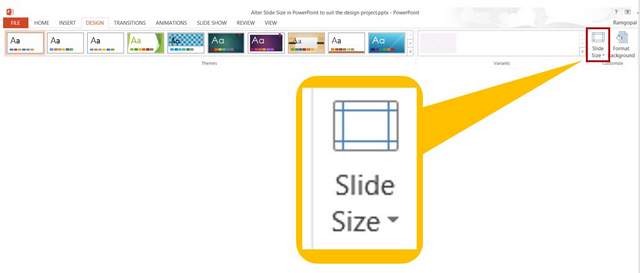
Saving Chart Templates In PowerPoint 2013 For Windows
Web Dec 10 2014 nbsp 0183 32 Follow these steps to learn how to save a chart as template in PowerPoint 2013 for Windows Select the chart that you want to save as a template You can see a
Use Charts And Graphs In Your Presentation Microsoft , Web To create a simple chart from scratch in PowerPoint click Insert gt Chart and pick the chart you want Click Insert gt Chart Click the chart type and then double click the chart you want Tip For help deciding which chart
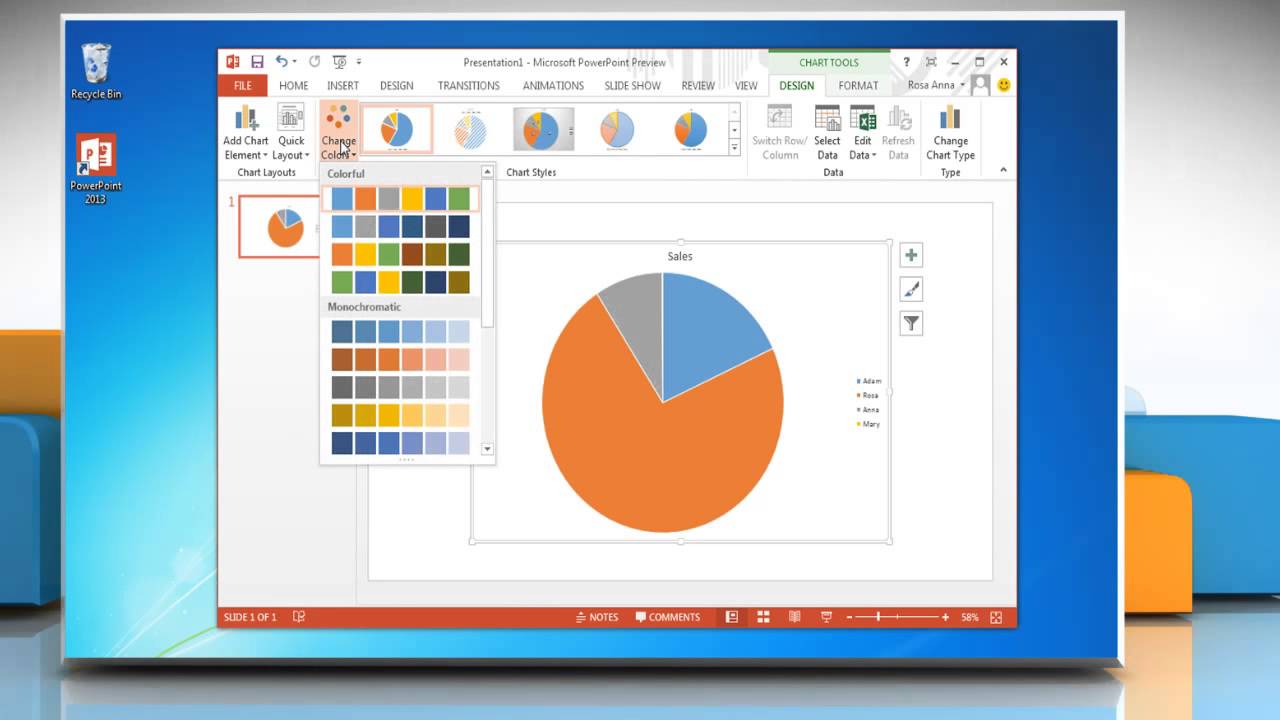
How To Make Great PPT Charts amp Graphs In PowerPoint
How To Make Great PPT Charts amp Graphs In PowerPoint , Web Apr 23 2020 nbsp 0183 32 Andrew Childress Dec 27 2021 12 min read English Presentations Microsoft PowerPoint This post is part of a series called How to Use PowerPoint Ultimate Tutorial Guide How to Get Started
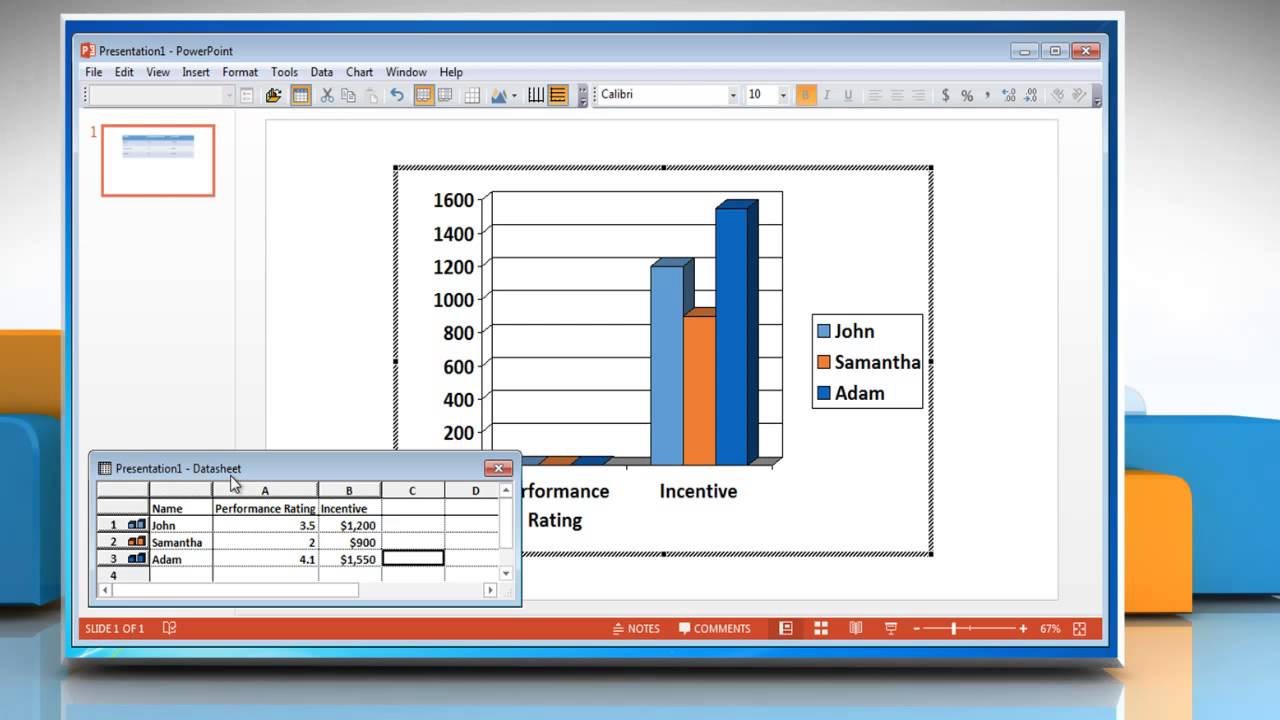
How To Make A Column Vertical Bar Graph From A Table In PowerPoint 2013 YouTube
Create A Chart From Start To Finish Microsoft Support
Create A Chart From Start To Finish Microsoft Support Web Charts help you visualize your data in a way that creates maximum impact on your audience Learn to create a chart and add a trendline You can start your document from a recommended chart or choose one from
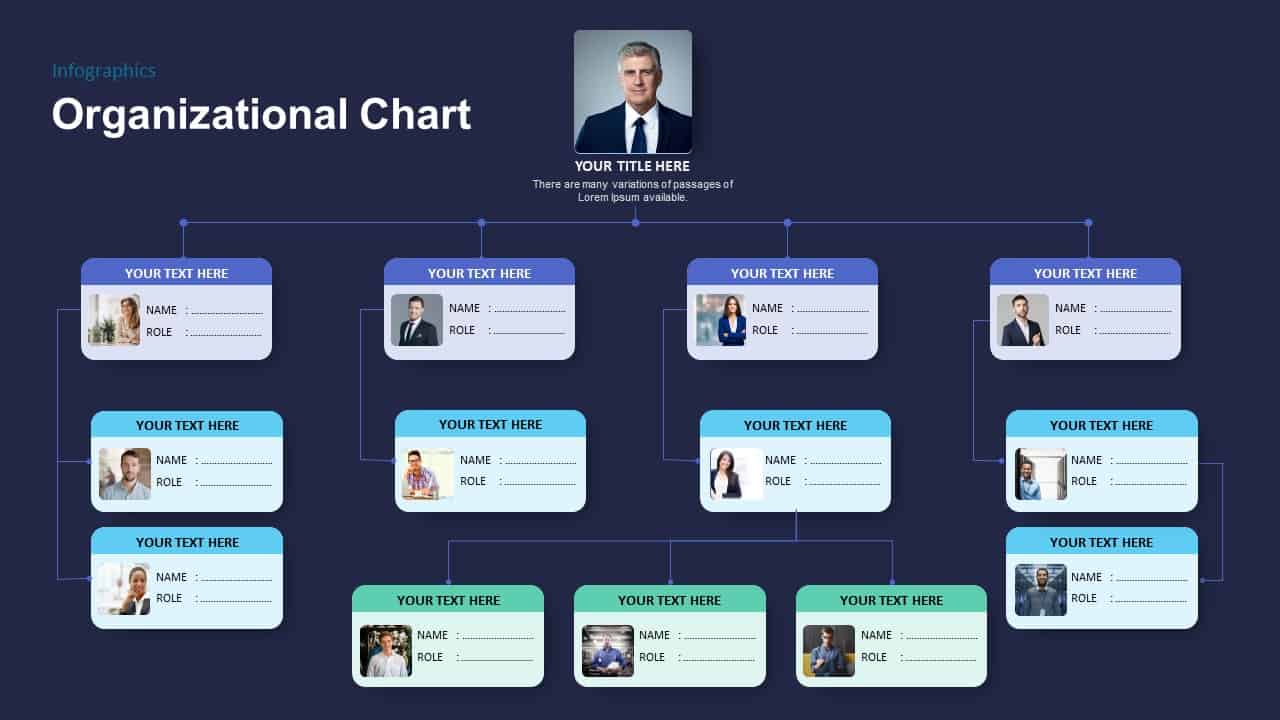
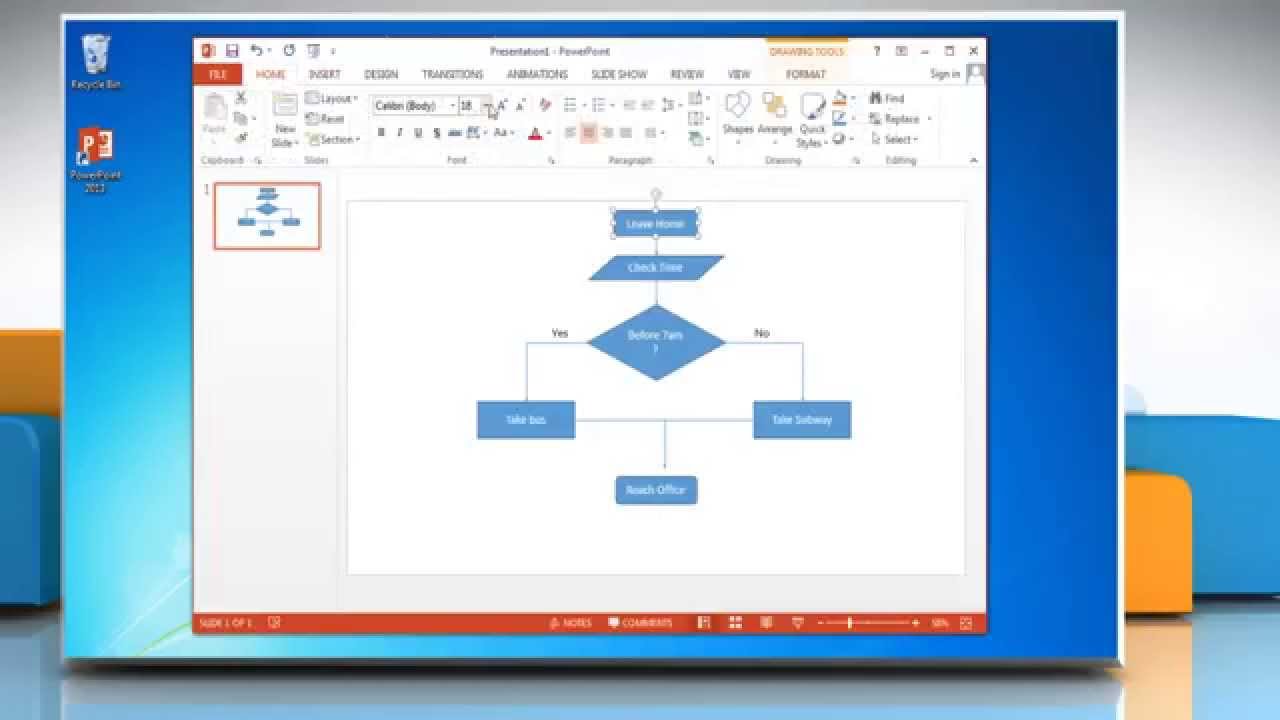
How To Make A Flow Chart In PowerPoint 2013 YouTube
Web Nov 11 2022 nbsp 0183 32 English Presentations Templates Microsoft PowerPoint PowerPoint Charts and graphs for presentations help visual learners understand data quickly They re perfect for presentations Let s look at 25 Best PowerPoint PPT Chart amp Graph Templates For . Web Chart design templates for print presentations and more Plot a course for interesting and inventive new ways to share your data find customizable chart design templates that ll Web Sep 1 2014 nbsp 0183 32 Insert a new chart on your slide as shown in Figure 1 previously on this page Thereafter make sure that the instance of Excel sheet containing the chart s dummy data is visible as shown in Figure 2
Another Create Chart Template In Powerpoint 2013 you can download
You can find and download another posts related to Create Chart Template In Powerpoint 2013 by clicking link below
- Powerpoint Timeline Template Polewriting
- Powerpoint Pie Chart Template
- Simple Organizational Chart Template For PowerPoint Presentation
- How To Edit The Slide Master Of A Presentation Template Free PowerPoint Templates
- Free Powerpoint Flow Chart Templates
Thankyou for visiting and read this post about Create Chart Template In Powerpoint 2013