Create A Flow Chart With SmartArt Microsoft Support
Web To quickly add a designer quality look and polish to your SmartArt graphic you can change the colors or apply a SmartArt Style to your flow chart You can also add effects such as glows soft edges or 3 D effects And in PowerPoint presentations you
Free Flow Chart Templates For PowerPoint And Google Slides, Web Discover our collection of 54 Flow Chart templates perfect for showcasing processes and workflows in your PowerPoint and Google Slides presentations Enhance communication collaboration and understanding Flow Charts are powerful visual tools that help in organizing understanding and communicating complex processes and workflows in a

PowerPoint 174 FlowChart Templates For 2021 Powerslides
Web Powerpoint FlowChart Templates make it easy to visually illustrate process flow Use these amazing slide layouts can save you a lot of time while creating compelling flow charts in your presentations You can add your own text and edit each shape or re position them to meet your requirements
Video Create A Flow Chart Microsoft Support, Web Create a flow chart in PowerPoint 2013 to illustrate sequential steps in a process and choose from a variety of layouts and options Watch this video to learn more Use the right shape for the right purpose For your flow chart you want to be sure to use the right shape for the right purpose
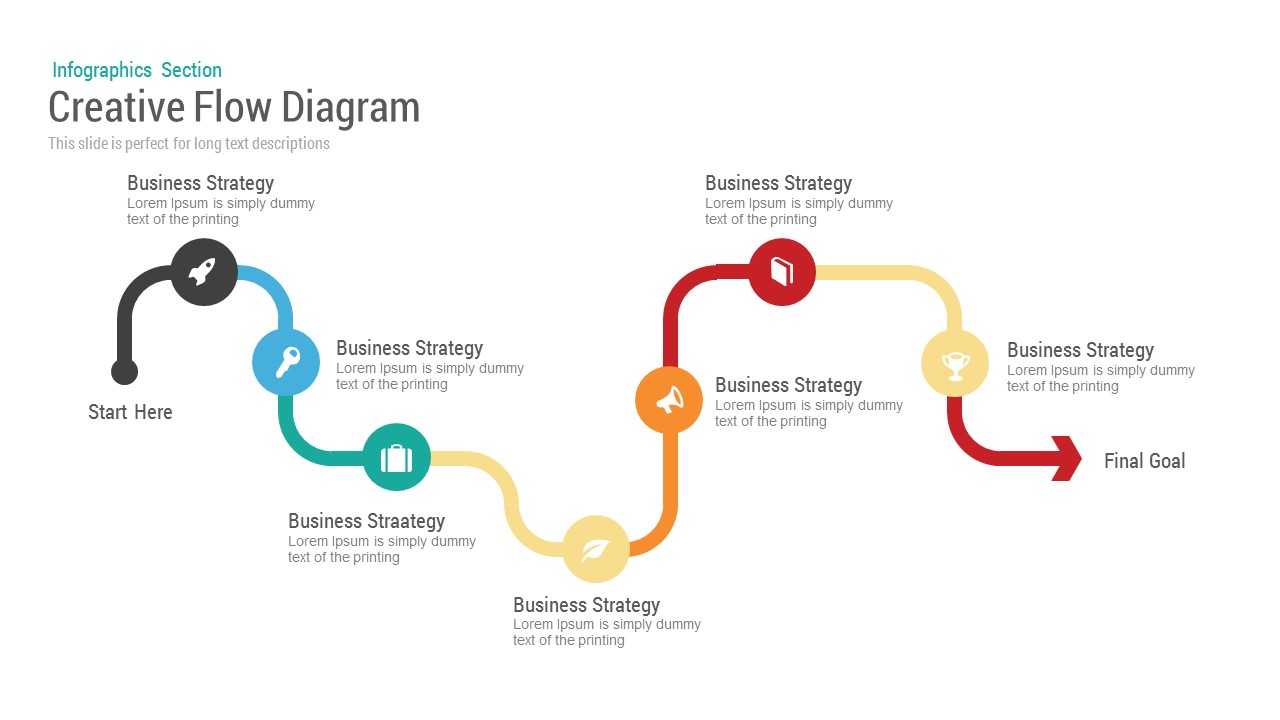
How To Make A Flowchart In PowerPoint How To Geek
How To Make A Flowchart In PowerPoint How To Geek, Web May 14 2019 nbsp 0183 32 Quick Links Making a Flowchart in PowerPoint Microsoft PowerPoint provides built in tools for creating and arranging different types of flowcharts Here s how they work Making a Flowchart in PowerPoint Since you re going to be working with shapes you might find it helpful to have PowerPoint show a grid you can use to size and
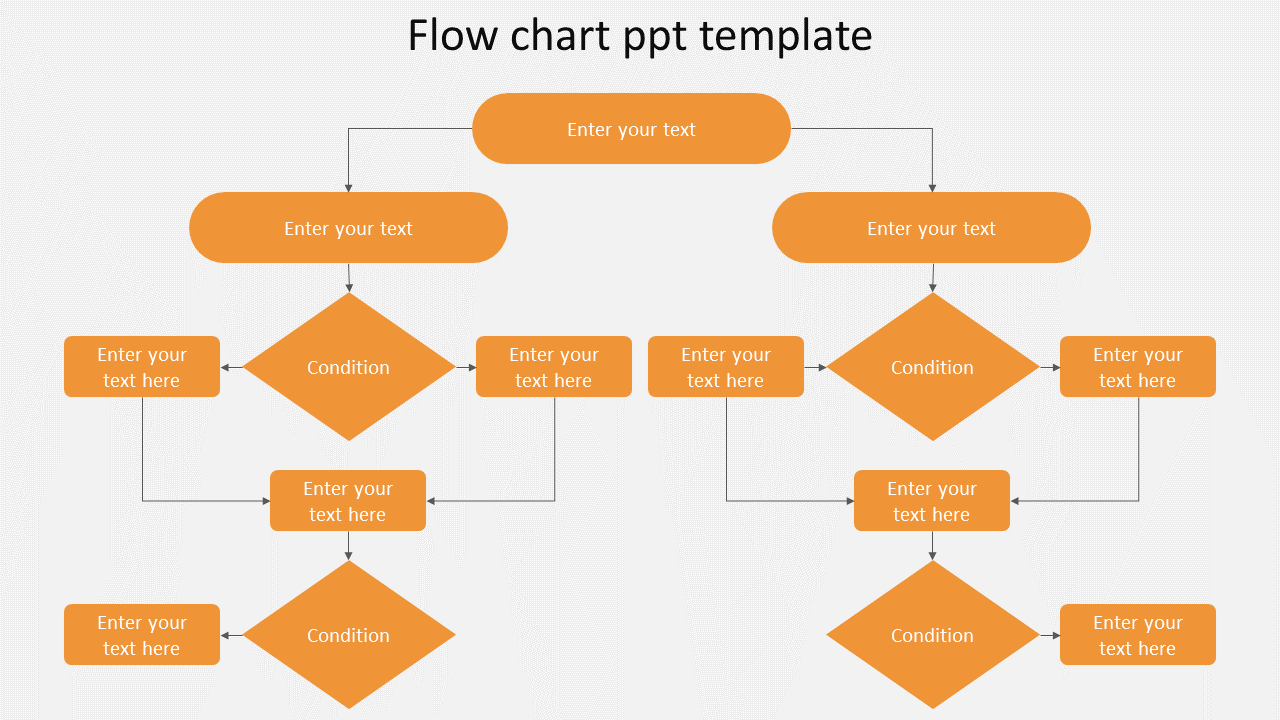
Process Map Powerpoint Template Free FREE PRINTABLE TEMPLATES
Free PowerPoint Flowchart Templates Designs For 2023
Free PowerPoint Flowchart Templates Designs For 2023 Web We ve got an amazing selection plus 34 premium top flowchart PPT slide templates for your next presentation To download a free PowerPoint flowchart template click on one of the images in the first row below PowerPoint Flowchart Template Free Download works with Apple and Windows 263 creative slides PPTX files 16x9 full HD easy drag and drop

Chart Templates For Powerpoint
Web Aug 17 2023 nbsp 0183 32 Step 1 Select A SmartArt Graphic In the first step go to Insert gt SmartArt and select a graphic for making your flow chart There are various graphics that you can use for this purpose However the best SmartArt graphics include the ones in the Lists Process Cycle Hierarchy and Relationship sections Automatic Flowchart Maker How To Make A Flowchart In PowerPoint with Examples amp Templates . Web Every flowchart PowerPoint template in our library is fully editable With just a few clicks customize to match your brand s colors fonts and style Diverse Range Whether you re searching for a simple flowchart template a multilayered Chevron process flow diagram or a detailed data flow chart with interactive features our collection is Web With FlowChart PPT Templates you can build simplistic and multiple flowcharts just by moving shapes from the template to your performance They are such amazing tools for making your creativity even more attractive

Another Flow Chart Template In Ppt you can download
You can find and download another posts related to Flow Chart Template In Ppt by clicking link below
- Flowchart Powerpoint Template
- Flowchart Templates For Word
- Google Slides Flowchart Template
- Communication Flow Chart Template Free PRINTABLE TEMPLATES
- Flowchart Template Powerpoint
Thankyou for visiting and read this post about Flow Chart Template In Ppt