Control Access To A Shared Calendar Google Calendar Help
Your events automatically have the same access permissions as your calendar However you can edit the visibility of each event Learn how to change your event visibility settings Events from Gmail with the Only me visibility setting aren t visible to anyone you ve shared your calendar with Learn about events from Gmail
Change App Permissions On Your Android Phone Android Help, Below is a list of permissions and what they do when turned on for an app Calendar Access your calendar Call logs Read and write your phone call log Camera Take pictures and record videos Contacts Access your contacts Files Access all files on your device Health Wellness Fitness Access health data records and sensor info about
Manage Permissions From The Privacy Dashboard Android Help
From the privacy dashboard you can see which apps are accessing data which permissions apps are using and when that access is happening You can also manage permissions for camera microphone calendar and more Learn more about permissions on your Android phone Check your app permissions
Manage Your Google App Permissions Google Search Help, When you turn on text message permissions with Google Assistant Google Assistant can send messages for you We also use this to understand the people you contact most often This permission ensures that we suggest the most relevant person when you ask the Assistant to contact someone Learn how to make calls and send texts with Google Assistant
Set Who Can View Post amp Moderate Google Groups Help
Set Who Can View Post amp Moderate Google Groups Help, View or change permissions for sets of users Requires the Owner or Manager role You can view permissions individually and assign each permission to a role You can also allow everyone on the web to have that permission even if they re not a member of the group Some permissions affect which options are available for other permissions

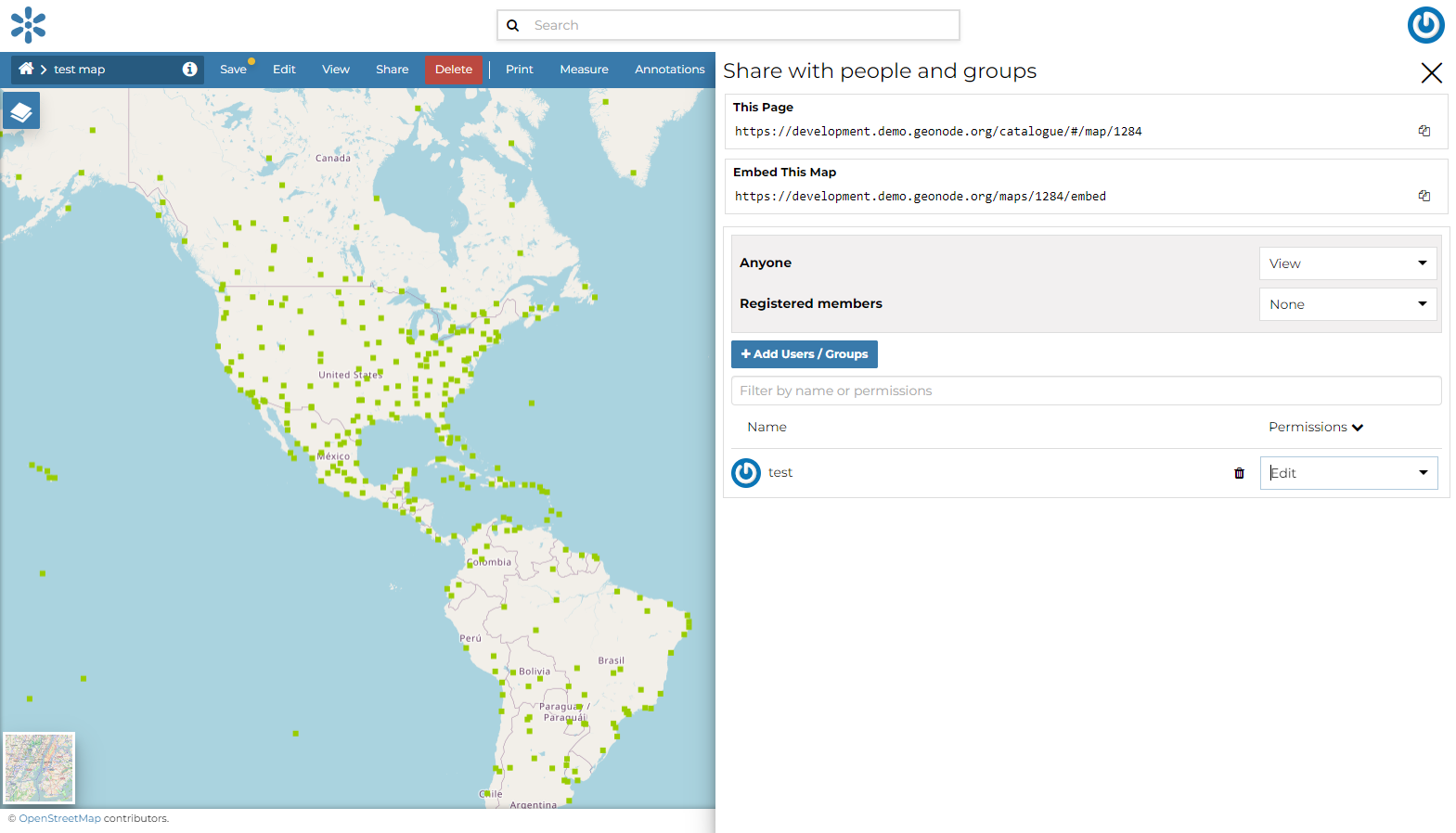
Share Options GeoNode Master Documentation
Share Folders In Google Drive Computer Google Drive Help
Share Folders In Google Drive Computer Google Drive Help If you share or unshare folders with a lot of files or subfolders it might take time before all permissions change If you change a lot of edit or view permissions at once it might take time before you see the changes Tip In the meantime to provide folder access for new collaborators use the Sharing URL of a file nested deeply inside the
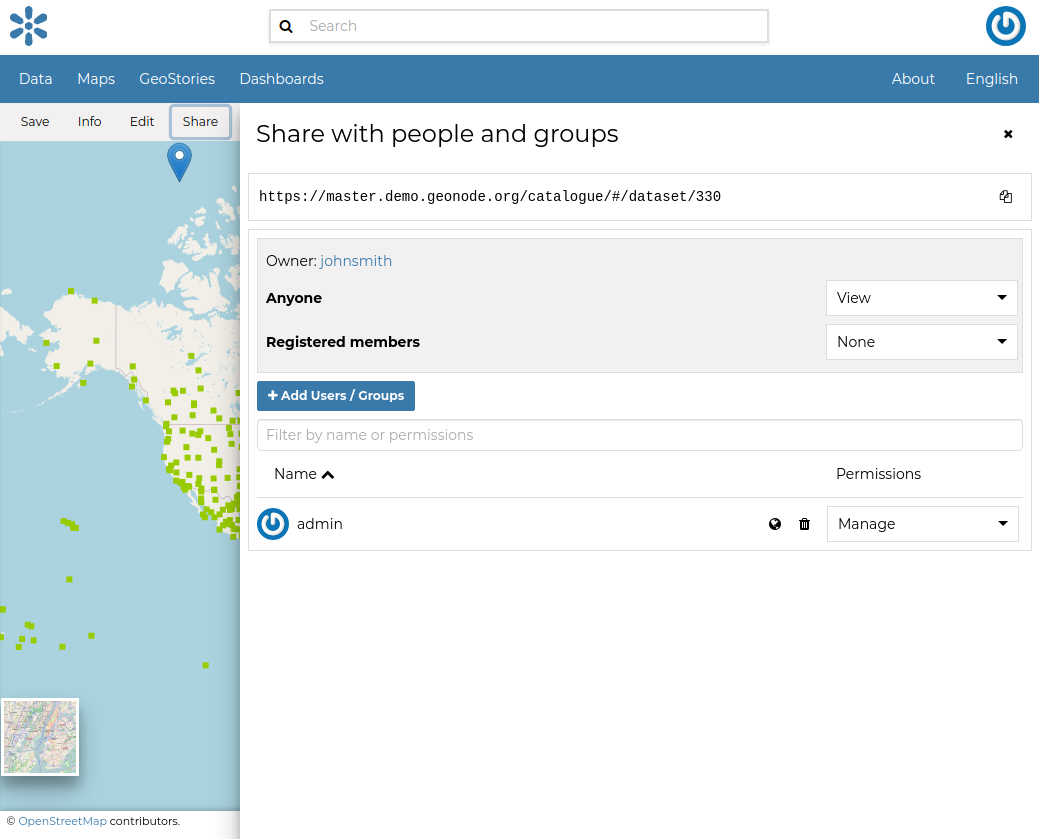
Share Options GeoNode Master Documentation
En tu dispositivo abre la aplicaci 243 n Ajustes Toca Aplicaciones Toca la aplicaci 243 n que quieres modificar Si no aparece toca Ver todas las aplicaciones Cambiar Los Permisos De Aplicaciones En Tu Tel 233 fono Android. Can grant full permissions to any user including themselves for any account or property for which they have this role Includes permissions of the Editor role Replaces Manage Users permission Editor Full control of settings at the property level Cannot manage users Includes permissions of the Analyst role New name for Edit permission Google Account Linking gives Google some access to certain features to your account on a third party app or service

Another Permissions Geonode Master Documentation you can download
You can find and download another posts related to Permissions Geonode Master Documentation by clicking link below
- Map Information GeoNode Master Documentation
- Permissions GeoNode Master Documentation
- Permissions GeoNode Master Documentation
- Downloading Datasets GeoNode Master Documentation
- Dataset Information GeoNode Master Documentation
Thankyou for visiting and read this post about Permissions Geonode Master Documentation