Free Google Slides And PowerPoint Templates To Illustrate
Web Progression These professionally designed charts will clearly show the progression of your processes towards your goal or target Choose and download the slides you need for Google Slides and PowerPoint Charts amp Diagrams Linear Processes
Free PowerPoint Progress Bars 24Slides, Web Use our horizontal 3D progress bars to visually communicate how a business operation or task is performing under your management PowerPoint Progress Bars with Milestones A fantastic way to showcase the progress of an operation is by breaking it down into steps and setting milestones
Best PowerPoint PPT Project Status Report amp Update Templates
Web Aug 25 2022 nbsp 0183 32 20 Best PowerPoint PPT Project Status Report amp Update Templates 2022 Working on a big project can be stressful if you ve got no idea of how it s progressing It s easy to keep everyone on the same page and updated Present the status of your project with a project status report for PPT
Progress Chart Templates For PowerPoint And Google Slides, Web Timelines amp Planning Progress Bar Design PowerPoint Diagram The Progress Bar Design PowerPoint Diagram is a 4 stage process flow for common business Diagrams 4 Step Progress Bar Design for PowerPoint The 4 Step Progress Bar Design for PowerPoint is a workflow template with a simple pattern of Diagrams Latest Templates
25 Best Free PowerPoint Timeline And Roadmap Templates
25 Best Free PowerPoint Timeline And Roadmap Templates , Web Sep 26 2021 nbsp 0183 32 There are many PPT timeline templates that you can easily customize to create a timeline PowerPoint slide The best PPT timeline templates are professionally designed but if money is tight you can download a timeline PPT template free In this article I share some awesome premium PPT timeline templates from Envato Elements

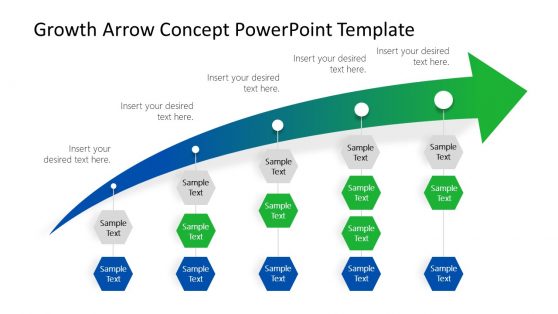
Progress Arrow Free PowerPoint Google Slides Templates
How To Create A Progress Bar In Microsoft PowerPoint
How To Create A Progress Bar In Microsoft PowerPoint Web Feb 23 2021 nbsp 0183 32 First open the PowerPoint presentation that you would like to create a progress bar for Once it s open click the quot View quot tab then select quot Macros quot The quot Macro quot window will appear In the text box below quot Macro Name quot type in a name for your new macro The name can t contain spaces
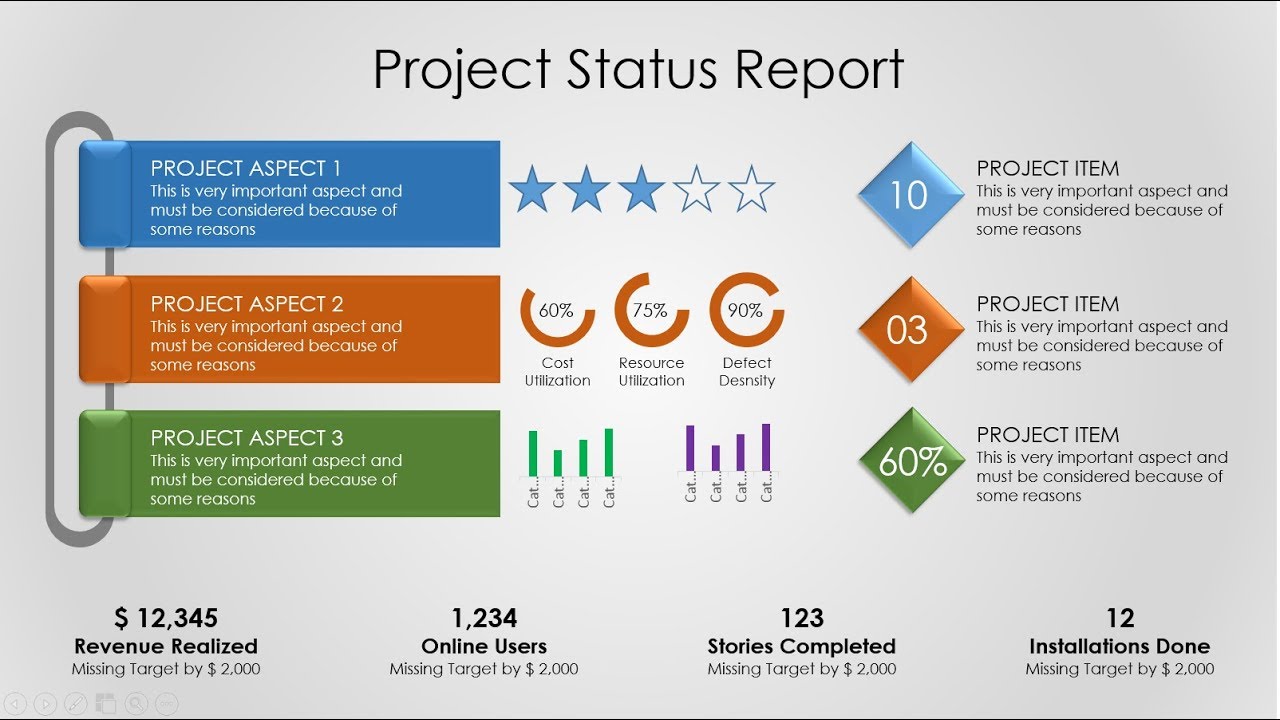
Progress Bar Chart Powerpoint AinsleeYaamn
Web This creative PowerPoint Template comes with a weekly progress report an employee progress report a progress timeline and many other useful slides to evaluate and present the work done for the different company s projects Progress Report PowerPoint Template Free PowerPoint Template . Web Free Google Slides theme and PowerPoint template The company has made good progress during the last months It s time to hold a meeting to communicate the news to all employees We have devised the ideal template for this a Web Find the presentation slides template that you need by browsing through our library or using the search bar Click on your chosen template to automatically load it for editing on your dashboard Add your content and personalize as needed

Another Ppt Templates To Show Progress you can download
You can find and download another posts related to Ppt Templates To Show Progress by clicking link below
- Contoh Powerpoint Presentasi Contoh Power Point Menarik Slide
- Progress Slide Templates Download PowerPoint Slides Design
- Fabulous Insert Project Timeline In Powerpoint Multiple Template
- Progress Loading Progress Meter PowerPoint Template SketchBubble
- Update Your Project Team Or Stakeholders With This Project Progress
Thankyou for visiting and read this post about Ppt Templates To Show Progress